
Speech / Text
Auto subtitles & text
- Cleans transcripts, fixes punctuation and removes repeated fragments.
- Splits text into readable blocks with natural pacing.
- Prepares structured text for captions, scripts and downstream editing.
Lora AI Editing Engine
Lora AI targets repetitive post-production work: subtitles, camera logic, B-roll, titles and batch operations. It combines speech, audio and visual analysis to help editors move through routine production steps up to 2–3× faster while keeping creative decisions reviewable.
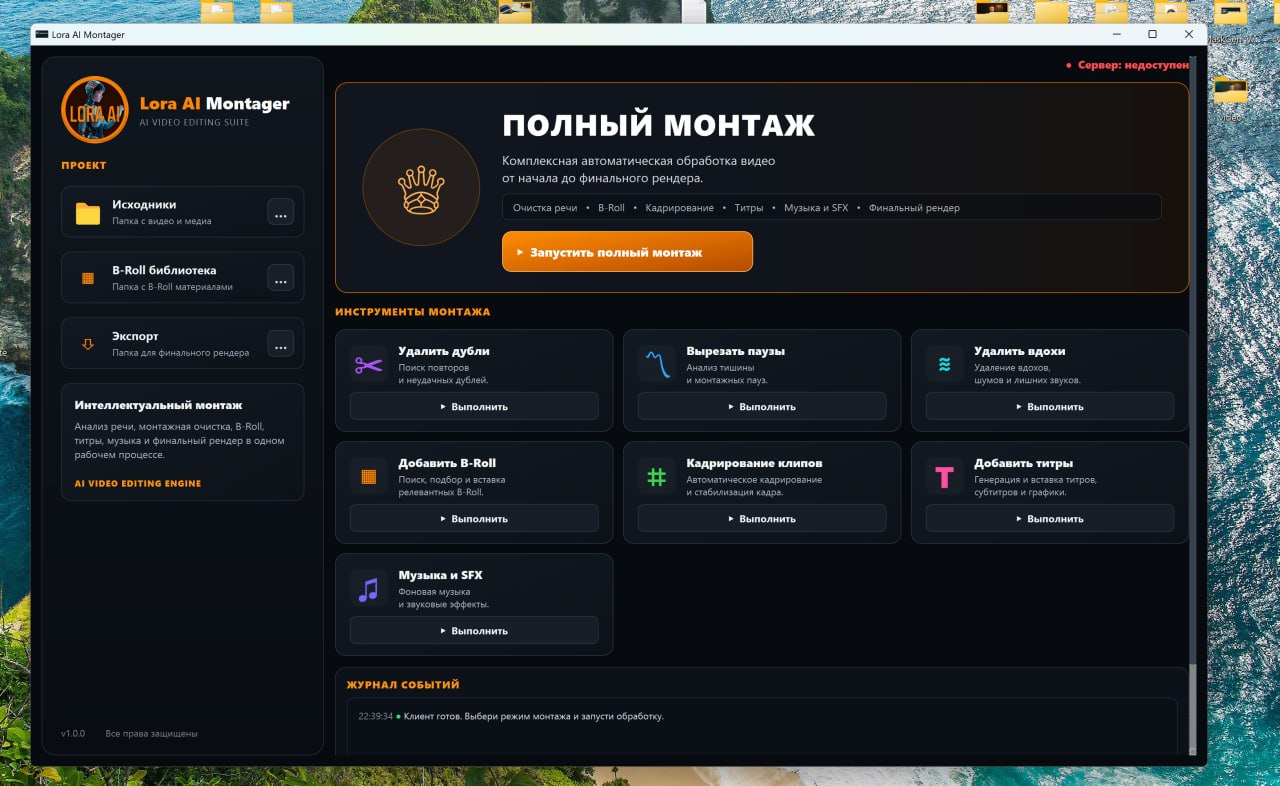
Working interface
Editing, B-roll, reframing, titles, music and export controls are brought together in one production interface.
Architecture
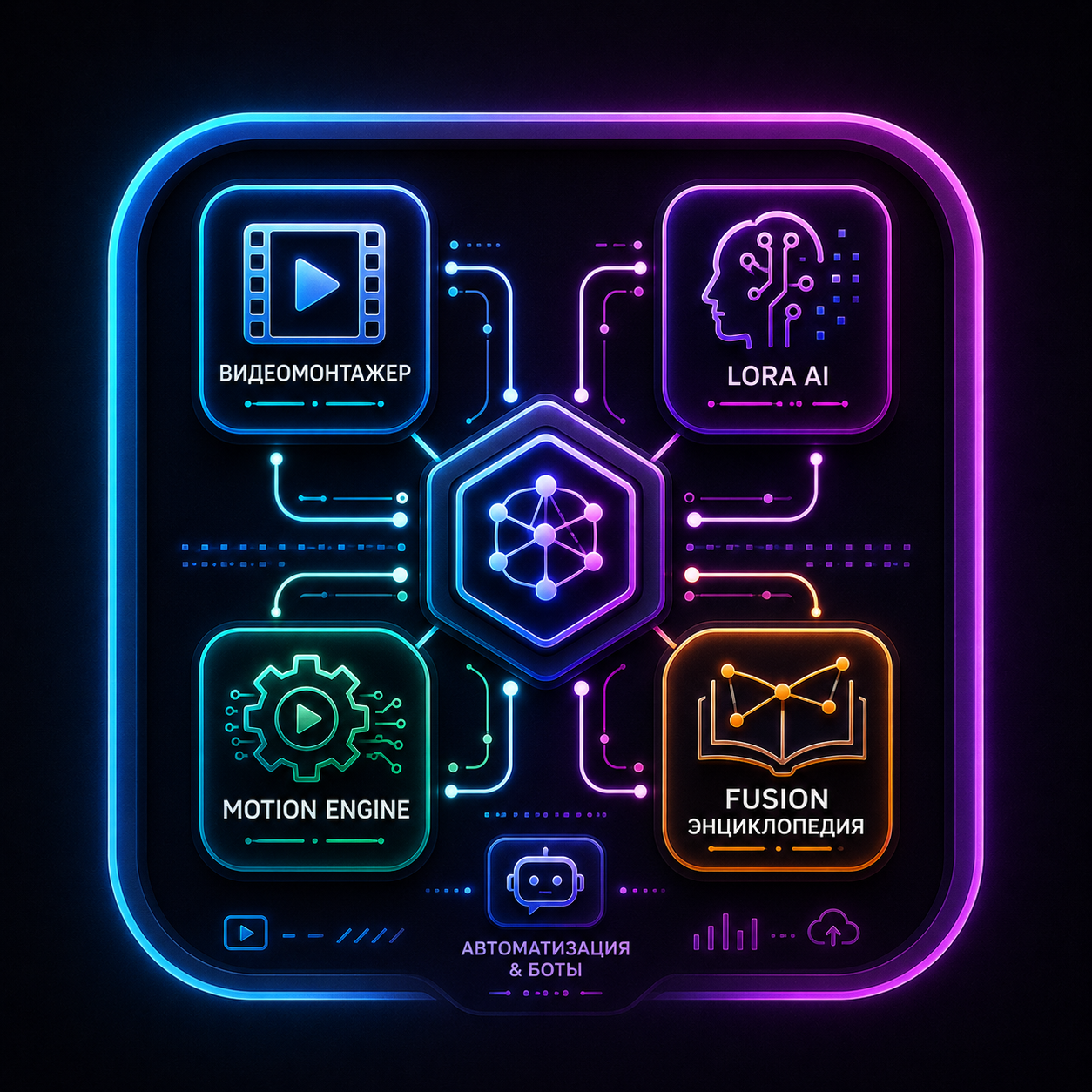
A pipeline of specialized engines for media analysis, editorial decisions, timeline construction and delivery of concrete operations to DaVinci Resolve.
1. Input analysis
Speech Engine
speech & timecodes
Vision Engine
scenes & shots
Audio Engine
audio & pauses
Memory & Context
project context
2. Editing decision core
Editing Engine
decision core
3. Timeline structure
Timeline Builder
timeline assembly
4. Specialized editing engines
Smart Cut Engine
pauses & rhythm
Cleanup Engine
material cleanup
B-Roll Engine
contextual inserts
Title Engine
titles & graphics
Audio Design Engine
sound & atmosphere
DaVinci Resolve Export
handoff to Resolve
Not a collection of disconnected scripts, but a coordinated set of modules aimed at the most repetitive parts of post-production.
Speech / Text
Camera Logic
Scene Enrichment
Fusion Engine
Core modules and scripts already used in the DaVinci Resolve workflow. Each production-ready tool can evolve into a dedicated page with examples, video demonstrations and instructions.
Automatic subtitle segmentation and cleanup based on pauses, meaning and pacing rather than silence alone.
Automatic camera switching for podcasts and interviews based on speakers, pauses and dialogue importance.
B-roll selection and placement around semantic highlights to improve pacing and visual clarity.
Template-driven titles and Fusion animations. Lora builds node structures, applies styles and adapts timing to speech.
Real video demonstrations from the project footage rather than another interface screenshot. These examples show how the workflow behaves on actual editing tasks.
A real production example: Lora helps decide where to cut, which camera to use and how to reduce assembly time.
A working pipeline demo covering speech analysis, editing decisions, B-roll, titles and the resulting Resolve timeline.
Today this is a set of working modules. The longer-term goal is a connected AI-assisted editing system that can prepare much more of a Resolve project while leaving the final review to the editor.