For quick adjustments
Trim sound with the picture, adjust clip levels and make simple fades on the Edit page. Not every audio change calls for a different workspace.
THE AUDIO POST ENCYCLOPEDIA
A clear voice. Music in the right place. Details that make a scene feel alive. Learn to edit, mix and finish sound inside DaVinci Resolve — from the first clip to the final master.
Clarity and character
Balance and space
Control of the result
Press Listen. Move a fader. Hear how the layers fit together.
A CLEAR STARTING POINT
New to Fairlight? Follow these four guides in order. Already mixing? Jump straight to a specific tool or workflow below.
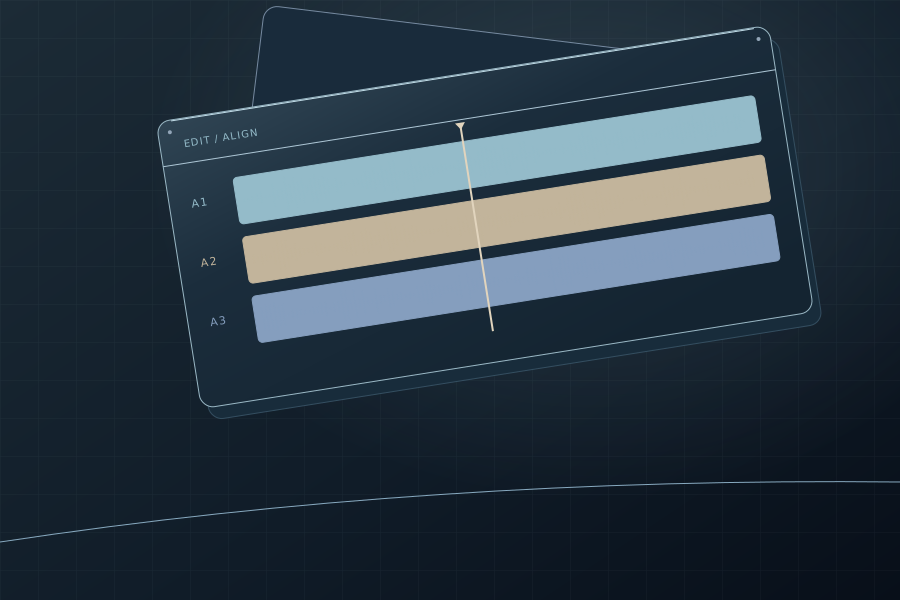
Separate dialogue, music and effects. Check channels and sync.
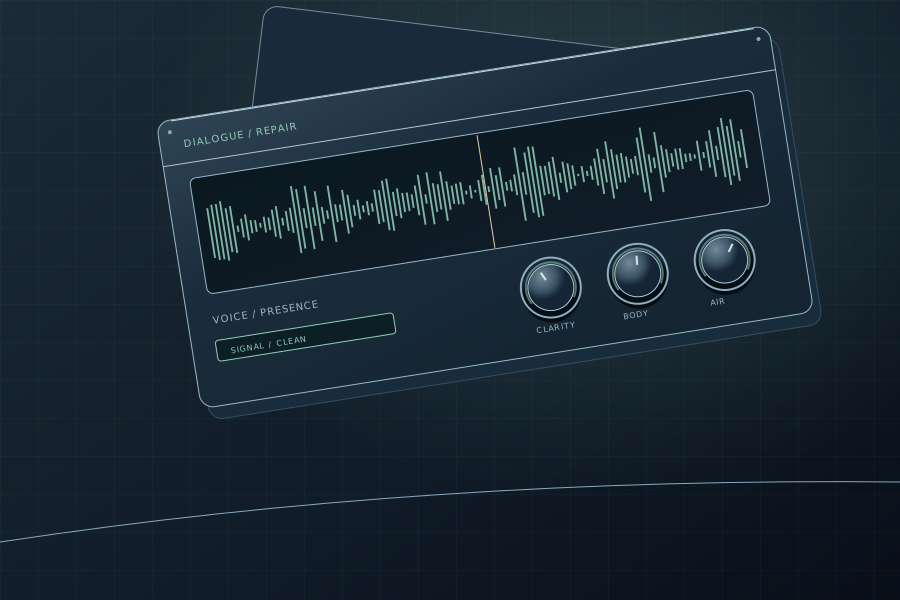
Edit the dialogue before reaching for processing tools.
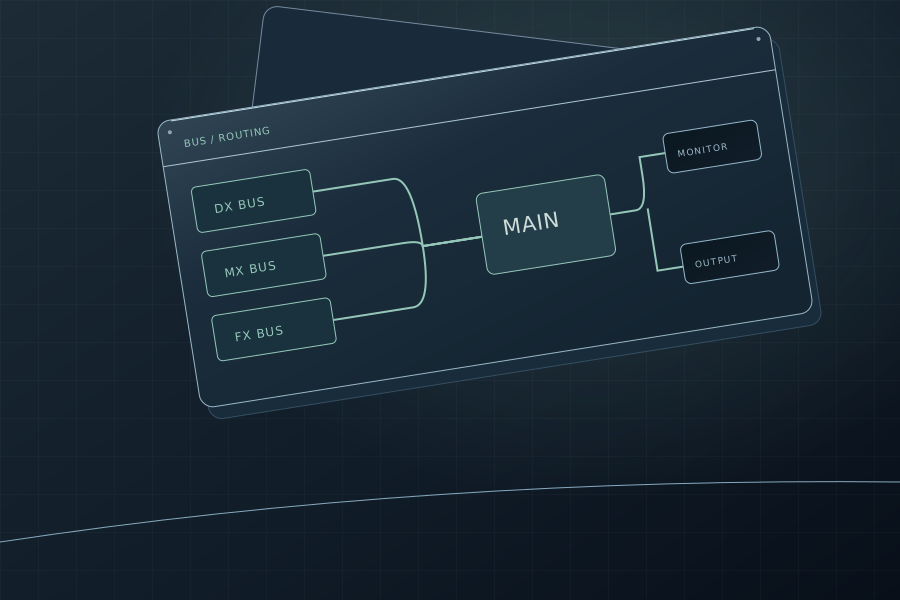
Balance the layers, set up buses and refine level changes.
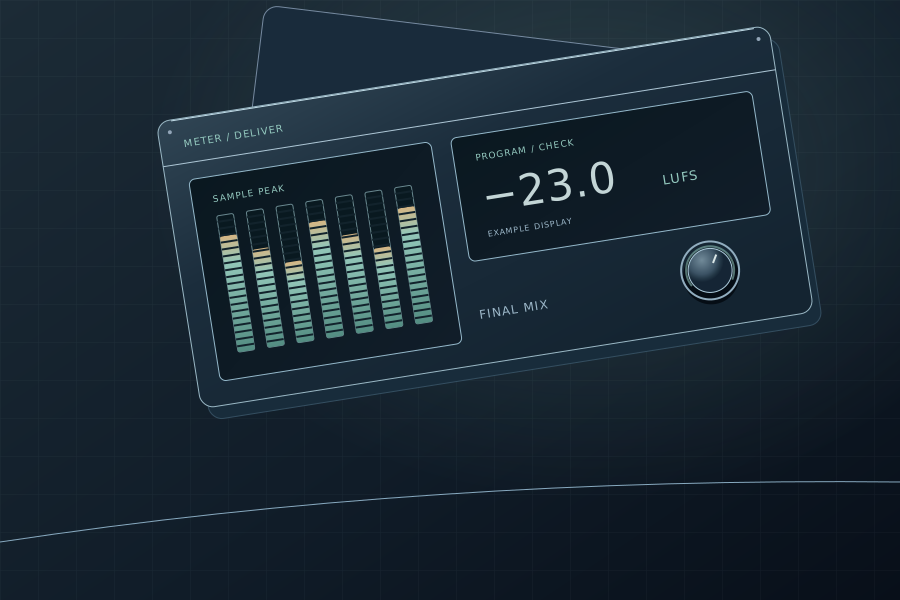
Check loudness, peaks and the file you actually deliver.
THE FAIRLIGHT WORKSPACE
Fairlight brings audio editing, recording, processing, routing and mixing into the same Resolve project. Choose a task and explore its tools in context.
Clips, tracks, waveforms, fades and synchronizing external recordings with picture. Start by organizing the soundtrack.
Explore topicSpeech clarity, background noise, sibilance and dialogue edits. Address specific problems while keeping voices natural.
Explore topic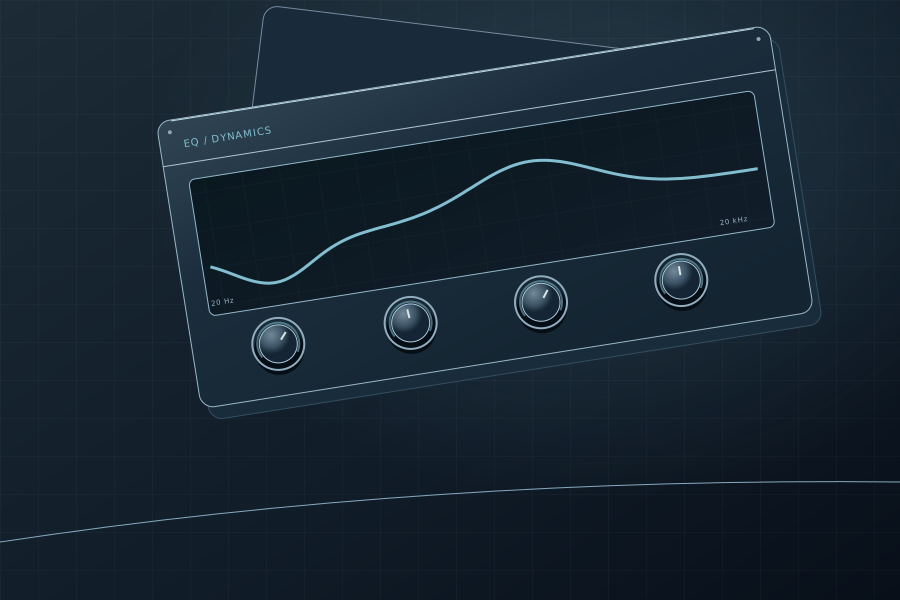
Tonal balance, compression and peak control. Understand how EQ, gating, compression and limiting fit into a processing chain.
Explore topic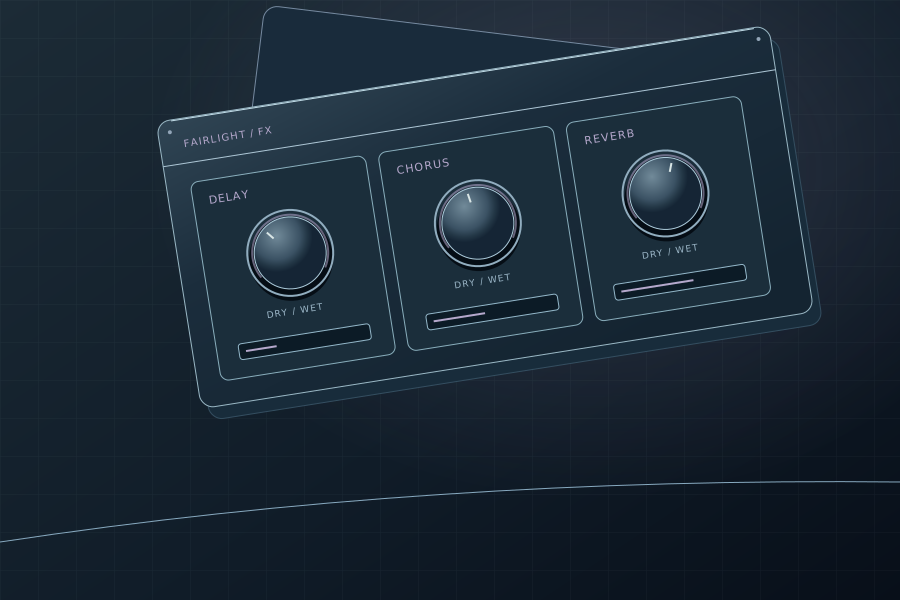
Fairlight FX on clips and tracks, processing order and presets. Third-party VST plug-ins and Audio Units on macOS.
Explore topicTracks, buses and outputs: follow the signal, build submixes and separate routing from monitoring.
Explore topic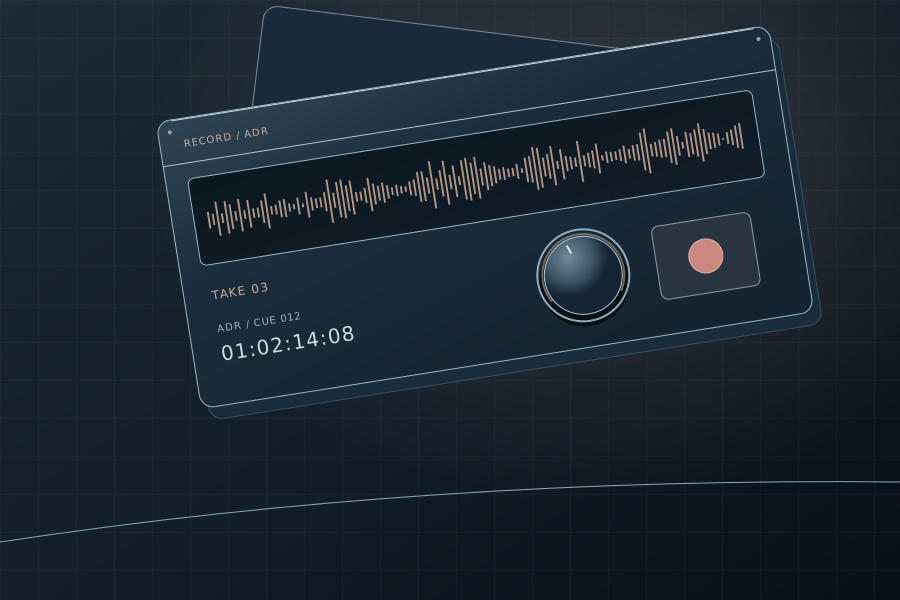
Patch an input, check monitoring and record a voice-over. Then move on to alternate takes and ADR.
Explore topic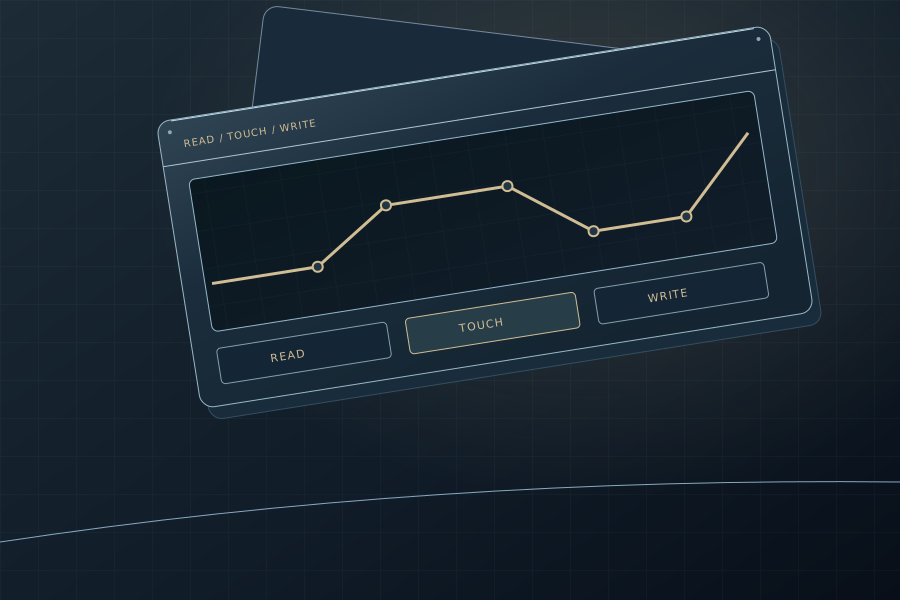
Change parameters over time: record and edit automation, understand read and write modes, and distinguish it from clip gain.
Explore topicCheck loudness, peaks and the output bus before export. Choose targets from the delivery specification, not a universal preset.
Explore topicTHINK IN SIGNAL FLOW
Follow dialogue, music and effects into a main mix. Select a branch to see its role — and why monitoring and delivery are not the same path.
Edit dialogue and process individual tracks before the DX submix. The bus lets you control dialogue as one layer without losing access to individual tracks.
Open guideA teaching example, not a fixed FlexBus topology. Solid lines show signal paths; the dashed branch represents selecting a bus for export. Your sends, inserts and processing order may differ.
A GUIDE FOR THE DETAIL
Dedicated guides to dialogue repair, dynamics, creative effects, metering, session organization and recording. Search by name or choose a category.
Try a broader term or clear the category filter.
Lower music automatically from dialogue-track signals. Set the reduction and recovery, then compare with manual automation.
Open guide↗Reduce steady background noise, learn a noise profile and compare before and after. Listen for speech damage as well as residual noise.
Open guide↗Control harsh sibilance without dulling the voice. Choose the processing range and listen to what is being attenuated.
Open guide↗Power-line hum and its harmonics: find the interference frequency and reduce it without unnecessarily thinning the voice.
Open guide↗Separate human speech from competing background sound. A Studio tool: compare with the source and check for artifacts.
Open guide↗Adjust Voice, Background and Ambience independently. A Studio tool for rebalancing dialogue and the surrounding sound.
Open guide↗Even out inconsistent dialogue and compare with clip gain, compression and automation. This does not replace final loudness measurement.
Open guide↗Dialogue processing in one insert: low-frequency cleanup, de-essing, dynamics and tonal enhancement. Enable only the stages you need.
Open guide↗A compact high-pass filter, three-band EQ and compressor chain. Shape a voice and check level changes when comparing.
Open guide↗Understand threshold, compression ratio and timing. Distinguish the built-in Dynamics compressor from other forms of level control.
Open guide↗Six bands, frequency, gain and Q. In Resolve 21, Clip EQ also has six bands, like Track EQ, but at a different processing level.
Open guide↗Peak control with a separate Fairlight FX insert. Explore ceiling, release and reduction, and distinguish it from the Dynamics limiter.
Open guide↗Pitch shifting and fine tuning. Use it for sound-effect layers and voices while checking the character and artifacts.
Open guide↗Control dynamics in separate frequency bands. Compare with broadband compression and avoid unnecessary processing complexity.
Open guide↗Soft peak shaping. Explore how it differs from limiting and audible distortion in a practical processing chain.
Open guide↗Match dialogue acoustics, add depth and build a shared reverb bus. Balance the direct sound against the reverb tail.
Open guide↗Rebalance identified components of a music mix. Studio’s AI separation is not a substitute for the original multitrack recordings.
Open guide↗Delay, feedback and dry/wet balance. From short doubling to rhythmic repeats with separate channel settings.
Open guide↗Repeats and cross-feedback between channels. Create stereo movement while keeping the main sound clear.
Open guide↗Nonlinear coloration and sonic character. Compare at similar listening levels and keep the output level under control.
Open guide↗Doubling, width and modulated delayed copies. Add depth and check how the result holds up in mono.
Open guide↗The characteristic sweep of short delays with feedback. Compare with Chorus and choose a depth that preserves the original sound.
Open guide↗Change sound parameters with a control waveform. Explore frequency, amplitude and other modulation modes.
Open guide↗Up to six effects in one Resolve 21 chain. Save processing order and settings as presets for reuse.
Open guide↗Multichannel formats, channel assignments and spatial mixing. Immersive 3D tools, including the 3D Panner, are part of Studio.
Open guide↗See how energy is distributed across frequencies. Find hum, resonances and excess bass without letting the display make EQ decisions for you.
Open guide↗Integrated, short-term, loudness range and true peak. Distinguish programme-loudness measurement from instantaneous signal level.
Open guide↗Left and right channel levels, peaks and imbalance. A peak meter is not a substitute for a loudness meter.
Open guide↗Monitoring sources and the Control Room. Separate what reaches your speakers from what is routed to the export.
Open guide↗Place a sound within the available channel layout. Distinguish panning from routing and the standard Panner from Studio’s 3D Panner.
Open guide↗Find, audition and place sound effects against picture. Explore library and recorded Foley workflows; Foley Sampler requires Studio.
Open guide↗Compare picture frames with waveforms for precise sound alignment. A visual companion to automatic sync, not a replacement.
Open guide↗Organize tracks into folders and collapsed composite views in Resolve 21. A folder organizes the timeline; it does not replace a mixing bus.
Open guide↗Embedded channels, Clip Attributes and track formats. Set up mono, stereo and multichannel sources before mixing.
Open guide↗Clip gain, fade handles, crossfades and normalization. Build clean edits before moving to more involved track processing.
Open guide↗Alternate takes within a track, selecting the best phrases and crossfades. Do not confuse Audio Track Layers with track folders.
Open guide↗Track lists, markers and notes. Navigate and spot cues in sessions that are too large to manage from the timeline alone.
Open guide↗Cache demanding effects or commit processed audio. Understand when a temporary cache is enough and when to bounce.
Open guide↗Patch Input/Output, monitoring, recording and the ADR tabs. Follow the workflow from an input to the selected take.
Open guide↗Multipurpose buses, sends and outputs. Build submixes and a main mix, checking assignments and avoiding feedback loops.
Open guide↗Set up VST, Audio Units on macOS and external audio editors. Distinguish insert processing from a file-based round trip.
Open guide↗Perform assigned sounds from a keyboard or pads against picture. Foley Sampler is available in DaVinci Resolve Studio.
Open guide↗STUDIO marks a tool whose main feature requires DaVinci Resolve Studio. An unmarked guide may cover both editions; it is not a blanket promise that every feature is free.
THE RIGHT WORKSPACE
Trim sound with the picture, adjust clip levels and make simple fades on the Edit page. Not every audio change calls for a different workspace.
Move to Fairlight for detailed dialogue work, recording, buses, effect chains, automation and final mix checks. Keep sound and picture in the same project.
FROM READING TO PRACTICE
Put the tools to work: synchronize an external recording, understand the waveform display and export a finished soundtrack.
PRACTICAL LESSON
Waveform, timecode, manual sync and recording drift.
Go to lessonPRACTICAL LESSON
Find out why waveforms are missing or display incorrectly.
Go to lessonPRACTICAL LESSON
Delivery settings, the render queue and checking the finished file.
Go to lessonDAVINCI RESOLVE
Continue with editing, visual effects, color and delivery. Three encyclopedias, one production workflow.
Hub descriptions checked against Blackmagic Design’s Fairlight, Resolve 21 and Studio pages on 2026-09-29. This review covers the hub, not every parameter in the linked articles.
Resolve 21 adds folder-based track organization, six-band Clip EQ and Chain FX. Voice Isolation, Music Remixer, Dialogue Separator and Foley Sampler require Studio. Audio Units apply to macOS; plug-in availability depends on the platform and installed version.
The hero uses original synthetic audio, not a recording made in Fairlight. It demonstrates track balance, mute/solo and peak metering. It does not simulate noise reduction or measure LUFS/true peak. Audio is loaded locally after pressing Play; no microphone access or file upload is used.