GAMUT01
Which colours?
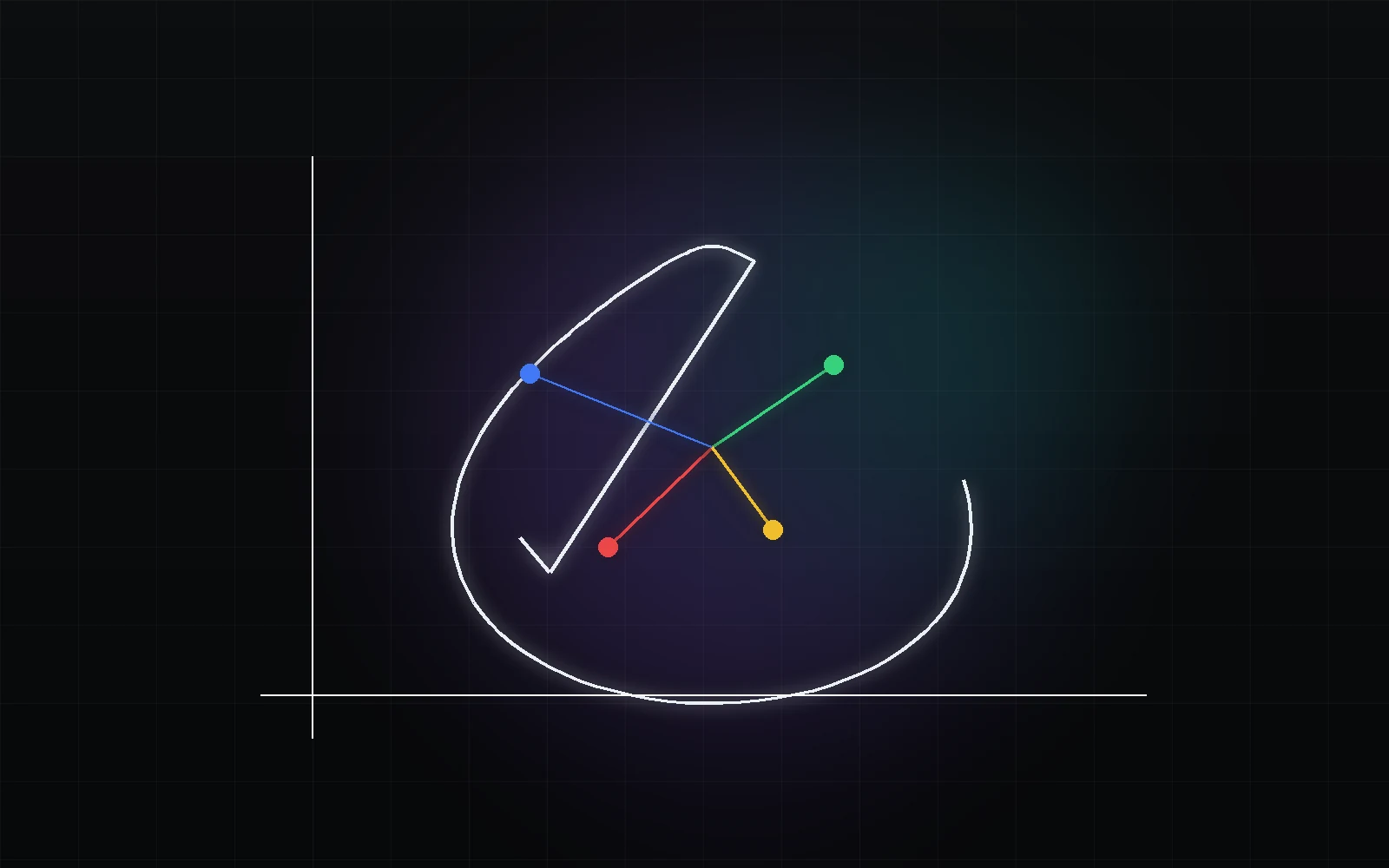
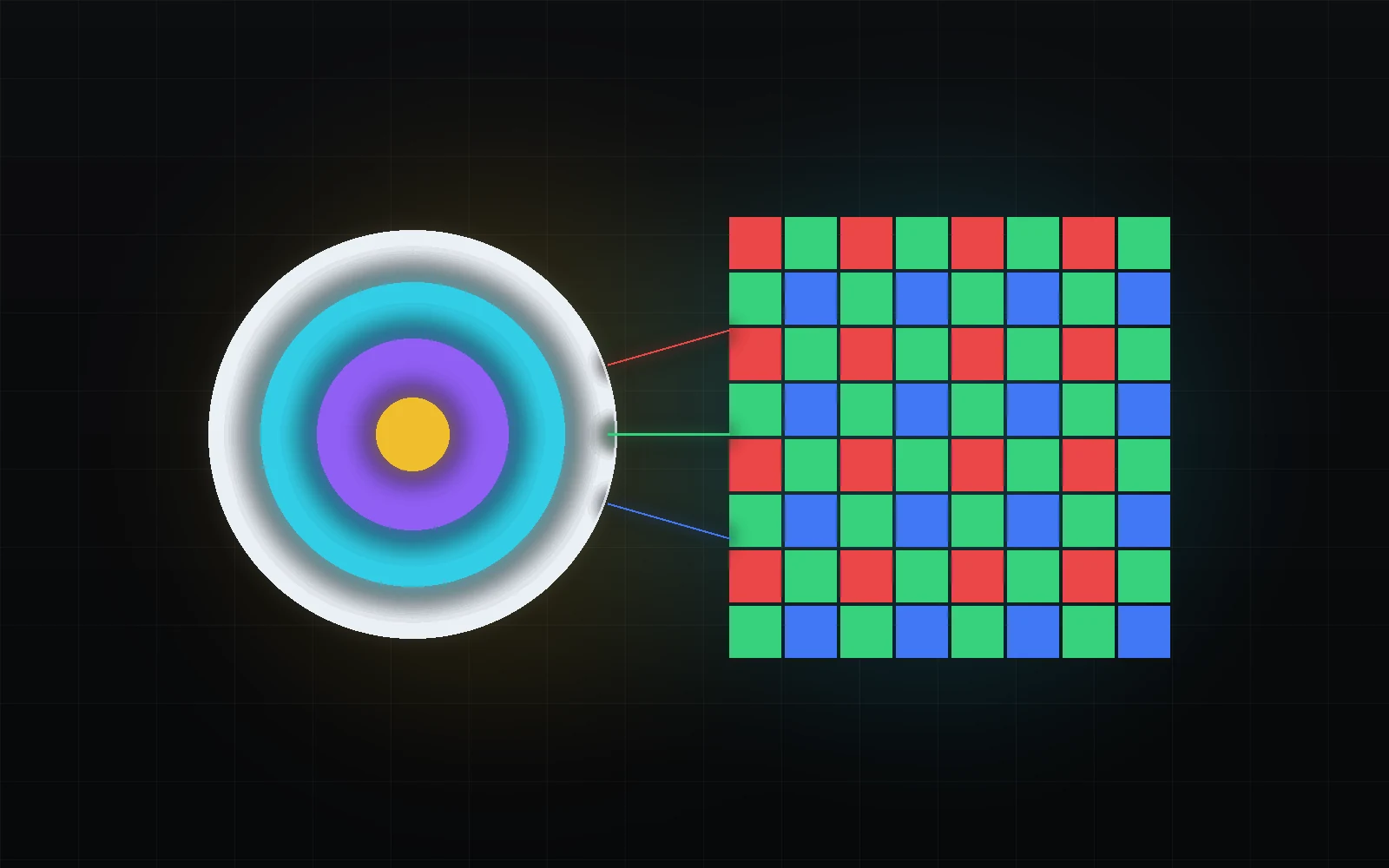
Primaries and the white point define an RGB colourimetric basis. Gamut is not a tone curve: a wider triangle does not automatically make a picture brighter or better.
THE SCIENCE BEHIND THE IMAGE
Why log looks flat, what Rec.709 actually defines and why the same file can look different. Connect light, numbers and the screen — then make deliberate decisions in your grade.
Try the lab: a different encoding does not have to mean a different picture.
Light → code → light
SDR / sRGBA synthetic neutral patch: L = 0.18 at 0 EV.
Change the curve: the code changes, but a matching decoder preserves the picture.
The source is an ordinary sRGB photo, not camera RAW or log. It is decoded, multiplied by 2^EV, clipped to 0–1, encoded with E and decoded with its inverse, then re-encoded as sRGB for the browser. “Skip” omits only the middle decoder. There is no quantisation between E and its inverse. Gamma 2.4 is a pure power pair, not full BT.1886. Gamut, white point, tone mapping, camera rendering and HDR are not simulated. The numeric probe is independent of the photograph; physical monitor luminance is not measured.
Method references and image credit ↗01A CLEAR START
Four chapters connect a physical scene with a defined colour representation. No previous knowledge of Resolve is required.
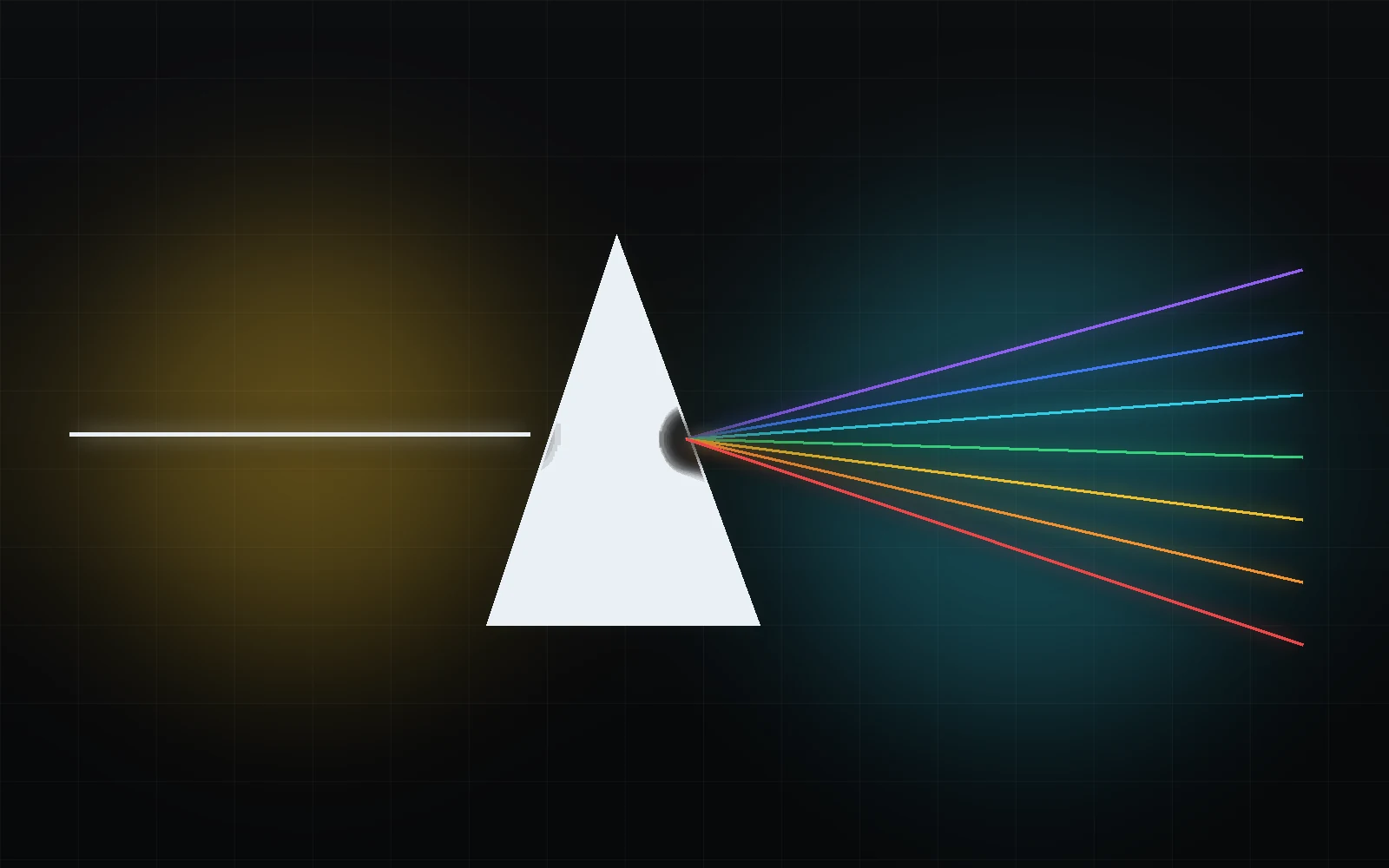
Foundation
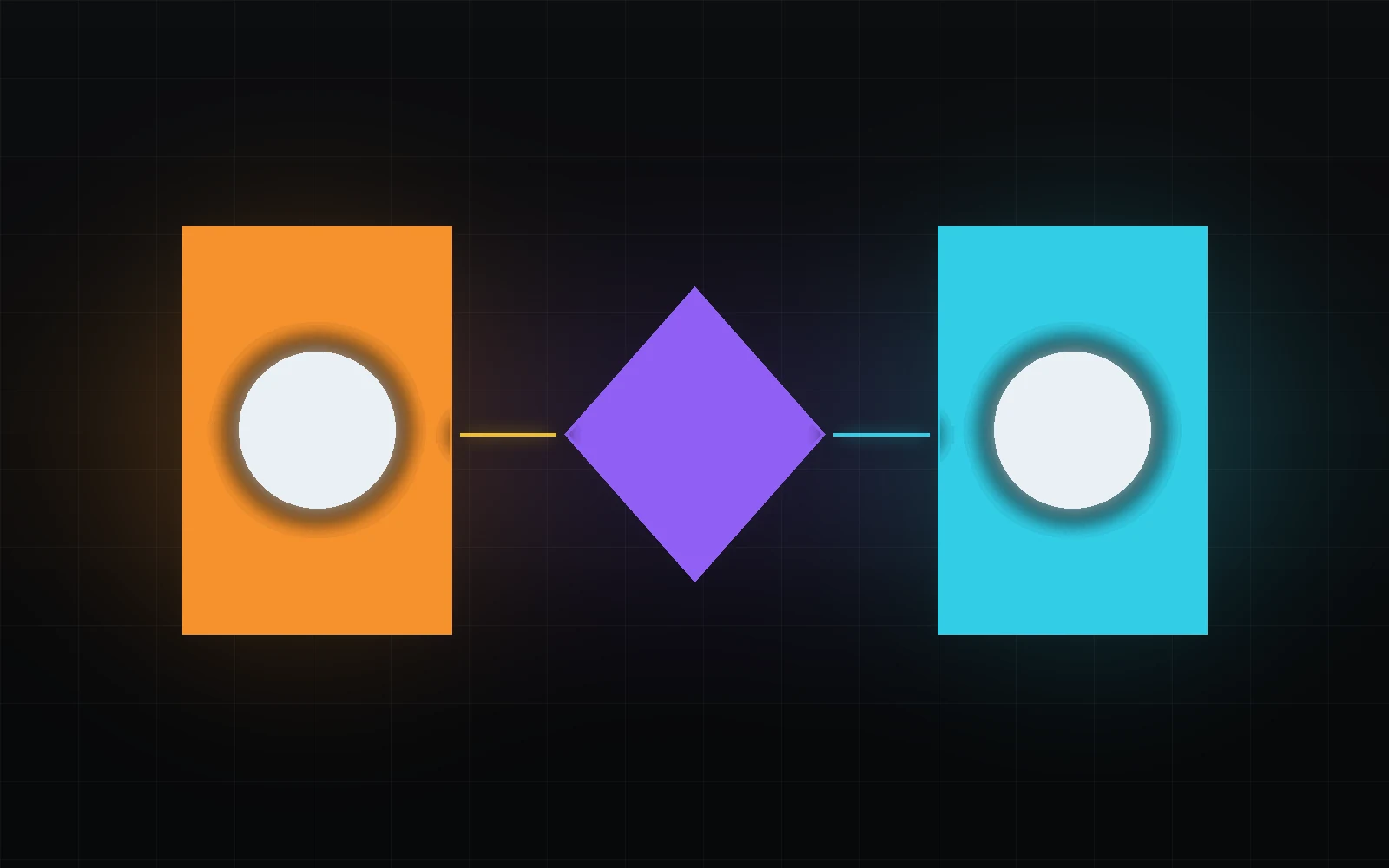
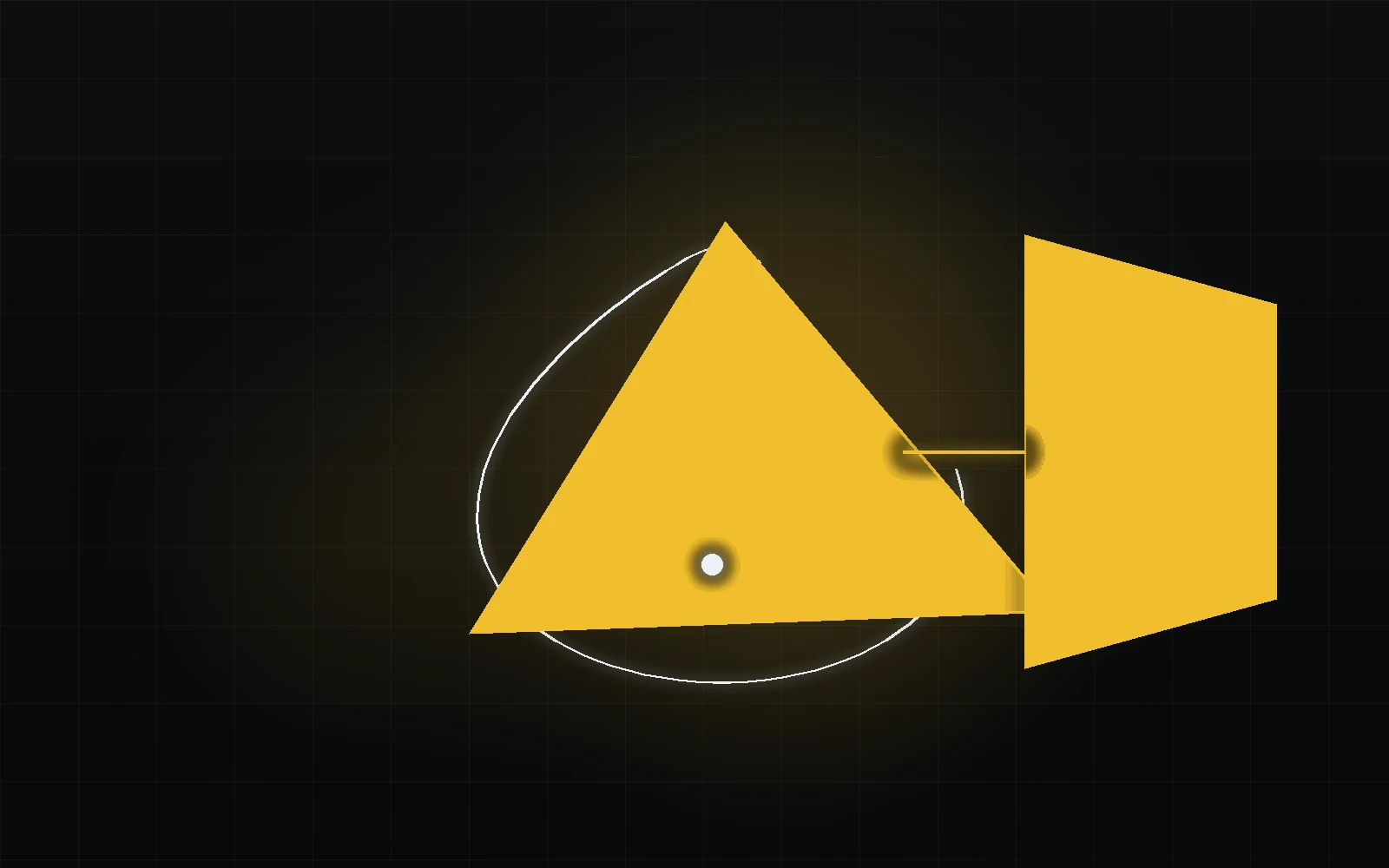
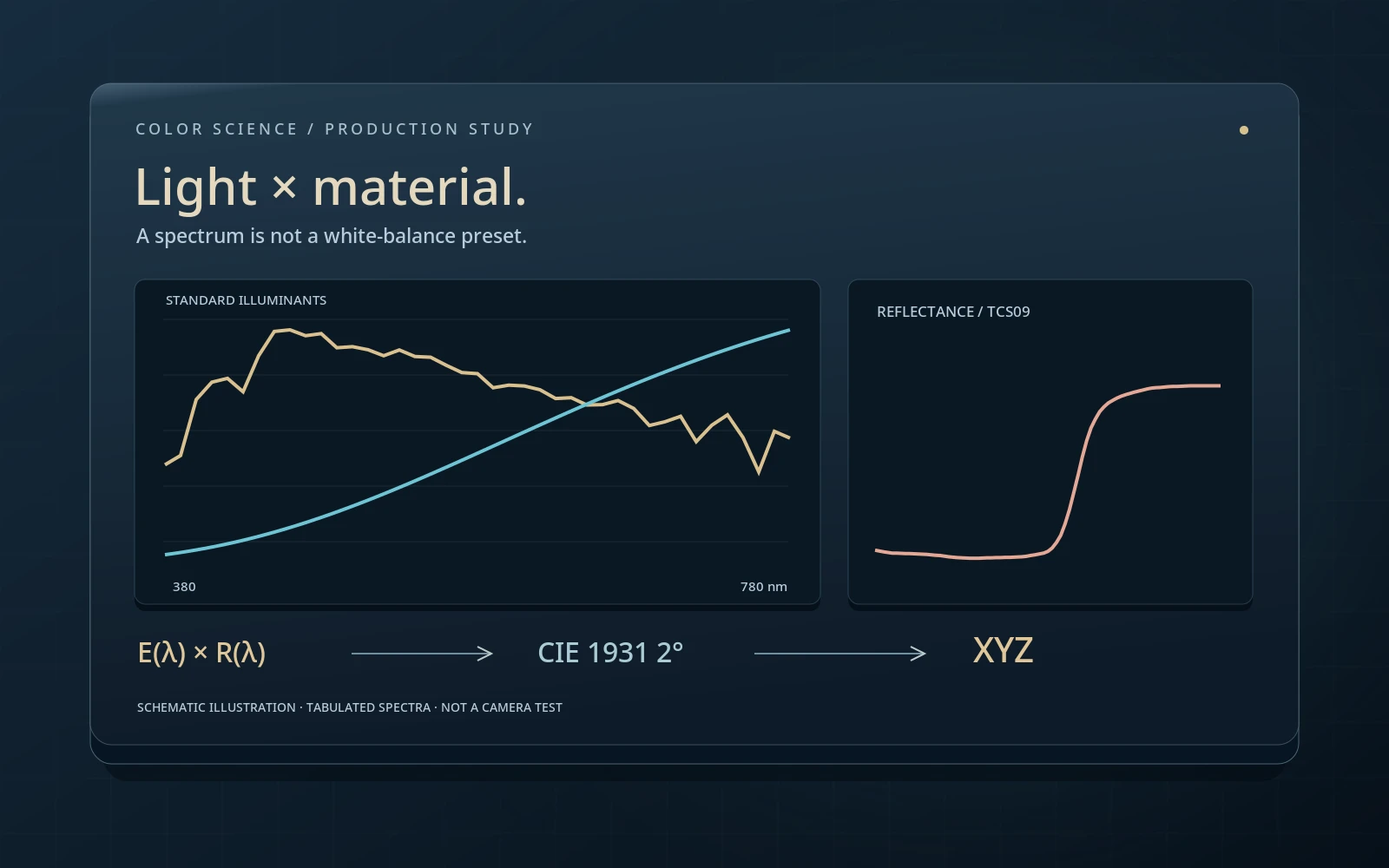
Light, material and observer: why an object does not contain a ready-made RGB value.
Read the chapter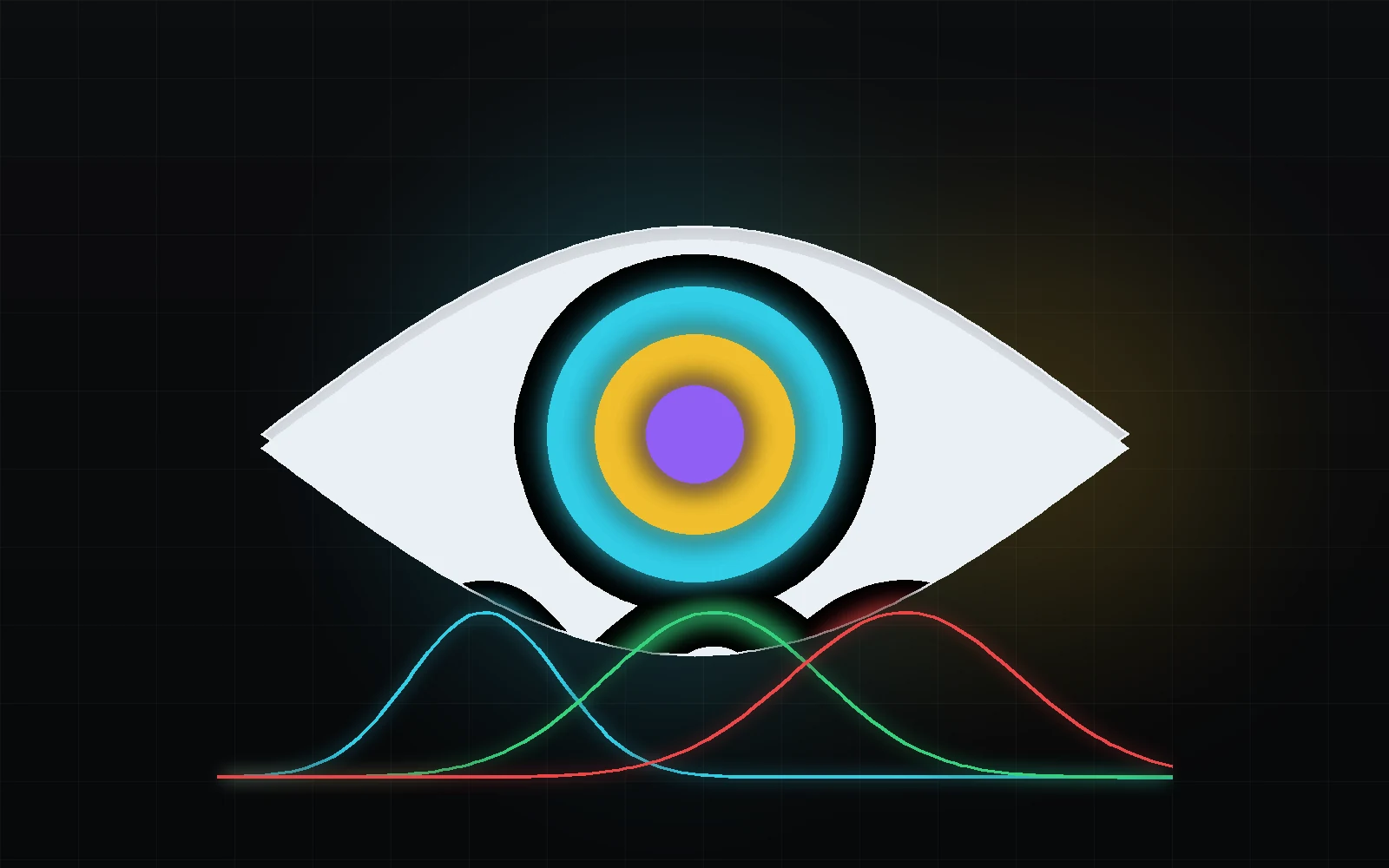
Vision
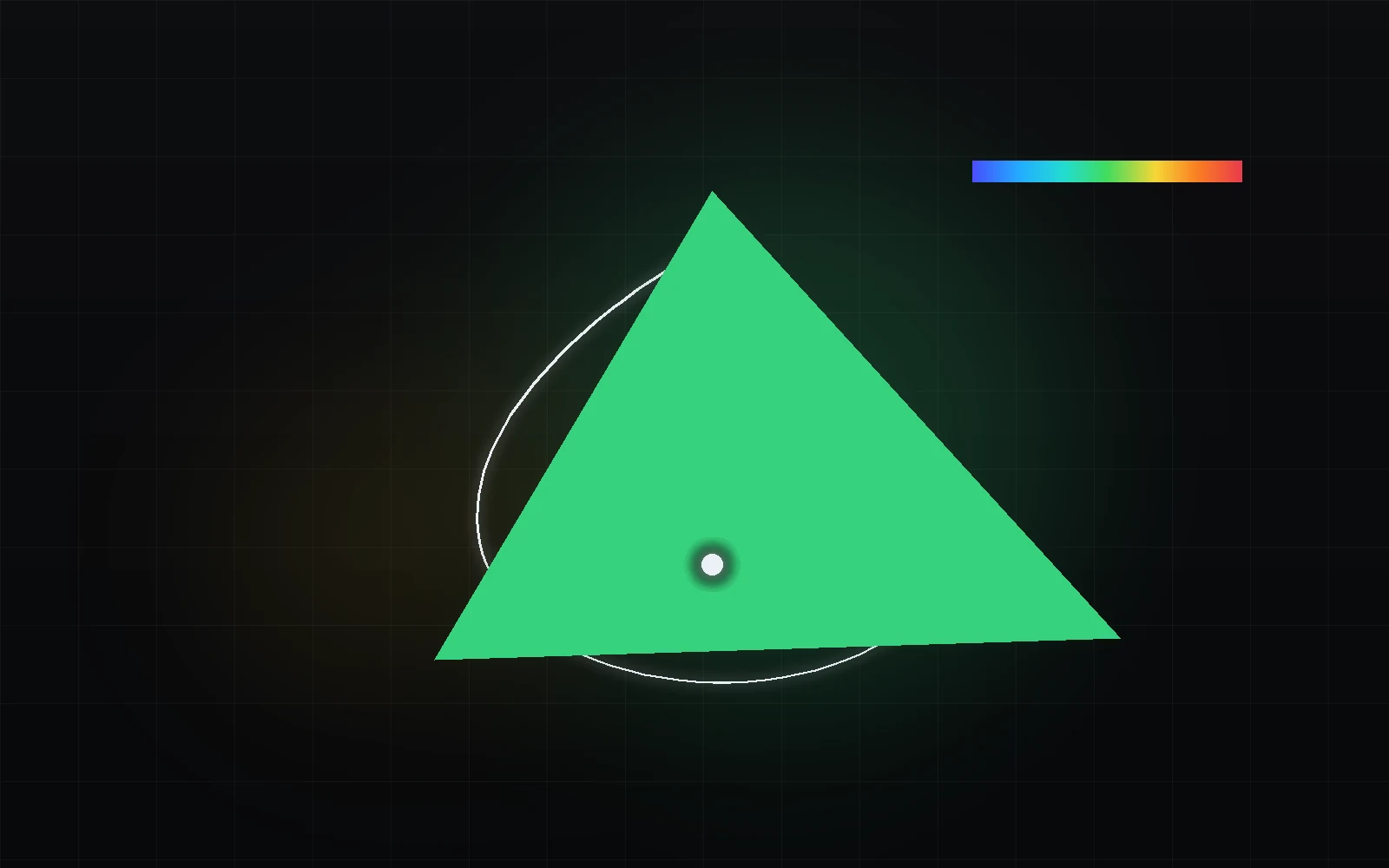
How vision uses context and adaptation, and why the same values can look different.
Read the chapter
Digital representation
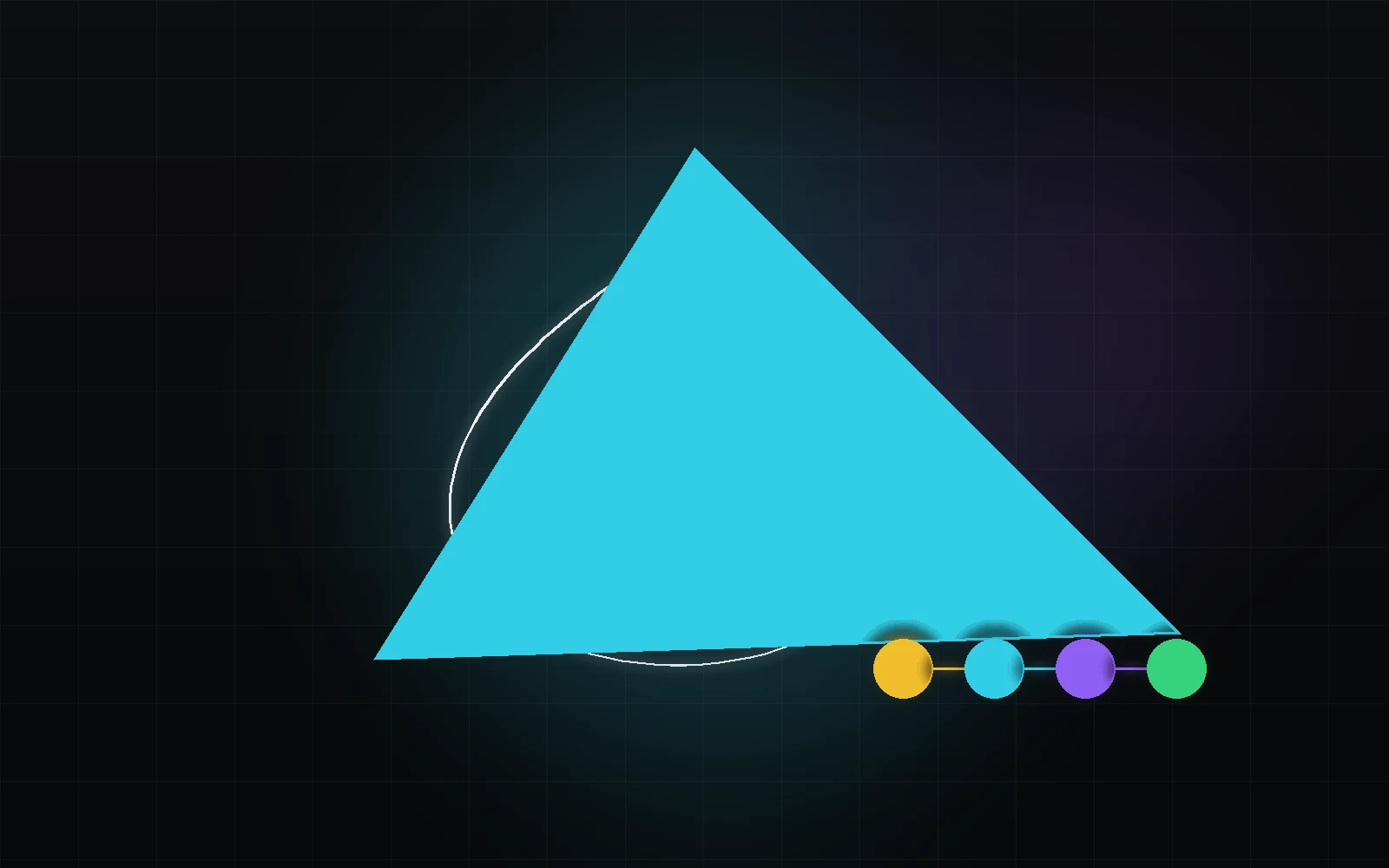
Three coordinates, not three “true colours”. What RGB values need to have a defined meaning.
Read the chapter
Core concept
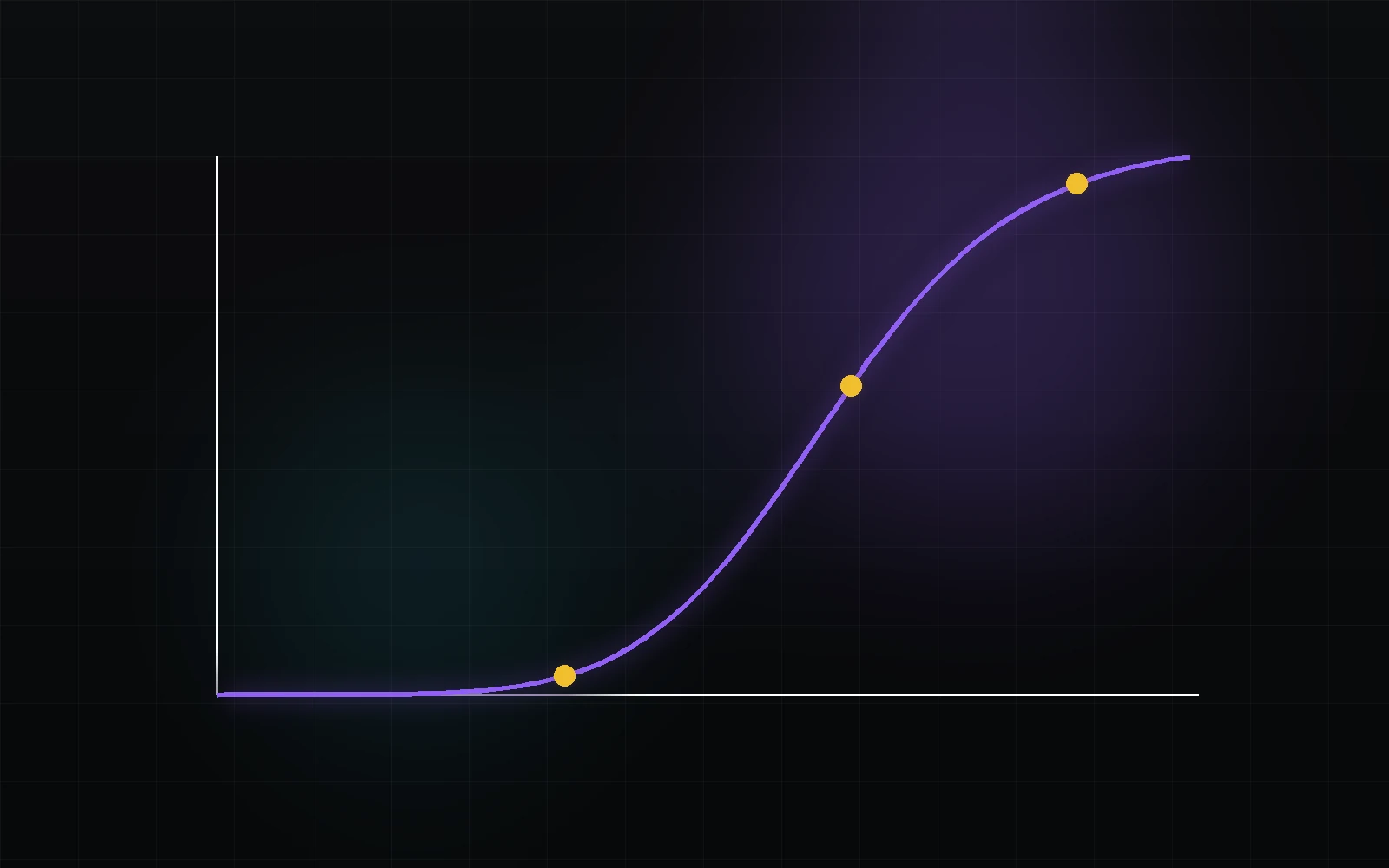
Primaries, white point and encoding. Build a clear model before choosing Rec.709 or P3.
Read the chapter02THREE DIFFERENT QUESTIONS
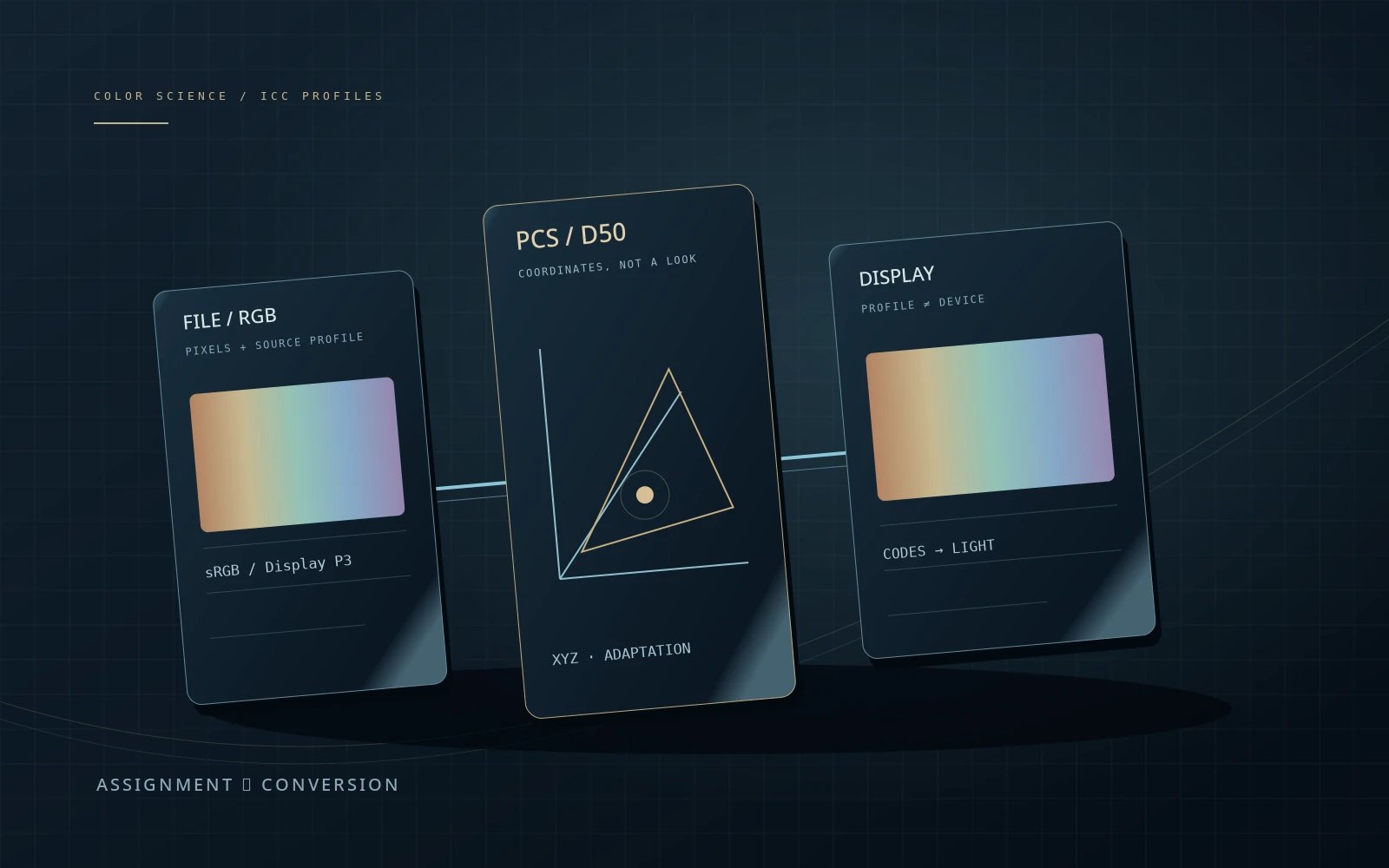
Before changing a setting, identify what it describes: the colour coordinates, their encoding or the target display.
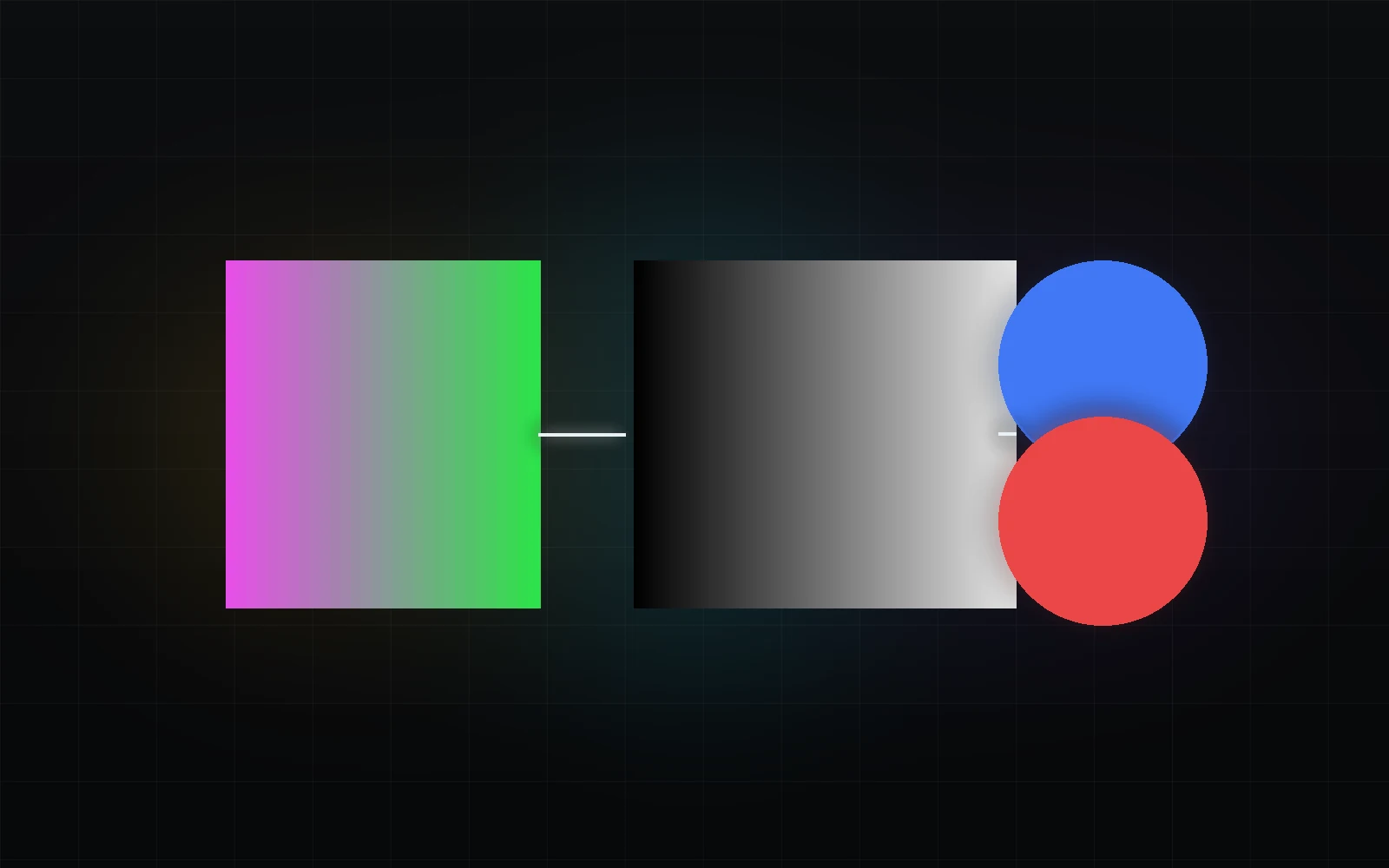
Primaries and the white point define an RGB colourimetric basis. Gamut is not a tone curve: a wider triangle does not automatically make a picture brighter or better.
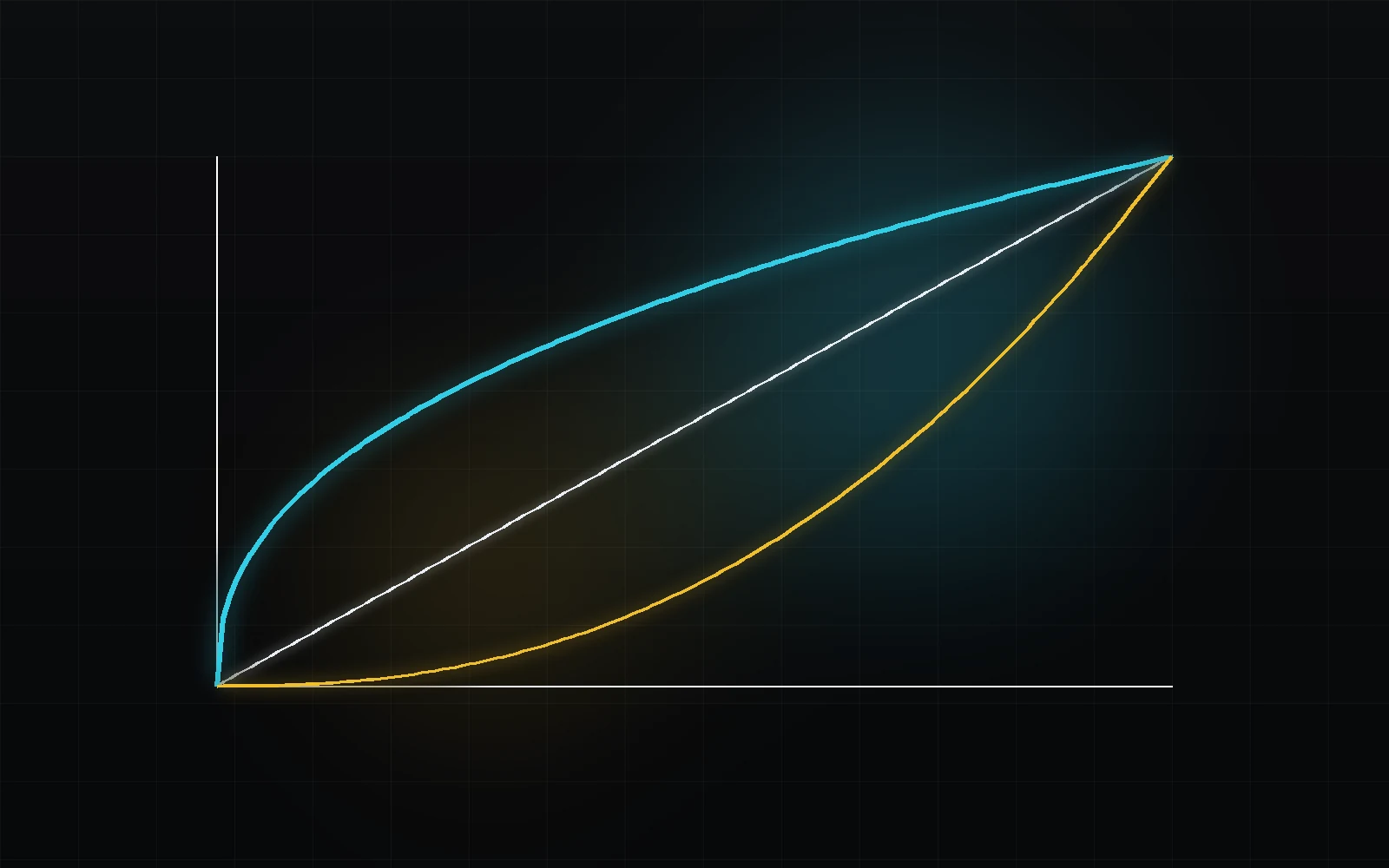
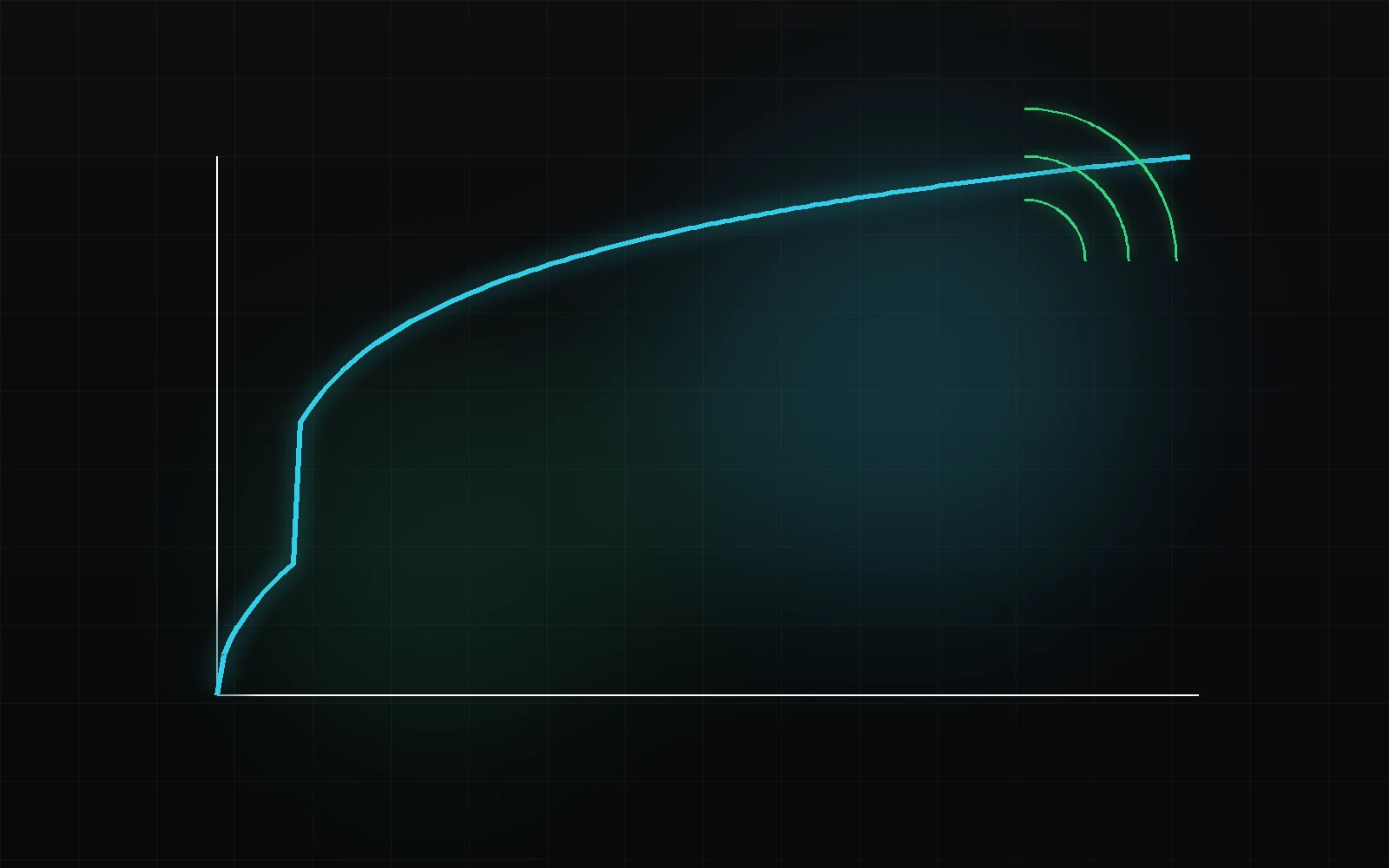
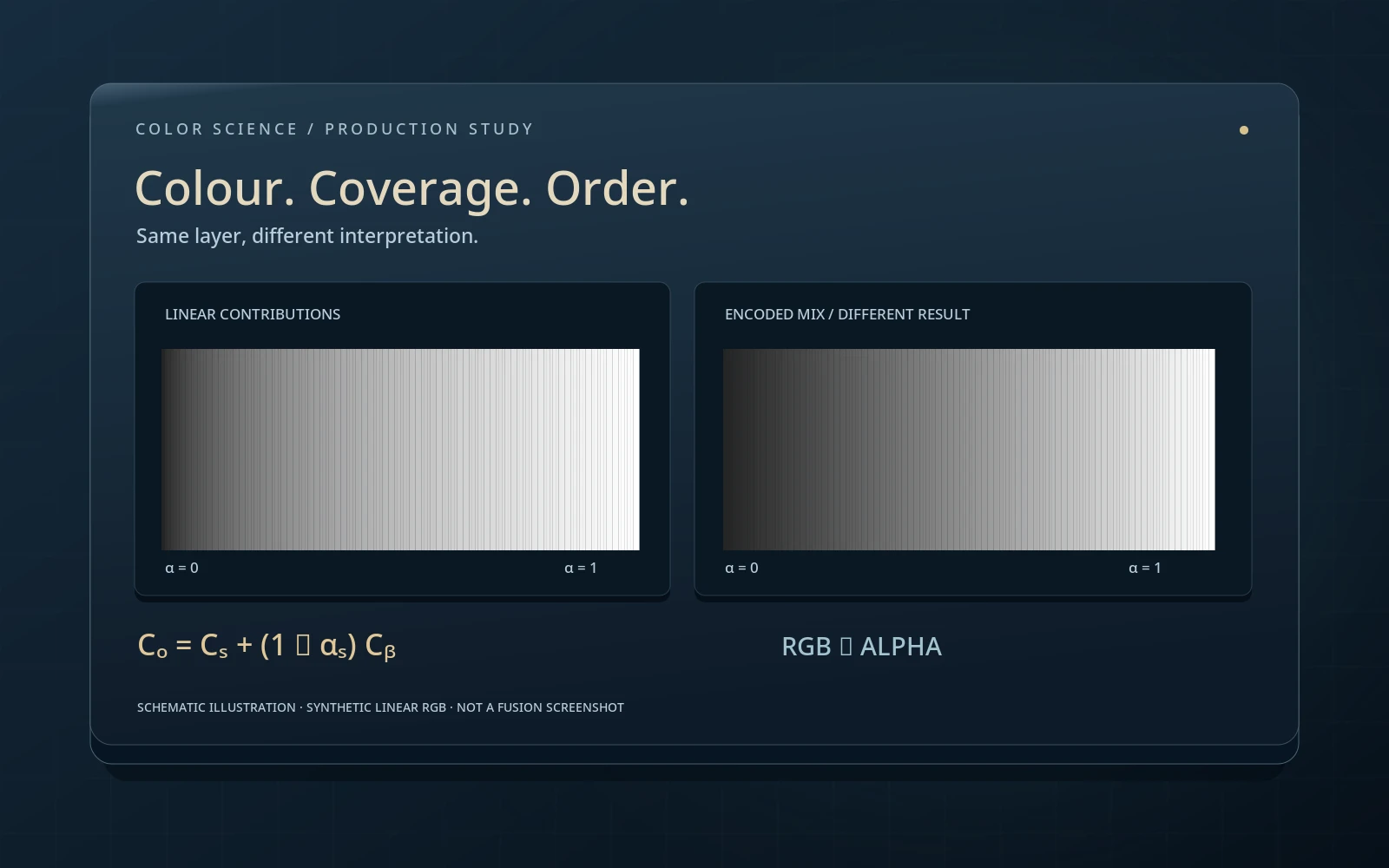
A transfer function relates light to code values. So 0.5 in linear light and 0.5 in sRGB are different levels. Encoding by itself should not change a correctly displayed image.
An output transform prepares an image for a chosen display. Luminance, gamut, display response and surround set the viewing context. An HDR tag does not turn an SDR monitor into an HDR display.
03KNOWLEDGE MAP
Six connected topic groups. Search by concept, standard or the abbreviation from your project settings.
From colourimetry to delivery. Open the question you are solving now.
Chapters: 32 / 3204FOLLOW THE SIGNAL
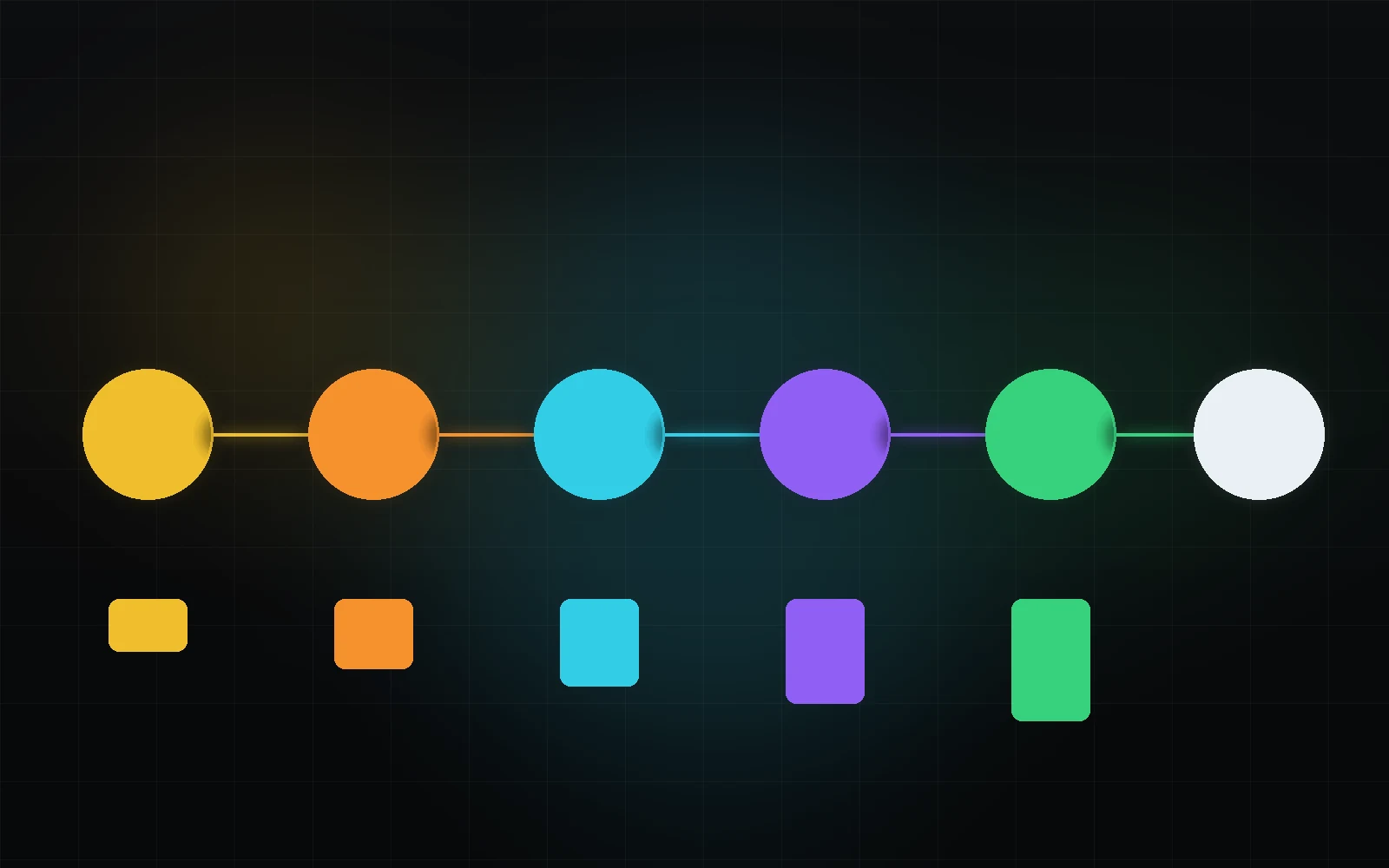
A colour pipeline is not just a row of boxes. At each stage, ask what the numbers mean and what the next operation expects.
Select a stage. These are responsibilities, not six mandatory nodes.
In a managed workflow, input transforms bring sources into a chosen working representation. This may be linear or nonlinearly encoded. Scene-referred and linear are not synonyms; DWG describes a gamut, Intermediate an encoding.
Read the chapter ↗Does each tool and LUT receive the representation it expects?
ACES · Output Transforms ↗This diagram organises the concepts. It does not emulate a camera, an ACES output transform or Resolve. In a managed project, some stages take place outside the clip node graph.
05CHOOSE A READING ROUTE
Follow the chapters in order or open the missing step. These routes explain concepts; they do not prescribe one project configuration.
Connect physical light, perception and RGB before memorising the names of standards.
From the source state to output. Choose managed processing or explicit transforms, not an accidental mixture.
Understand scene/display first, then the management system and target requirements. ACES is not a requirement for HDR.
06FROM SYMPTOM TO EXPLANATION
Start by distinguishing the cause. A curve, a colour space and a viewing problem need different checks.
The numbers acquire a different meaning. A conversion aims to preserve a defined colour by changing coordinates; an assignment changes how existing values are interpreted. First establish the actual source encoding, then choose the correct input. Do not choose a space simply because it looks nicer.
Read the full explanation ↗W3C · CSS Color 4 ↗No. They share RGB primaries and D65, but that is not the whole definition. Distinguish transfer functions and display context. HDTV reference display behaviour is addressed by BT.1886. sRGB uses a piecewise curve with a linear segment near black, not simply a 2.2 power law.
Read the full explanation ↗ICC · sRGB ↗No: gamut and dynamic range describe different properties. HDR needs a defined signal and display system. BT.2100 covers PQ and HLG; mastering targets, the display and viewing conditions still matter. Switching a container to Rec.2020 cannot create highlight detail absent from the source.
Read the full explanation ↗ITU-R · BT.2100 ↗No. In a managed workflow, the required transforms may already run outside the clip nodes. Establish what the project does and what each node receives first. Use explicit CSTs deliberately, with a known input, output and purpose. They are a workflow choice, not a ritual required by every project.
Read the full explanation ↗Blackmagic Design · Color ↗FROM PRINCIPLE TO PRACTICE
Color Science studies how colour is represented and reproduced. The Color encyclopedia explains where to find the controls in Resolve and how to use them. Keep the two routes connected without repeating the same material.
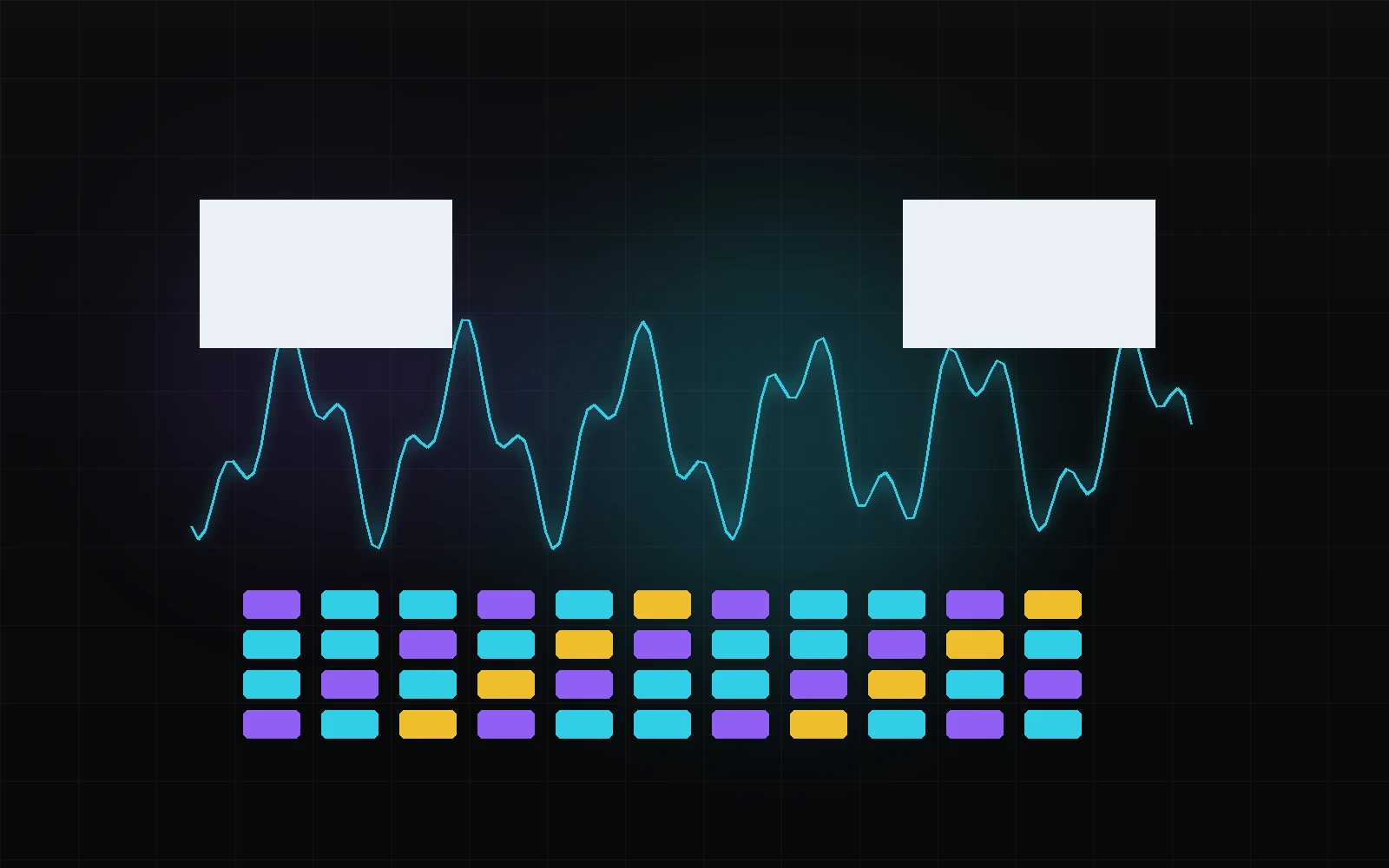
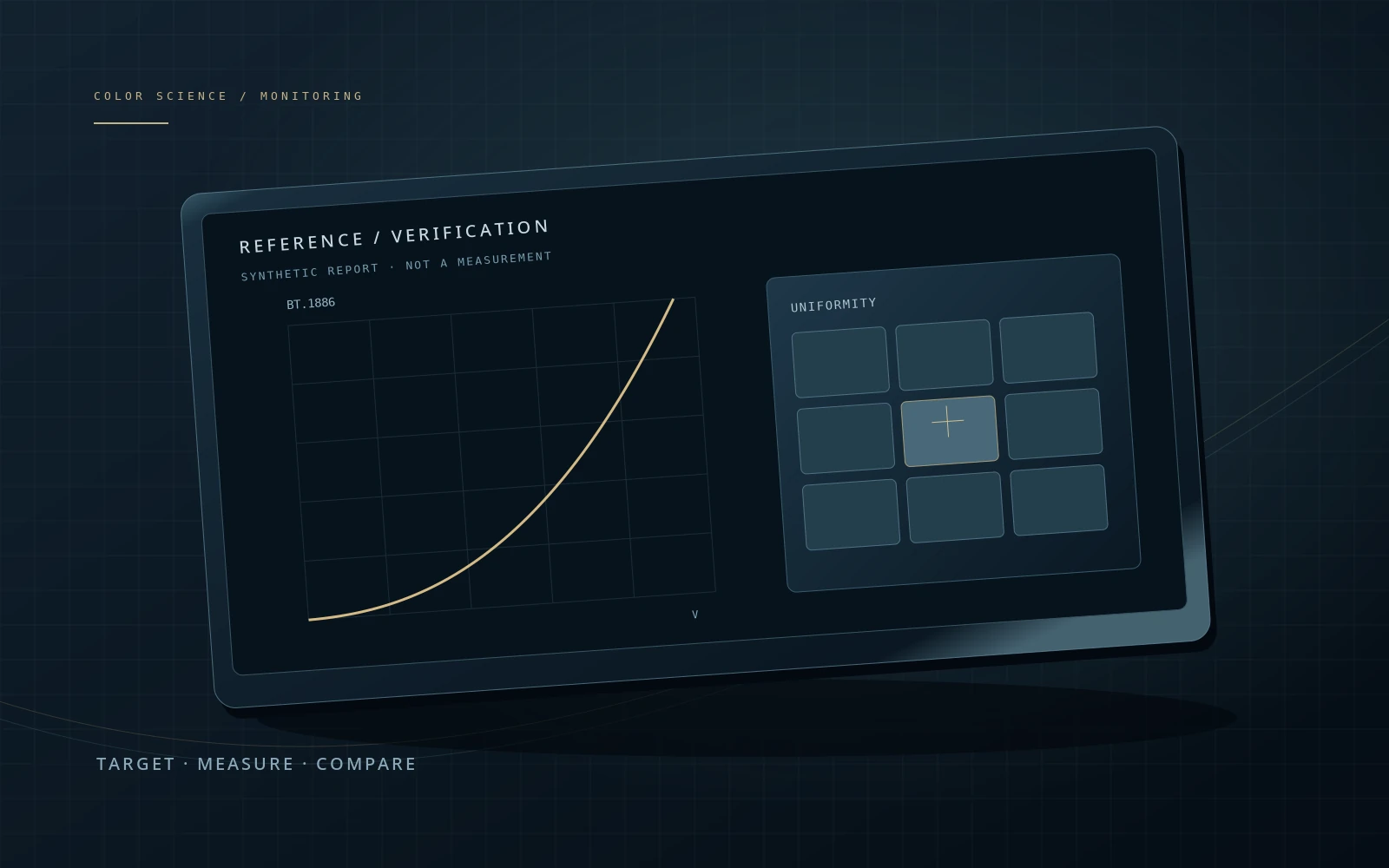
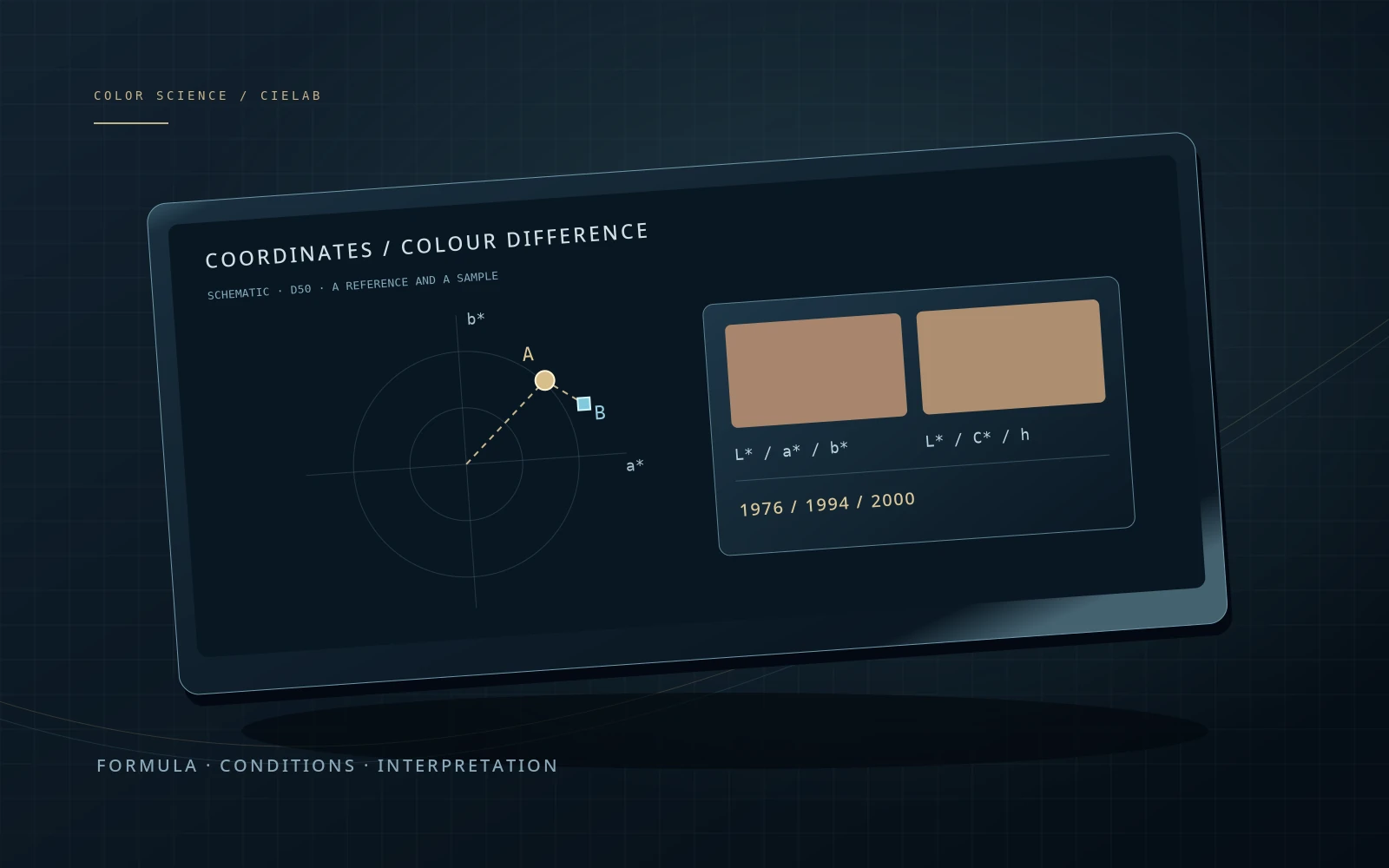
The hub explains principles; it is not a display calibration tool or a universal camera transform. Existing chapter illustrations are concept art, not measured gamut diagrams or Resolve screenshots. Detailed references remain inside each chapter.
Lab photo: SpaceX, public-domain sample distributed as skimage.data.rocket. The photo and all chapter artwork were already present in the site’s assets. No screenshot is simulated in this hub. Image source ↗