KNOWLEDGE MAP · COLOUR BASICS
Gamma and transfer functions. Numbers have a direction.
The same 0.5 can mean different amounts of light. Match encoding and decoding, then see what a reference EOTF with a non-zero black level changes.
Read the numbers. Notice the assumptions. Then apply the idea to your footage.
Matched pairs use relative linear values and full-range quantization, not a complete camera-to-display system. BT.1886 computes reference luminance; it does not measure or calibrate your screen.
This chapter also belongs to “Gamut is not gamma”. It uses the same URL and the same working experiments — no second copy. Three key distinctions ↗
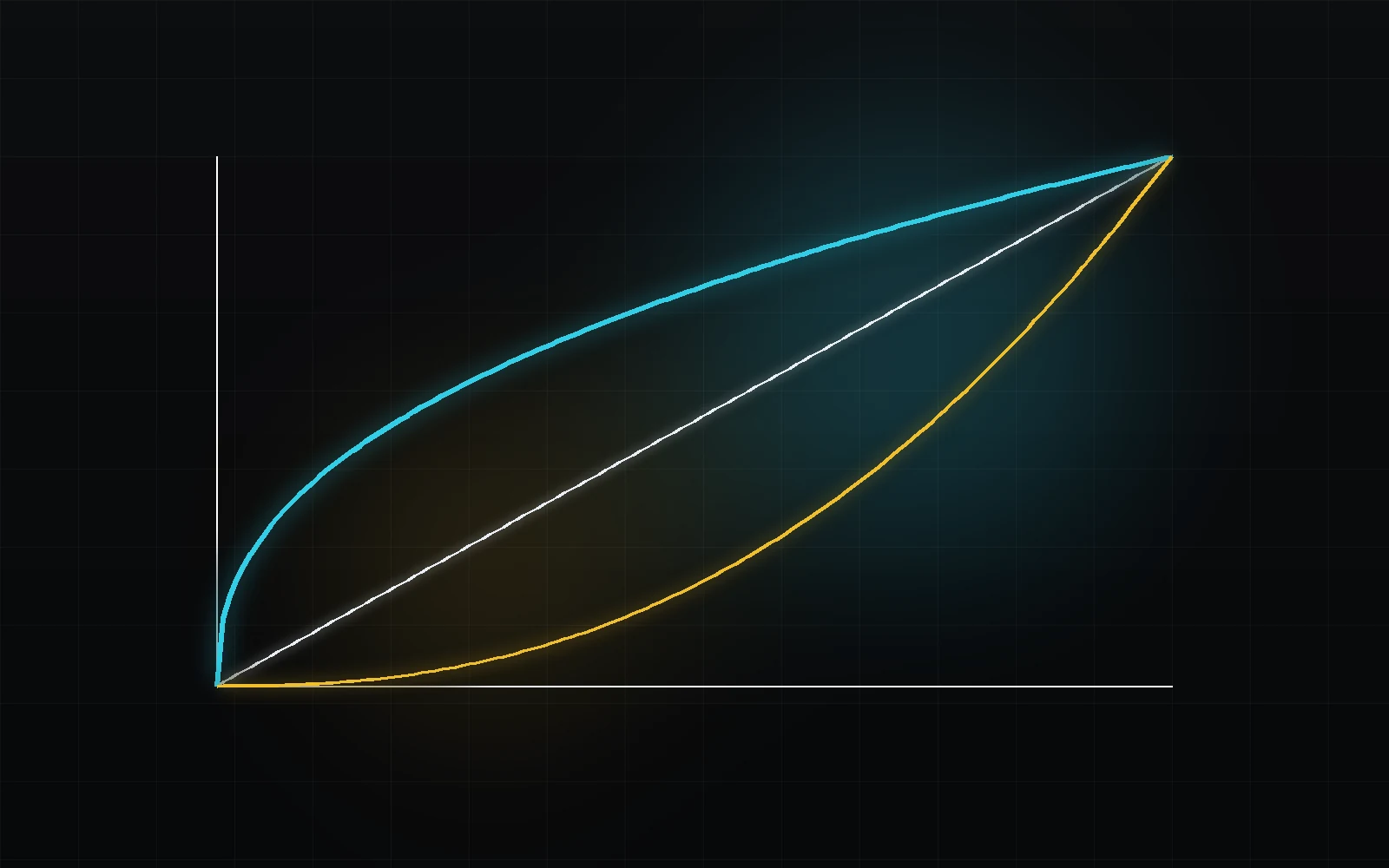 TOPIC ILLUSTRATION
THE ESSENTIAL IDEA
Gamma and transfer functions
A transfer function explains what a numeric code value means in relation to light. Until you know that function, 0.5 is just a number: it does not have to represent half the scene exposure or half the display luminance.
- Distinguish the directions of OETF, EOTF and the complete OOTF relationship.
- Check a curve numerically rather than choosing the most attractive contrast.
- Separate encoding from gamut, code range and creative adjustments.
Start with linear light
A linear signal is proportional to a defined light quantity: moving from 0.10 to 0.20 doubles that quantity while its normalisation remains fixed. It does not mean twice the perceived lightness or necessarily 10 and 20 cd/m². Establish whether the values refer to scene light, relative output or absolute display luminance.
Adding light and ordinary averaging for a blur have a physical interpretation in linear light. Linearity alone does not locate an image relative to output rendering. An image already prepared for a display can also be represented linearly.
What this means in practice
Take black and white patches. Their linear-light average is 0.5. Its sRGB code is about 0.735, or 188 after eight-bit rounding. Averaging the codes 0 and 255 directly gives 128, which describes a different light mixture.
Why signals are made non-linear
Integer storage has a finite number of levels. Nonlinear encoding redistributes these levels across a light range: equal code steps can represent unequal light increments. It helps allocate precision for a task but does not create more stored codes.
The inverse function recovers a corresponding linear level only to the precision retained in the recording. It cannot recover information removed by quantisation, compression or clipping. Floating-point processing has different constraints from a final eight-bit file.
What this means in practice
In the matched-pair experiment select sRGB and a level of 0.18. Start without rounding, then enable 8 and 10 bits. Compare the reconstructed-level error rather than expecting a visible difference on every patch.
Why the word Gamma is constantly misleading
In y = x^γ, gamma is the exponent. A software menu labelled Gamma often describes a broader category: encoding. A power law, sRGB, camera log and HDR functions may appear in one list.
Always state the direction. For a simple display exponent of 2.4, decoding is L = V^2.4 and inverse encoding is V = L^(1/2.4). A label without direction and normalisation is not a complete operation.
What this means in practice
Putting 0.5 into x^2.4 gives about 0.189. Putting it into x^(1/2.4) gives about 0.749. These are not two contrast presets: this experiment is checking opposite directions of a matched pair.
OETF: scene light → encoded video signal
OETF means opto-electronic transfer function: the relation from linear scene light to a nonlinear video signal. BT.709 specifies a piecewise function with a linear region near zero and a nonlinear branch above it. This describes signal formation, not the light-output response of a monitor.
Literal application of a reference OETF is not a full description of every camera pipeline. Recording mode, image preparation and creative choices can affect the signal. A standard name does not replace identifying the actual source.
What this means in practice
For L = 0.18 the BT.709 OETF gives V of about 0.409. That is not the sRGB code for the same linear level, nor an instruction to set a screen to 40.9% brightness. Identify the meaning of each axis first.
EOTF: encoded signal → display light
EOTF means electro-optical transfer function: the relationship from an input video signal to linear display light. BT.1886 depends on the selected black luminance Lb and white luminance Lw. The 2.4 exponent is only part of the definition; normalisation and non-zero black also affect the result.
With ideal zero black the equation reduces to Lw · V^2.4. Non-zero black is not simply the same power curve with a constant added. The lab displays values calculated from the reference model, not measurements of your monitor.
What this means in practice
Open the BT.1886 tab, keep Lw at 100 and vary Lb. At V = 0 the result must equal Lb; at V = 1 it must equal Lw. Intermediate values change too: checking only the endpoints is insufficient.
OOTF: the overall scene → display relationship and rendering intent
OOTF links scene light to output image light. In a complete system it expresses overall tonal reproduction, including the intended rendering. A correct chain therefore need not be the identity Lout = Lin.
With consistent definitions, the OETF and EOTF can be composed into an overall relationship. An inverse OETF used for computation and the EOTF of a target display are not necessarily the same function. The invertible-pair lab on this page is deliberately separate from a complete television system.
What this means in practice
Not every difference between scene and display light is an error: rendering may deliberately be nonlinear. An unknown or unintended operation is a problem, such as decoding an already-linear signal a second time.
Gamma 2.2 and 2.4: not better/worse, but different viewing assumptions
The numbers 2.2 and 2.4 are not image-quality ratings. For the same normalised code, a simple 2.4 power yields less relative midtone light than a 2.2 power. This is a computational property, not a universal instruction to darken a master.
Choose a target that agrees with the delivery requirements, calibrated viewing path and viewing conditions. Surround affects perception; a random player or brightly lit room does not become the new reference merely because the result seems attractive.
What this means in practice
In the experiment encode with a 2.2 power pair and decode using 2.4. The ramp changes. Restore matched decoding and verify that the difference disappears: you corrected interpretation without changing the source light level.
sRGB is not a pure Gamma 2.2 either
Exact sRGB uses a piecewise function, not just a 2.2 power. Encoding linear C up to and including 0.0031308 uses 12.92 · C; above that it uses 1.055 · C^(1/2.4) − 0.055. The inverse branches at a code of 0.04045.
The difference from a power approximation near black matters in numerical operations. An exact transfer function still does not guarantee identical perception on arbitrary screens: colour management and viewing conditions matter too.
What this means in practice
Zoom the graph near black. Compare sRGB with a 2.4 power without changing primaries. Return to the full range: curves that look close at full scale can differ substantially in a small interval.
Log, PQ and HLG may live in the same menu but solve different problems
Log, PQ and HLG cannot be described by one exponent. Camera log requires its specific equation and normalisation. PQ defines a particular relationship to display luminance; HLG has its own OETF and system relationship to display. Copying one code value between them without conversion changes its meaning.
Nonlinear encoding does not automatically make data display-referred. ACEScct is a nonlinear working representation with defined primaries; encoding does not remove the need for output rendering.
What this means in practice
The same number in LogC, ACEScct and PQ need not represent the same exposure or luminance. For diagnosis, write down the complete representation and its role, not just whether a menu contains Log or HDR.
How to read Gamma in CST and Color Management
In CST, treat Input Color Space and Input Gamma as two parts of the input description: the RGB colourimetric basis and its encoding. The output is described separately. Tone and gamut rendering are further operations, not evidence that changing Gamma alone is always sufficient.
In a managed project some transforms occur outside the visible node chain. Describe the source-to-output path before adding an explicit CST. The Gamma control in the primary wheels is an image adjustment; it does not redefine a file’s transfer function.
What this means in practice
When log looks flat, do not adjust Gamma blindly. Verify the input, output and transforms already applied. In a duplicate project compare bypassing the look with bypassing the technical transform: these answer different diagnostic questions.
Bit depth and range: a separate check
A transfer function uses normalised values, while a file may store them in a different integer range. Normalise the code range correctly before decoding the curve. A Video/Full black-level error cannot be fixed reliably by choosing another gamma.
The experiment’s 8 and 10 bits mean a teaching full-range quantiser of 0…255 or 0…1023. For the specified ten-bit BT.709 RGB and luma representation, reference black and white are 64 and 940. These are not universal boundaries for every channel and container.
What this means in practice
If black becomes grey and white dulls at the same time, check the range handling first. Change one variable at a time: a test ramp can verify correct normalisation before any creative adjustment.
Code, relative light and nits: three different quantities
A normalized code of 0.5 does not imply half the physical luminance without a decoding function. Under sRGB it represents approximately 0.214 linear light. Absolute luminance additionally requires a scale reference. Fifty percent on a code scale, Y = 0.5 and 50 cd/m² are not interchangeable.
The BT.1886 settings in the lab describe a calculated reference response; they do not change your browser screen’s emitted luminance. Connecting the calculation to a physical device requires a known, verified viewing path. Keep function, code range and units alongside any measurement.
What this means in practice
In the paired experiment, choose sRGB encoding and a linear level of 0.5: the code becomes about 0.73536. This asks the opposite question from decoding an existing code of 0.5.
Equal code increments are unequal light increments
With uniform rounding in full-range 8-bit encoding, neighbouring codes are separated by 1/255. After nonlinear decoding, their light increments differ across the scale. Bit depth increases sampling precision; it does not change primaries, white point or automatically increase the captured dynamic range.
When checking reversibility, distinguish numerical error from rounding loss. A matched continuous pair can recover its input almost exactly while the quantized version cannot. Re-encoding lost information does not create the missing intermediate values. The lab does not simulate chroma subsampling, codec compression or dithering.
What this means in practice
Compare one level with no rounding, then at 8 and 10 bits. Individual errors may coincide by chance; assess lower aggregate error across many values rather than one favourable pixel.
A MODEL YOU CAN CHECK
Separate direction, curve shape and range.
Keep the meaning, the calculation and the limitation together.
V = encode(L); L′ = decode(V)
BT.1886: L = (V · (Lw^(1/2.4) − Lb^(1/2.4)) + Lb^(1/2.4))^2.4
The first line is a matched invertible pair without rounding or clipping, not a claim that every television OETF is the inverse of its EOTF. In the second line V is in [0, 1], 0 ≤ Lb < Lw, and L is reference display luminance in cd/m². With Lb = 0 this becomes Lw · V^2.4.
| Concept | What it describes | What not to conclude |
|---|---|---|
| OETF | Scene light → nonlinear signal. | Not a monitor response. |
| EOTF | Signal → display light. | Not necessarily inverse OETF. |
| OOTF | Overall scene → display relationship. | Not another name for simple decoding. |
| sRGB | A piecewise function and defined primaries/D65. | Not an exact 2.2 power law. |
| BT.1886 | An EOTF with Lb, Lw and exponent 2.4. | Not a control of your screen luminance on this page. |
| Video / Full | Interpretation of code range. | Not a gamma or gamut choice. |
DO. OBSERVE. EXPLAIN.
From 0.18 to a code — and back.
Start in the lab: it does not change your monitor settings. To transfer the idea to Resolve, use a duplicate test project and a neutral ramp with a known representation.
- 01
Keep the light level fixed
In the function-pair experiment set L = 0.18, matched decoding and no rounding. Switch between Linear, sRGB and the 2.4 power pair.
CHECKInput and reconstructed levels match even though codes differ.
- 02
Introduce a known error
Keep sRGB encoding but select Linear decoding. Compare ramps and the numeric result, then restore matched decoding.
CHECKCode interpretation changed; source exposure did not increase.
- 03
Isolate rounding
For the same L compare 8 bits, 10 bits and unrounded computation. Read the error magnitude, including a near-zero case.
CHECKYou can explain a residual error after correct decoding.
- 04
Check the EOTF
In the BT.1886 tab set Lw = 100, then compare Lb = 0 and 0.10. Check codes 0, 0.5 and 1.
CHECKEndpoints match Lb/Lw; computed cd/m² values are not monitor measurements.
Check your understanding
TEST THE EXPLANATION
A situation, not a trick question.
Answer first. Open the reasoning afterwards.
01Changing sRGB to Linear brightened the ramp. Should you restore contrast?+
First check the operation. If the same codes are now interpreted as linear values, their light relationship changed. Restore correct decoding; a contrast adjustment would only conceal the incorrect signal description.
02A BT.709 OETF followed by BT.1886 did not reproduce the input level. Is that an error?+
Not by itself. Their overall relationship need not be the identity; target rendering includes tonal reproduction. To test an invertible numerical conversion, use the inverse of the same curve, not an arbitrary display EOTF.
03Shadows are still missing after a ten-bit export. What else should you check?+
Bit depth does not undo clipping, incorrect range interpretation or loss in an earlier transform. Check a known ramp, the measurement stage, input/output and repeated transforms. The number 10 does not describe the complete image path.
Avoid these shortcuts
- Treating sRGB as an exact 2.2 power.
- Treating every EOTF as the inverse of any OETF.
- Fixing Video/Full handling with creative contrast.
- Reading calculated cd/m² as a measurement of your monitor.
From the model to your workflow.
In Resolve, identify the signal state before each tool. Compare a CST with the correct input pair, not with a creative Gamma control. These exercises test concepts; they do not certify your project or monitor configuration.
CHECK THE FOUNDATION
Sources and model limits.
Editorial review: 1 October 2026. Links identify the definitions and formulas; exercises are independent teaching examples.
- [5]ICC · sRGB ↗
Primary chromaticities, D65 and the piecewise transfer function.
- [7]W3C · CSS Color 4 ↗
Definitions and numerical conversions. Candidate Recommendation Draft, 26 September 2026, not a final Recommendation.
- [8]ITU-R · BT.709-6 ↗
HDTV parameters, not a universal preset for every file.
- [10]Blackmagic Design · Color ↗
The practical connection to colour management and Resolve tools.
- [11]ITU-R · BT.1886-0 ↗
Annex 1: EOTF and black/white dependence. PDF page 2 inspected visually.
- [12]ITU-R · BT.2100-3 ↗
February 2025 revision. PQ, HLG and OETF/EOTF/OOTF definitions in Annex 1.
- [15]ACES · Output Transforms ↗
Rendering and encoding responsibilities, not a specification of our teaching curve.
- [17]ACES · ACEScct specification ↗
AP1 and nonlinear working encoding.