DaVinci Resolve

DaVinci Resolve: A Practical Guide to Editing, Fusion & Delivery

A structured DaVinci Resolve guide for beginners and working editors: editing, media, keyboard shortcuts, subtitles, Fusion, color, Fairlight, delivery, Python scripting and automation.

Editing: first projects, timeline tools, shortcuts and delivery
Fusion: nodes, masks, tracking, motion graphics and compositing
Color & Fairlight: image finishing, dialogue, levels and mix
Python API & automation: projects, Timeline, Media Pool and Render Queue

What is DaVinci Resolve

A professional platform for editing, color, Fusion, audio and delivery

DaVinci Resolve is a professional video-production platform that combines editing, color grading, Fusion visual effects, Fairlight audio and final delivery inside one project.

You can cut a video, grade the image, build motion graphics and composites, prepare the mix, export the final master and automate repeatable tasks through the Resolve Scripting API with Python.

That makes Resolve useful for YouTube production, commercials, short-form video, training content, client post-production and technical workflows where consistency and control matter.
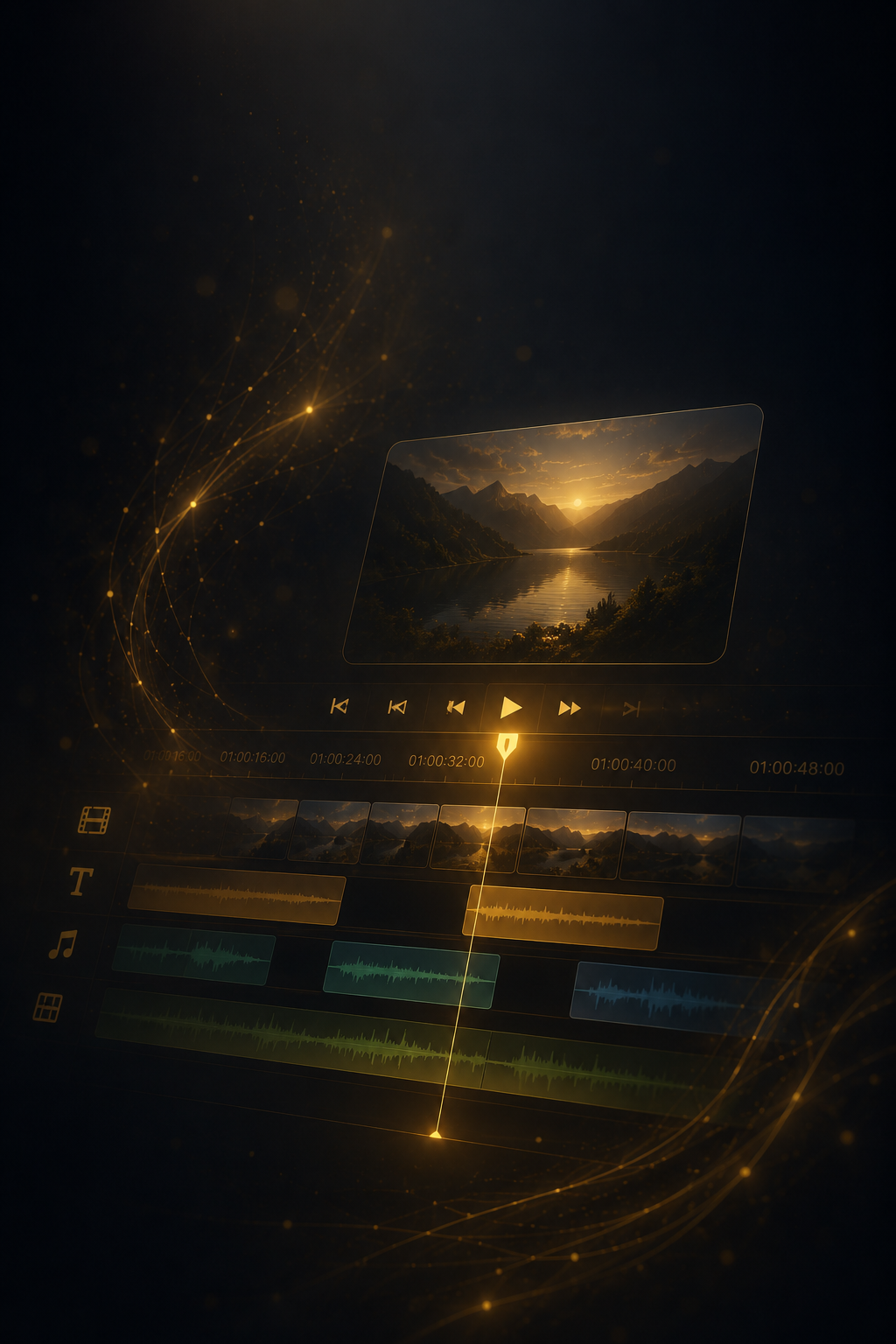
One production pipeline

Editing, Fusion, color, audio and render live inside one project, reducing unnecessary round-trips between applications.

Professional color grading

Node-based correction, tracking, masks, HDR tools and LUT workflows provide precise control over the image.

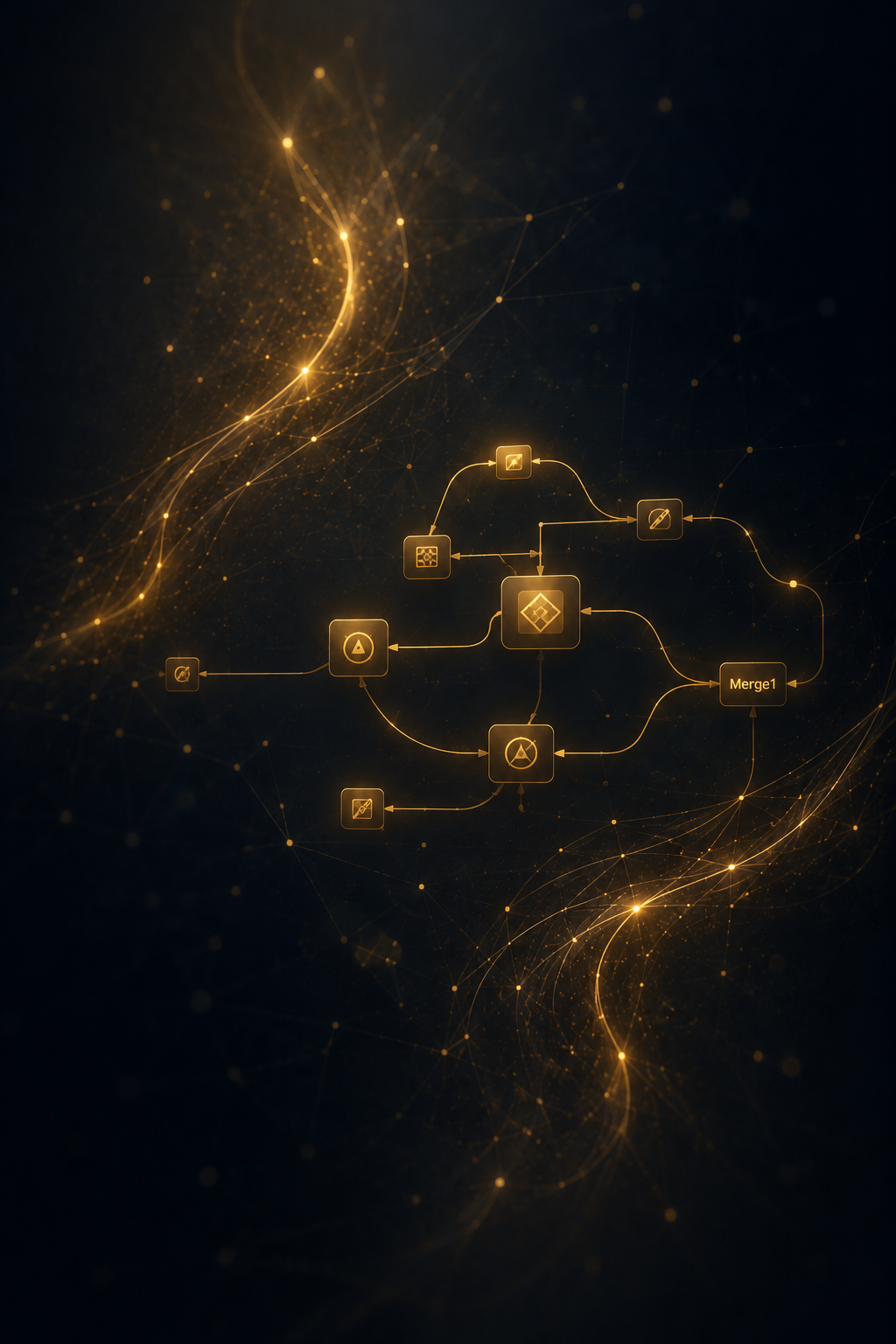
Fusion built into Resolve

Motion graphics, titles, tracking, masks and visual effects can be built without leaving the Resolve project.

Python automation

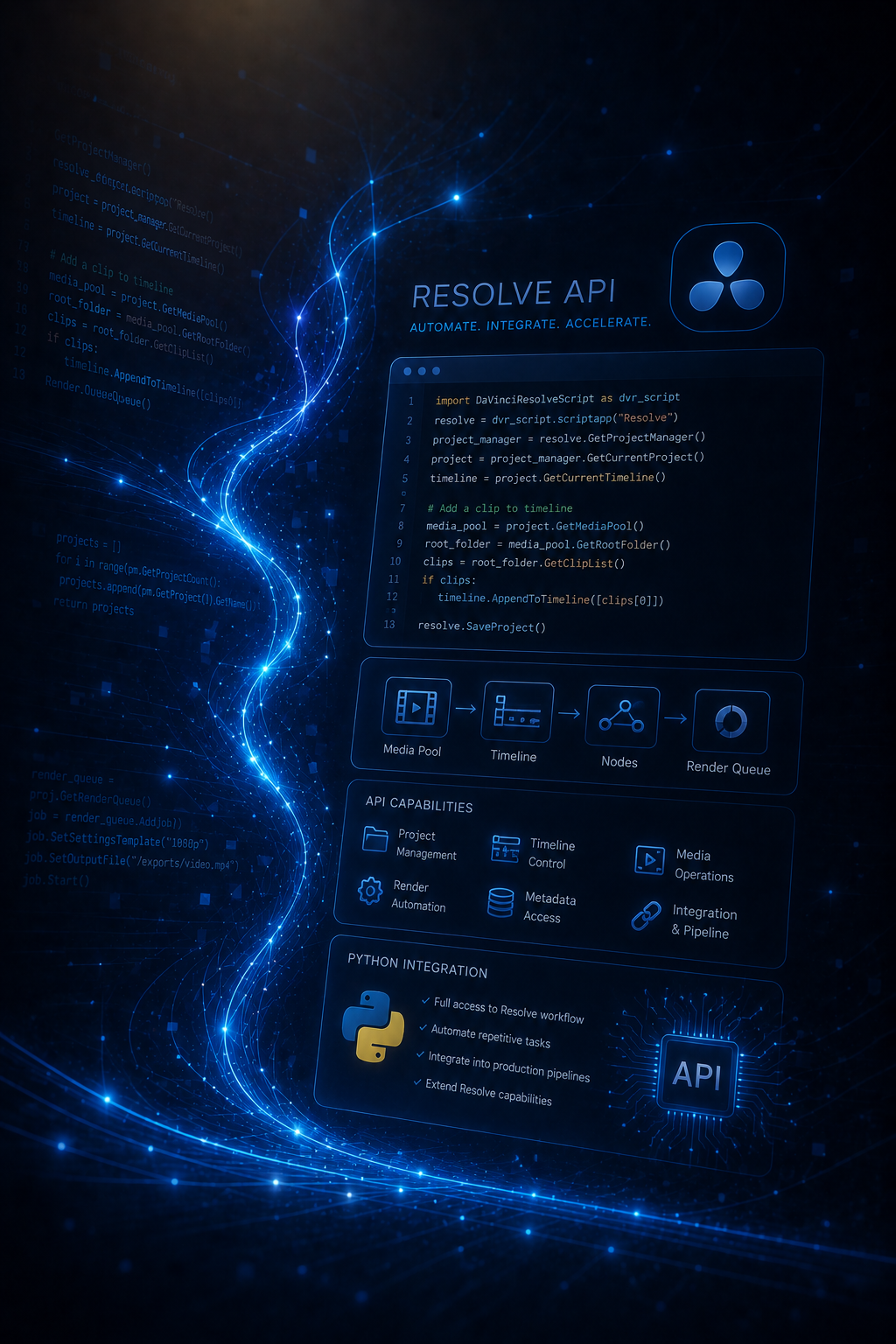
The Resolve Scripting API can create and inspect projects, import media, work with timelines and drive rendering programmatically.

Capabilities

What you can do in DaVinci Resolve

YouTube video editingcommercial videoshort-form vertical videocolor gradingmotion designFusion compositingaudio post-productionbatch renderingproject automationclient delivery

DaVinci Resolve

Choose the next DaVinci Resolve step

Use the free tutorial library for specific tasks, Fusion for compositing, the Resolve API for automation, workflows for repeatable setups and training for guided practice.