Node catalog
Fusion node catalog
Browse Fusion tools in one place, search by name or keyword, filter by node family and open a detailed reference page for each tool. If Shape, Particle, classic 3D and USD nodes seem to connect differently, use the dedicated node-systems guide.
Animated Fusion Flow
Nodes assemble into a working graph
Krokodove nodes: a major new Fusion toolset
DaVinci Resolve 21 integrates a large Krokodove toolset directly into Fusion and Edit Effects. Our dedicated cluster separates the Resolve 21 integration from the older external plug-in and explains the documented tool groups, installation and practical use cases.
Search and filters
Fusion node catalog
Open a node to see its purpose, inputs and outputs, parameters, examples, common mistakes and practical tips.
Abstraction
Graphic simplification and edge stylization
Simplifies an image into broader tonal regions and optional drawn edges for poster-like or illustrated treatments.
Analog Damage
VHS, CRT and analog-signal degradation
Emulates analog video, VHS, television and CRT artifacts including noise, ghosting, scan behavior, chroma errors and geometric instability.
FilmDamage
Aged film damage simulation
Simulates worn film with blur, color shifts, vignette, dirt and multiple independent scratches.
FlickerAddition
Procedural temporal flicker
Adds controllable temporal flicker to brightness, gamma, gain, vignette or alpha for film, projector, lamp and analog-signal styling.
JPEGDamage
Compression artifact simulation
Simulates JPEG-style block artifacts, frequency loss and digital compression damage.
Kaleidoscope
Mirrored radial image repetition
Reflects, rotates and repeats a selected source region into a symmetrical kaleidoscopic image.
Painterly
Brush-like tonal stylization
Simplifies luminance and rebuilds local image regions into brush-like shapes for painterly, mosaic or illustrated looks.
PencilSketch
Pencil line and paper-texture stylization
Turns footage into a pencil-style sketch with separate controls for edge strokes, tone and animated texture.
Scanlines
CRT and display-line effect
Generates configurable horizontal or angled scan lines for CRT, broadcast, monitor and retro-display looks.
Sort
Channel-driven pixel sorting and digital streaks
Sorts pixels or pixel ranges along rows or columns using selected channels and range controls to create controllable pixel-sorting, streaking and glitch abstractions.
TV
Analog television, CRT and broadcast distortion
Simulates analog television defects with scanlines, horizontal/vertical instability, skew, noise and a rolling bar.
Watercolor
Soft painted watercolor stylization
Softens local detail and color transitions to create a watercolor-like painted treatment.
ACESTransform
ACES input/output color transform
Converts imagery between ACES transforms and display spaces while optionally applying gamut compression and premultiplied-alpha protection.
CineonLog
Log-to-linear and linear-to-log conversion
Converts imagery between logarithmic and linear representations with selectable log profiles, levels, gamma and soft clipping.
DCTL
Custom DCTL image processing
Loads a DaVinci Color Transform Language script for custom color science, transforms or pixel-level image processing inside Fusion.
Dither
Bit-depth dithering
Adds controlled dithering when reducing channel precision so smooth gradients are less likely to collapse into visible bands.
LUTCubeAnalyzer
Generate LUT files from a Fusion color transform
Analyzes a color-processing chain and writes the resulting transform as ALUT3, CUBE or 3DL LUT data.
LUTCubeApply
Apply a 3D LUT cube inside Fusion
Applies LUT-cube data to an image for technical or creative color transformation.
NVIDIARTXVideoHDR
RTX-assisted SDR/HDR tone expansion
Converts image content into an HDR-oriented representation using explicit input/output color spaces, gamma, contrast, saturation and luminance controls.
AI Blemish Removal
AI-assisted skin and spot cleanup
Uses AI-assisted analysis to reduce small blemishes and localized skin defects while preserving the broader facial texture.
FrameReplacer
Repair isolated bad frames
Replaces a selected damaged frame using the previous frame, next frame, a blend of neighbors or an Optical Flow reconstruction.
ObjectRemoval
Tracked object cleanup
Removes unwanted objects by combining a tracked removal region with clean background information reconstructed from surrounding frames.
PatchReplacer
Tracked patch replacement
Replaces a damaged or unwanted image region with pixels sampled from a cleaner nearby area, with controls for transform and edge integration.
AICineFocus
AI depth-of-field and virtual lens focus
Creates cinematic depth of field from an AI-estimated depth map or an external depth pass.
AICinematicHaze
Depth-aware cinematic atmosphere
Adds depth-aware cinematic haze, atmospheric scattering, halos, light rays and air disturbance using an internal AI depth estimate or an external depth map.
AIStylize
Neural artistic style transfer
Applies a neural artistic style preset and controls the scale of the transferred visual texture.
AIUltraSharpen
AI-assisted detail sharpening
Adds fast AI-assisted sharpening through a single Sharpen Amount control, making fine detail more readable without a long manual sharpening setup.
RankFilter
Local min/median/max neighborhood filter
Filters each pixel by rank within a local neighborhood, ranging from minimum-like through median-like to maximum-like behavior.
AlembicMesh3D
Alembic geometry import
Imports static or animated Alembic geometry into Fusion for lighting, materials, transforms and rendering.
AmbientLight
Uniform fill light
Adds soft, even illumination to a Fusion 3D scene without a direction, cone or distance falloff.
AmbientOcclusion
Contact-shadow depth pass
Calculates ambient-occlusion shading for a Fusion 3D scene to emphasize contact areas, creases and proximity between objects.
Bender3D
Procedural 3D bend deformation
Bends 3D geometry procedurally to create arcs, curved titles, ribbons and non-destructive mesh animation.
Camera3D
Virtual camera for Fusion 3D
Defines the point of view, projection, focal length, clipping and camera transform used to frame a Fusion 3D scene.
Cube3D
Procedural box geometry
Creates a configurable 3D cube or box with size, subdivisions, material, visibility, lighting and shadow controls.
CustomVertex3D
Expression-driven vertex processing
Provides low-level procedural control over 3D vertices for custom deformation and technical geometry effects.
DirectionalLight
Parallel 3D key light
Creates parallel directional lighting for Fusion 3D scenes, including controllable color, intensity and shadow mapping.
Displace3D
3D surface displacement
Displaces mesh vertices from image or texture information to create terrain, ripples and real geometric relief.
DomeLight
Soft environment-style light
Provides broad dome-style illumination for a Fusion 3D scene and can feed ambient or diffuse/specular lighting layers.
Duplicate3D
Repeat 3D objects procedurally
Creates repeated copies of a 3D object or group using cumulative transforms, time offsets, probability and jitter.
Extrude3D
2D shape to 3D geometry
Adds depth to compatible 2D vector shapes so flat outlines become real 3D geometry with front, back and side surfaces.
FBXMesh3D
FBX mesh import
Loads FBX mesh geometry so external 3D assets can participate in a Fusion scene.
Fog3D
Depth-based 3D atmosphere
Adds atmospheric fog to a Fusion 3D scene with color, density behavior and near/far distance controls.
ImagePlane3D
Place an image on a 3D plane
Maps a 2D image, video or graphic onto a flat surface that can be positioned inside a Fusion 3D scene.
Locator3D
3D reference point
Creates a lightweight reference transform for parenting, targeting, alignment and organized 3D animation.
MaterialMerge
Blend two 3D materials
Blends two Fusion 3D materials into one output and provides a simple Blend control plus material-ID support.
Merge3D
Assemble a 3D scene
Combines 3D objects, cameras, lights and nested 3D scenes into one scene that can be rendered by Renderer3D.
Override3D
3D render-property override
Overrides visibility, lighting, shadow, matte and technical properties of existing 3D geometry non-destructively.
Phong
Classic lit 3D material
Creates a classic Phong material with diffuse color, specular highlights, opacity, transmission controls and material ID.
PointCloud3D
Renderable 3D point cloud
Creates or imports a point cloud with point/cross display styles, size, density, color and 3D transform controls.
PointLight
Omnidirectional 3D light
Emits light from one point in all directions with configurable color, intensity, decay and shadow behavior.
Projector3D
Project an image into a 3D scene
Projects an image or texture onto Fusion 3D geometry with controllable fit, projection mode, intensity, transform and shadow settings.
Renderer3D
Convert a 3D scene to an image
Renders a Fusion 3D scene through a selected camera and converts it into a normal 2D image for the rest of the comp.
ReplaceMaterial3D
Override materials in a 3D scene
Replaces or overrides material channels on selected 3D objects, with Object ID and Material ID limits for targeted scene changes.
ReplaceNormals3D
3D normal replacement
Replaces or recalculates surface normals to repair or deliberately alter lighting and shading response.
Replicate3D
Instance geometry on points or particles
Replicates a 3D object across incoming particles or points, with controls for alignment, color, transforms, time offset and jitter.
Ribbon3D
Procedural ribbon geometry
Generates strip-like 3D geometry for bands, trails, swooshes and flowing motion graphics.
Shape3D
Procedural 3D primitives
Creates basic 3D geometry such as planes, cubes, spheres, cylinders, cones and other procedural primitives.
SphericalCamera
360° / spherical 3D camera
Captures a Fusion 3D scene using spherical or panoramic projection for 360-degree and environment workflows.
SpotLight
Directional cone light
Creates a directional cone of light with adjustable cone angle, penumbra, decay, shadows and 3D transform.
Text3D
Extruded typography in 3D space
Creates true 3D text with extrusion, bevels, materials, lighting response and 3D transforms.
Transform3D
Move and rotate 3D elements
Moves, rotates, pivots and scales a 3D object or scene branch without changing the object that generated it.
Triangulate3D
Mesh triangulation
Converts polygon faces into triangles so deformation, rendering and technical mesh operations use explicit topology.
Weld3D
Vertex welding and mesh cleanup
Merges nearby vertices to clean seams, reduce duplicate points and improve mesh continuity.
AlphaDivide
Unpremultiply RGB from alpha
Divides RGB by alpha to convert premultiplied imagery into straight alpha before color or filtering operations.
AlphaMultiply
Repremultiply RGB by alpha
Multiplies RGB by alpha again after straight-alpha processing so transparent imagery composites correctly through Merge.
Brightness / Contrast
Fast tonal adjustment
Provides quick luminance, contrast, saturation and channel adjustments for a Fusion branch.
ChangeDepth
Image bit-depth conversion
Converts image processing depth between supported formats and can add dithering to reduce visible quantization artifacts.
Channel Booleans
Channel math and copying
Combines, copies and mathematically remaps RGBA channels between foreground and background images.
Channel Shifter
Channel remapping and spatial offset
Remaps source channels into output RGBA channels and can offset, rotate, scale or soften channel contributions for technical or stylized effects.
Color Corrector
Primary image correction
Adjusts luminance and color balance inside a Fusion branch without leaving the node graph.
Color Curves
Curve-based tonal and channel control
Uses editable curves to remap luminance or individual color channels with precise tonal control.
ColorSpace
Color-model conversion
Converts image values between supported color models such as RGB, YUV, HLS, YIQ and CMY for channel-specific processing.
FileLUT
External LUT application
Loads an external LUT file and applies it to the image with pre/post gain and optional premultiplied-alpha handling.
Gamut
Managed gamut and gamma conversion
Converts between source and output gamuts/gammas with optional white-point adaptation and premultiplied-alpha handling.
GamutLimiter
Constrain colors to a target gamut
Constrains out-of-gamut colors from a declared current gamut/gamma into a selected limiting gamut while preserving as much useful color as possible.
GamutMapping
Tone and gamut mapping
Maps luminance and gamut between source and output conditions using selectable tone-mapping and gamut-mapping methods.
OCIOCDLTransform
ASC CDL color decision transform
Applies ASC CDL-style slope, offset, power and saturation corrections through OpenColorIO, either from controls or a CDL file.
OCIOColorSpace
OpenColorIO color-space transform
Transforms imagery between OpenColorIO-defined source and output spaces with optional looks and forward/reverse direction control.
OCIODisplay
OCIO display and view transform
Applies an OpenColorIO display/view transform from a configured source space to a selected display and view for monitoring or output branches.
OCIOFileTransform
OCIO file-based transform
Applies a file-based OpenColorIO transform such as a LUT or supported transform file with direction and interpolation controls.
SetCanvasColor
Define the image canvas color
Sets the canvas or empty-background color associated with an image, including RGB and alpha values.
WhiteBalance
Neutral and temperature balancing
Adjusts image neutrality using reference colors, temperature-style balancing and range controls for black, midtone and white regions.
AlphaMatteShrinkandGrow
Morphological alpha cleanup
Shrinks, grows, opens or closes an alpha matte to clean edges, remove tiny holes and repair key or roto masks.
B-Spline
Smooth vector roto mask
Creates a smooth vector mask from control points, ideal for organic contours that would require many handles with a conventional polygon.
MagicMask
AI-assisted object isolation
Creates and tracks an object matte from positive and negative guide strokes, reducing the amount of manual rotoscoping required.
MaskPaint
Painted and animated mask strokes
Paints mask strokes directly into a matte and supports frame-by-frame cleanup, holdout work and local roto fixes.
MultiPoly
Multiple polygon mattes in one tool
Organizes several polygon shapes in a single masking tool so complex roto regions can be built without an unnecessarily large node graph.
Ranges
Multi-range matte control
Builds or refines a mask from selected tonal or channel ranges, giving more deliberate control than a single threshold.
Wand
Similarity-based mask selection
Builds a mask by selecting pixels similar to a sampled area, useful for fast local isolation when color or brightness is consistent.
Anaglyph
Red/cyan and stereo composite output
Builds an anaglyph stereo image from separate left-eye and right-eye layers.
ImmersivePatcher
Spherical view distortion and reorientation
Distorts or undistorts spherical imagery by rotating a virtual view and controlling its angle of view.
LatLongPatcher
Equirectangular patch extraction and repair
Extracts and reapplies regions of latitude-longitude panoramas for easier paint, cleanup and repair.
PanoMap
Panorama and VR projection conversion
Converts panoramic and VR images between cross, strip, lat-long, VR180 and immersive projection layouts.
SphericalStabilizer
360° spherical stabilization
Stabilizes equirectangular and 360° footage by analyzing rotational camera motion on the sphere rather than treating the panorama as a flat frame.
StereoAlign
Stereo pair alignment and convergence
Corrects geometric mismatch between left and right eyes in stereo footage, including vertical alignment, convergence, separation and optical-flow warping.
Aperture Diffraction
Lens-aperture diffraction and highlight patterns
Generates diffraction streaks and aperture patterns from bright regions of an image.
HotSpot
Optical hotspot and lens reflections
Creates a controllable light hotspot, radial flare behavior, chromatic aberration and multiple lens-reflection components.
LensFlare
Configurable optical flare system
Builds a controllable lens flare with source masking, presets, global corrections, aperture shape and editable glare, starburst and ghost elements.
AutoDomain
Automatic image-domain bounds
Automatically derives a useful image domain and provides simple edge controls for trimming or expanding the calculated bounds.
CopyAux
Auxiliary-channel routing
Copies, remaps or removes auxiliary image channels and can move data between auxiliary and color channels for technical compositing workflows.
CopyMetadata
Metadata merge and replacement
Copies metadata between images with merge, replace or clear behavior while leaving the image pixels conceptually separate from the metadata operation.
SetDomain
Explicit image-domain control
Sets or combines the image domain that downstream Fusion nodes use as the active processing bounds.
SetTimeCode
Write or override clip timecode
Writes a defined starting timecode and frame rate into the image stream for synchronization, delivery and pipeline metadata workflows.
Underlay
Visual grouping and Flow documentation
Creates a colored background annotation behind nodes in the Flow so related parts of a composition can be grouped and documented visually.
AutoGain
Automatic range normalization
Automatically remaps image values from a detected low/high range to a normalized output range, with optional Z processing.
ChromaticAberrationRemoval
Lens color-fringe correction
Corrects red/cyan, green/purple and blue/yellow fringing caused by lens chromatic aberration, especially near high-contrast edges.
ChromaticAdaptation
White-point and illuminant adaptation
Transforms color between source and target illuminants to compensate for different white points or lighting assumptions.
ColorCompressor
Targeted hue, saturation and luminance compression
Pulls a selected color range toward a target color to control excessive hue, saturation or luminance variation.
ColorGain
Gain, lift, gamma and tonal color balancing
Provides compact channel, lift, gamma, saturation, hue and tonal-range controls for technical or creative color correction.
ColorGenerator
Animated RGB color source
Generates a controllable RGBA color source that can be animated and used as a graphic, matte or utility element.
ColorMap
Palette mapping and procedural color placement
Maps image regions to configurable colors and can position, randomize and overlay mapped elements for stylized graphic treatments.
ColorMatrix
Matrix-based RGBA channel transform
Mixes and remaps RGBA channels through a numeric matrix for precise technical color and alpha operations.
ColorPalette
Dominant color extraction and visualization
Analyzes an image and displays a configurable palette of dominant colors, including shadow and highlight thresholds.
ColorSpaceTransform
Color space, gamma, tone and gamut conversion
Converts between input and output color spaces and gammas with optional tone mapping, gamut mapping and white-point adaptation.
ColorToneDiffuser
Soft tonal diffusion and cinematic color shaping
Softens tonal transitions and redistributes color with controlled diffusion, highlight/shadow clipping, falloff and final image adjustments.
ContrastPop
Local detail and micro-contrast enhancement
Enhances local detail and perceived texture using scale and threshold controls rather than a simple global contrast curve.
FalseColor
Exposure and value visualization
Maps image values to diagnostic colors for exposure analysis, camera-specific monitoring or creative false-color visualization.
HueCurves
Hue, saturation and luminance curve remapping
Remaps hue, saturation, luminance and RGB relationships with curves for targeted color shaping.
Invert
Color, luminance or hue inversion
Inverts color, luminance or hue values for negative looks, matte operations and technical channel processing.
LUTCubeCreator
3D LUT cube image generator
Generates a LUT cube test image used for creating, baking or analyzing 3D color transforms.
MatchColor
Three-point tonal color matching
Matches source colors to destination colors across shadows, midtones and highlights for fast shot or element balancing.
PseudoColor
Procedural channel waveform remapping
Builds synthetic color mappings by driving RGBA channels with waveform functions over a selected value range.
Recolor
Multi-color replacement table
Replaces several source colors with new destination colors using tolerance-based matching.
ReplaceColor
Selective source-to-destination color correction
Selects a source color range and corrects it toward a destination color with controllable range, softness and alpha output.
AutomaticDirtRemoval
Automatic dust and dirt repair
Automatically detects and repairs small dust, dirt, specks and transient defects by comparing motion and neighboring frames.
Dead Pixel Fixer
Localized sensor-defect repair
Repairs dead pixels, hot pixels, dust spots and other small localized defects with spatial or clone-based patches.
Deflicker
Temporal flicker reduction
Analyzes frame-to-frame luminance instability and smooths unwanted flicker from timelapse, LED lighting and unstable exposure.
DetailRecovery
Texture transfer and detail restoration
Extracts fine detail from one image input and restores it into another processed version.
DustBuster
Manual dust and scratch restoration
Repairs dust, dirt and small scratches with manually placed patches that can use neighboring frames, spatial filling or clone sources.
RepairFrame
Optical-flow frame reconstruction
Reconstructs a damaged or missing frame from neighboring frames using optical flow, configurable warp directions and occlusion/depth ordering.
Rest
Channel-based restoration against a reference floor
Restores or levels part of an image relative to a user-defined floor line, selected image channel and Up/Under processing direction.
Average
Temporal average and echo
Averages several frames over time to reduce random variation or create soft temporal trails and ghosting.
CameraShake
Procedural camera jitter and vibration
Adds procedural position and rotation shake with controls for deviation, randomness, speed and edge handling.
FrameAverage
Temporal averaging across nearby frames
Blends neighboring frames over time to smooth random noise, soften motion and create controlled temporal accumulation.
KeyframeStretcher
Retarget animation to a new duration
Stretches or compresses a defined animation region so a reusable title or graphic can adapt to a different duration while protected edge animation remains intact.
MotionBlur
Motion-estimated temporal blur
Estimates movement between frames and adds directional blur that mimics camera shutter exposure.
SeamlessLoop
Automatic dissolve-based video looping
Builds a smooth video loop by overlapping the beginning and end of a clip with a controlled dissolve region.
SpeedWarp
High-quality retiming and temporal interpolation
Changes playback speed using temporal interpolation, with separate controls for speed, frame delay and calculation quality.
StopMotion
Stepped frame repetition for stop-motion timing
Converts smooth footage or animation into stepped motion by holding each sampled frame for a configurable number of timeline frames.
TimeSpeed
Speed, delay and frame interpolation
Changes playback speed, adds a temporal offset and controls how Fusion interpolates between source frames.
TimeStretcher
Manual source-time remapping
Maps the current composition frame to an explicit Source Time, making it useful for manual, nonlinear or animated retiming.
Trails
Accumulated frame echoes and motion streaks
Accumulates previous frames and transforms or fades each contribution to create controlled motion trails and temporal echoes.
VectorMotionBlur
Blur driven by motion-vector channels
Uses vector data stored in selected channels to control blur direction and magnitude for each pixel.
Background
Solid color and graphic source
Generates a solid color, transparent plate or masked graphic element for compositing and motion design.
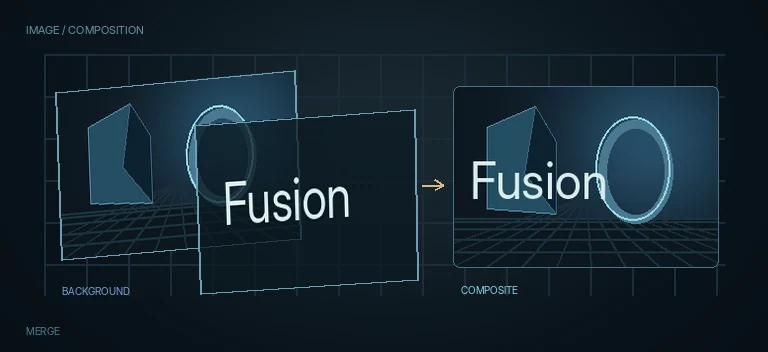
Merge
Layer compositing
Combines a foreground image with a background image and is one of the most important building blocks in Fusion.
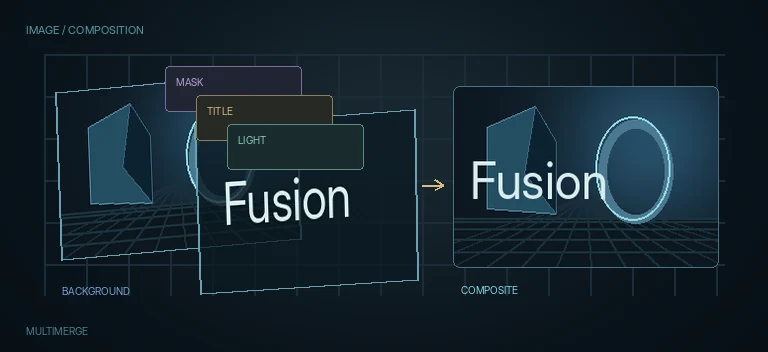
MultiMerge
Multi-layer 2D compositing
Combines many 2D layers in one node and provides per-layer ordering, transform and blend controls.
Transform
2D position, scale and rotation
Moves, scales, rotates and repositions a 2D image without changing the source node itself.
Beauty
Skin smoothing with detail and texture recovery
Smooths skin and local texture while recovering controlled detail so faces remain natural instead of becoming uniformly blurred.
CleanEdges
Edge-fill repair after transforms or keys
Repairs thin empty borders and damaged frame edges by extending nearby pixels into the missing region.
NoiseReduction
Temporal and spatial video noise reduction
Reduces image noise using temporal frame comparison, motion estimation and spatial thresholds with separate luminance/chroma controls.
RemoveNoise
Per-channel color and chroma noise cleanup
Reduces color or chroma noise with separate channel softness and detail controls, making it useful for lightweight cleanup before keys or grades.
Smear
Temporal smearing for frame-to-frame cleanup
Blends temporal information around the current frame to hide small discontinuities, jumps and artifacts using neighboring-frame analysis and luma/chroma thresholds.
Bend
Arc-based 2D deformation
Bends an image along an arc defined by three points or by a center and radius.
Drip
Procedural ripple and displacement distortion
Distorts image pixels with circular, square, random, directional, star or radial wave patterns.
Offset
Channel-driven pixel displacement
Offsets pixels horizontally and vertically using selected image channels as displacement maps.
Radial
Center-based radial image warp
Creates a radial displacement around a chosen center, stretching or compressing pixels toward or away from that point.
Shuffle
Block-based image shuffling and glitch distortion
Divides an image into a grid and moves its tiles in Slide or Swap mode to create block glitches, randomized transitions and structured digital distortion.
Spherize
Spherical and radial image deformation
Bulges or pinches imagery using spherical, horizontal, vertical or rectangular deformation models.
Warper
Point- and curve-based freeform warp
Deforms imagery interactively with points or curves, including adjustable handles, warp strength and reference-grid controls.
Waviness
Animated sine-wave distortion
Adds a simple horizontal or vertical wave deformation with controls for scale, strength, phase and speed.
Bevel
Pseudo-3D edge bevel from alpha
Builds a lit bevel around opaque edges to give text, logos, mattes and graphics a fast pseudo-3D rim.
Extrude
Fast 2D pseudo-depth from alpha
Creates a pseudo-3D extrusion behind a 2D image, text, logo or matte, with controllable depth, perspective, side color and simple lighting.
Bitmap
Image-to-mask conversion
Converts image luminance, alpha or color information into a reusable mask.
Ellipse
Elliptical mask
Creates circular and elliptical masks for vignettes, spotlights, highlights and local effects.
Polygon
Custom spline mask
Creates a custom spline mask for rotoscoping, selective effects, reveals and complex graphic shapes.
Rectangle
Rectangular mask
Creates a rectangular or rounded rectangular mask for isolating areas and shaping graphics.
Triangle
Three-point geometric mask
Creates a triangular mask from three editable points for graphic wedges, arrows, diagonal reveals and localized effects.
Blanking Fill
Automatic background fill for mismatched aspect ratios
Fills empty frame edges with a scaled, blurred or faded version of the source while keeping the main image readable.
Blinn
Classic diffuse/specular material
Creates a classic 3D surface material with diffuse color, specular highlights, transmittance, lighting/shadow response and Material ID.
CookTorrance
Roughness and Fresnel material
Creates a more physically plausible 3D material with roughness, Fresnel response, specular reflection, transmittance and Material ID.
Falloff
View-angle material falloff for Fusion 3D
Builds a material response that changes between face-on and glancing viewing angles, useful for rim shading, fresnel-style masks and stylized 3D surfaces.
Plastic
Bump-driven glossy surface
Builds a glossy plastic, lacquer, enamel or rubber-like surface from a selected bump channel, a shape remap curve and directional virtual lighting.
Shader
Material light-response controller
Controls the lighting model of a Fusion material through ambient, diffuse, specular and reflection contributions plus editable response curves.
Ward
Anisotropic specular material
Creates a 3D material with diffuse color and an anisotropic highlight controlled independently along U and V, plus lighting, shadows, transmittance and Material ID.
Blobs
Organic procedural blob generator
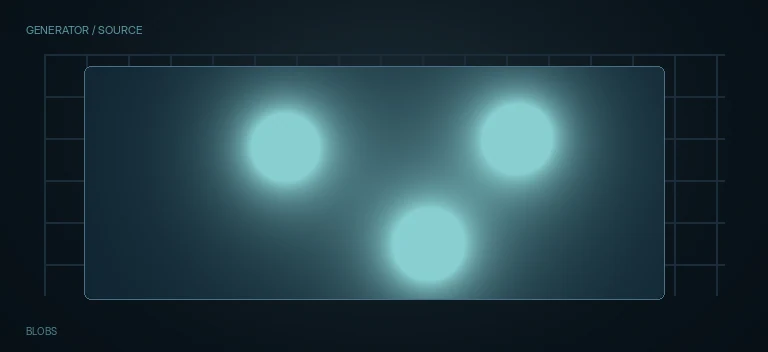
Generates soft organic blobs with controls for count, radius, blobiness, seed, color and output quality.
Noise
Procedural random generator
Generates random pixel or grid-based noise for masks, textures, transitions and technical control maps.
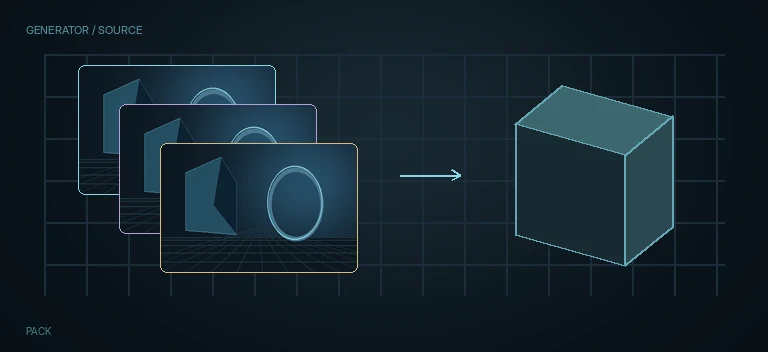
Pack
Procedural element packing
Generates and packs repeated procedural elements according to a chosen image channel, shape type, size range and randomization controls.
Blur
General-purpose softening
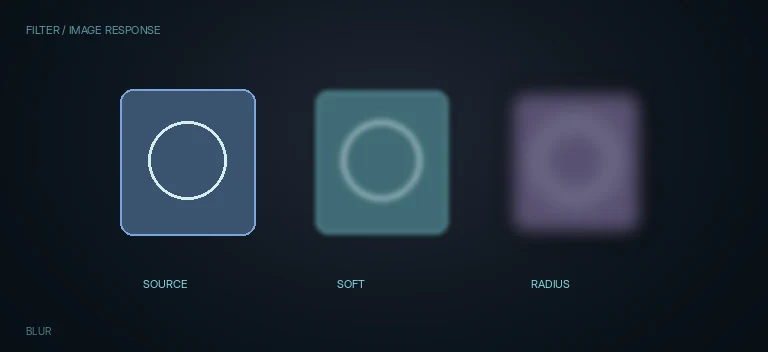
Softens image detail and edges for depth, backgrounds, masks and transition effects.
Glow
Light bloom and neon
Creates a luminous halo around bright pixels, text, lines and graphic elements.
Shadow
2D shadow generator
Builds a controllable 2D shadow from image alpha or depth with offset, softness, color, light position, Z-map support and separate shadow-only output.
BoundingBox
Automatic bounds from image channels
Finds the nonzero region of a selected image channel and produces a controllable rectangular bounding area around it.
BoxBlur
Fast rectangular averaging blur
Applies a fast box filter with optional horizontal/vertical separation, channel controls, iterations and configurable border handling.
DepthBlur
Depth-driven depth-of-field blur
Uses a Z, luminance, alpha or RGB channel as a depth map so blur strength changes according to distance from a chosen focal plane.
GaussianBlur
Smooth Gaussian image blur
Applies a smooth Gaussian blur with separate horizontal/vertical channel adjustments, border handling and mask support.
LensBlur
Aperture-shaped optical bokeh blur
Simulates lens defocus using real or creative aperture shapes, quality controls, highlight behavior and optional external aperture input.
RadialBlur
Rotational blur around a center point
Creates rotational motion blur around a configurable center with realistic/stylized modes, symmetry direction and quality controls.
TiltShiftBlur
Depth-style focus band and miniature blur
Creates a configurable in-focus band with near/far blur, lens-style iris controls and optional map-driven focus for tilt-shift and selective-focus effects.
VariBlur
Map-driven variable blur
Varies blur strength across the image from a selected channel or map, with multiple blur methods, quality, size and limit controls.
BumpMap
Bump / normal detail application
Applies bump or normal information to a material so lighting reveals fine surface detail without adding geometry.
CreateBumpMap
Height map to bump data
Converts image-based height information into bump or normal-style surface detail for 3D material shading.
Texture2D
Image texture for 3D materials
Turns a 2D image into texture data that can be used by Fusion 3D materials and mapped onto geometry.
TextureTransform
Texture-space transform
Offsets, scales and rotates texture coordinates so a surface texture can be aligned or animated without moving the geometry.
UVMap3D
3D texture-coordinate mapping
Creates or modifies UV texture coordinates so images and procedural textures map correctly across 3D geometry.
BurnAway
Burn, char and ash transition effect
Creates a directional burn-away transition with ragged edges, melt, char, glow and ash controls.
Fragments
Procedural image breakup and fragment fading
Breaks the source into controlled fragments and animates their selection, range and fade behavior.
Camera Tracker
3D camera solve from 2D footage
Analyzes 2D footage to estimate a virtual 3D camera and point cloud for integrating 3D elements into a shot.
Planar Tracker
Surface tracking and corner pin
Tracks a flat textured region and solves translation, rotation, scale and perspective for screen replacements and attached graphics.
Surface Tracker
Deforming surface tracking
Tracks non-rigid or deforming surfaces so graphics can follow skin, fabric and other changing shapes.
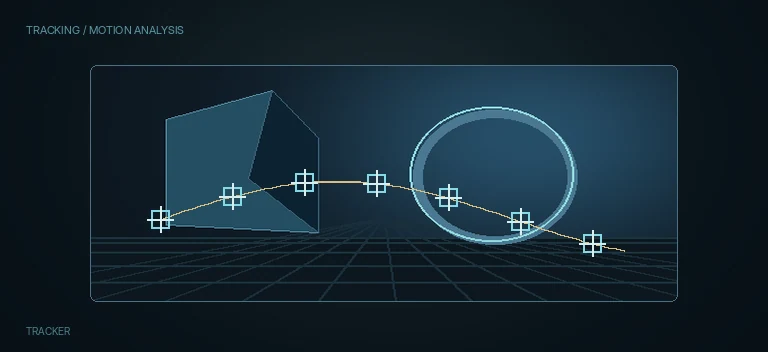
Tracker
Point tracking and match move
Tracks one or more image features and can apply the resulting motion to graphics, stabilization or masks.
Catcher
Projected-light and material catcher
Collects projected or lighting contribution in a Fusion 3D scene and can restrict the caught result by Projector ID and Material ID.
CubeMap
Cube-environment texture mapping
Converts panoramic or environment imagery into cube-map layout for 3D environments, reflections and HDRI-style workflows.
SphereMap
Spherical environment mapping
Converts an image into spherical texture mapping with angular mapping, texture depth, XYZ rotation and separate OpenGL/software filtering controls.
ChromaKeyer
Color-range keying
Builds an alpha matte from a selected chroma range and includes spill/fringe controls for green-screen, blue-screen and color isolation work.
CleanPlate
Background reconstruction for keying
Builds or prepares a clean background plate used by difference and advanced keying workflows when an unobstructed reference is needed.
Cryptomatte
EXR object and material mattes
Extracts object or material mattes from EXR renders that contain Cryptomatte metadata and ID layers.
Despill
Chroma spill cleanup
Reduces green, blue or red contamination that remains on a subject after chroma keying.
DifferenceKeyer
Key from a clean background reference
Creates a matte by comparing a foreground image to a clean or reference background and isolating the pixels that differ.
DKeyer
High-control keying and matte analysis
Offers detailed chroma/luma key controls, diagnostic views, despill and matte adjustments for demanding extraction work.
HSLKeyer
Hue, saturation and luminance isolation
Builds a matte from selected hue, saturation and luminance ranges, making it useful for secondary isolation and targeted effects.
LumaKeyer
Brightness-based keying
Builds a matte from image luminance, letting bright or dark regions become transparent or isolated without relying on hue.
MatteControl
Alpha and matte refinement
Refines, combines, cleans and reshapes alpha mattes after keying, masking or other extraction operations.
UltraKeyer
Advanced chroma-key extraction
Provides an advanced green/blue-screen keying workflow with background sampling, matte separation, spill suppression and fine edge controls.
Combiner
Combine two images into one stream layout
Combines two image inputs horizontally, vertically, as layers or with no active combination, with optional input swapping and metadata handling.
Switch
Select one active input branch
Chooses one of several connected inputs and passes only the selected source downstream.
WirelessLink
Route a source without long visible wires
Provides a wireless reference to a source branch so the same image can be reused elsewhere in a large Flow without drawing a long cable across the graph.
Connect
Procedural connector-line generator
Builds configurable lines between points with control over point count, shape behavior, replication and pen styling.
Duplicate
Procedural copies between two shape layouts
Creates many copies of an image and distributes them along configurable geometric shapes, with morphing between two layouts.
MultiText
Multi-layer text composition in one Fusion tool
Creates multiple independent text layers inside one node with per-layer typography, layout and shading plus shared output and page controls.
SegmentTransform
Transform repeated image segments
Divides an image into repeated segments and transforms the content inside each segment.
Text+
Advanced 2D typography
Creates styled 2D text with typography, shading layers, write-on animation and character-level controls.
VideoCollage
Procedural tiled video layout
Builds multi-tile video layouts with configurable rows, columns, margins, spacing, rounding and frame offsets.
Contour
Threshold-based contour line extraction
Extracts contour lines from image changes using threshold, levels, width and supersampling controls.
Coordinate Space
Rectangular / polar coordinate conversion
Converts image coordinates between rectangular and polar representations for procedural distortions and radial effects.
RelativeTransform
Transform around content-derived center
Finds a center from the image content or a selected channel and applies position, rotation or scale relative to that calculated point.
WarpedTransform
Transform plus nonlinear warp
Combines familiar 2D transform controls with an additional nonlinear Warp parameter and explicit render-quality options.
CornerPositioner
Four-corner image placement
Maps an image to four independently positioned corners for screen inserts, signs and arbitrary quadrilateral placement.
Dent
Localized bulge, dent and wave deformation
Creates a localized dent, bulge or wave-like deformation around a chosen center.
DVE
2.5D transform and perspective
Provides 2.5D translation, Z movement, pivot control and X/Y/Z rotation without building a full Fusion 3D scene.
GridWarp
Editable mesh deformation
Deforms an image with an editable source/destination grid for detailed local reshaping and match warps.
LensDistort
Lens distortion and undistortion
Distorts or undistorts an image using lens-model parameters for barrel, pincushion and more complex optical deformation.
Mirrors
Multi-axis reflection patterns
Creates up to six independent mirror axes for symmetry, rosettes, kaleidoscopic backgrounds and repeated reflection patterns.
PerspectivePositioner
Perspective plane placement
Positions an image inside a four-corner perspective plane with controls designed for perspective-aware mapping.
Ripples
Wave and concentric distortion
Creates concentric, directional or shaped ripple distortion with multiple wave profiles and optional shine.
Vortex
Spiral and whirl distortion
Twists pixels around a chosen center to create a whirlpool, spiral, portal or localized rotational distortion.
CreateReliefMap
Prepare image channels for relief mapping
Converts luminance, alpha or another image channel into a configurable relief map for material and technical texture workflows.
ReliefMap
Parallax-style relief inside a 3D material
Adds the visual impression of surface depth to a Fusion material from a relief or height map without changing the underlying mesh geometry.
Crop
Canvas and image cropping
Crops an image to a defined width and height, with controls for offset, aspect behavior and automatic crop handling.
Letterbox
Format conversion, framing and pan-and-scan
Reframes an image to a target width, height and pixel aspect using letterbox, envelope or pan-and-scan behavior.
Resize
Explicit output resolution
Resamples an image to a chosen pixel width and height using selectable filtering and aspect controls.
CustomFilter
Programmable convolution kernel
Applies a custom convolution matrix for blur, sharpen, emboss, edge and other neighborhood filters.
Extend
Propagate channel values along an axis
Extends values from a selected start position horizontally or vertically, useful for edge filling, technical mattes, clean plates and value maps.
Filter
General-purpose spatial image filter
Applies a selection of classic spatial filters including emboss, edge detection, defocus-style filtering, noise and grain through one compact node.
GrowColor
Iterative color propagation and fill
Expands nearby color values through iterative neighborhood analysis, useful for filling small gaps, extending color fields and creating organic spreading treatments.
CustomTool
Expression-driven channel processing
Provides programmable per-channel image processing through expressions, user controls, LUTs and intermediate variables.
DaySky
Procedural physical sky
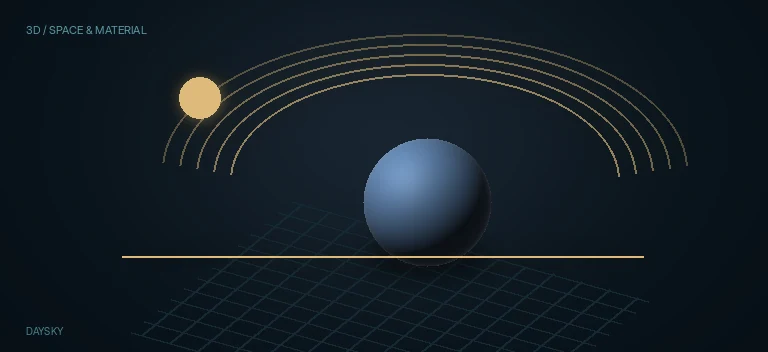
Generates a procedural daylight sky from geographic coordinates, date, time, atmospheric turbidity and tone-mapping controls.
Deband
Gradient banding reduction
Reduces visible banding in skies, shadows, haze and smooth gradients by selectively smoothing low-detail tonal steps.
DeepToImage
Deep image to standard 2D image
Converts a Deep Image back into a conventional 2D Fusion image after depth-aware compositing is complete.
DeepToPoints
Deep image to 3D point cloud
Converts depth samples from a Deep Image into a renderable 3D point cloud inside Fusion.
dHoldout
Depth-aware occlusion / holdout
Removes or occludes Deep samples according to the depth of another Deep stream, producing physically meaningful holdouts.
dMerge
Depth-aware Deep merge
Merges Deep images while preserving per-pixel depth samples and correct spatial occlusion.
dRecolor
Color correction inside a Deep image stream
Adjusts color and alpha inside a Deep image stream while preserving the per-pixel depth structure for downstream Deep compositing.
dResize
Resize Deep image dimensions
Changes the image dimensions of a Deep stream while preserving its depth-aware sample structure.
dTransform
Transform Deep image and Z depth
Transforms a Deep image in 2D while also allowing its depth values to be scaled or shifted along Z.
ImageToDeep
Assign depth to a 2D image
Converts a conventional image into a Deep Image by assigning or sampling a Z-depth value.
Defocus
Lens-style blur and bloom
Creates lens-like defocus with configurable blur size, bloom and aperture shape for more photographic softening than a basic blur.
Sharpen
Multi-scale detail enhancement
Enhances edge and texture detail with controls for fine, medium and large detail scales and optional chroma sharpening.
Dehaze
Atmospheric haze reduction
Reduces atmospheric haze and washed-out contrast while restoring separation between foreground and distant detail.
DepthMap
Generate or process depth information
Produces depth information that can drive depth-aware effects, compositing and spatial isolation workflows.
Disparity
Stereo disparity estimation
Calculates stereo disparity between left and right views for depth reconstruction, stereo alignment and disparity-driven processing.
DisparityToZ
Convert disparity into Z depth
Converts stereo disparity into Z-depth data using camera information and optional refinement controls.
ZToDisparity
Convert Z depth into stereo disparity
Converts Z-depth data into stereo disparity using camera settings, enabling stereo reconstruction or disparity-domain processing from depth information.
DirectionalBlur
Linear, radial and zoom-style blur
Creates directional blur in linear, radial, centered or zoom modes for speed, streaks and transition effects.
FilmGrain
Film-style grain and texture
Adds configurable film-style grain using stock presets, blend modes, grain size, strength and tonal controls.
PrismBlur
Optical blur with chromatic separation
Combines soft blur, chromatic aberration and vignette-like optical falloff for a prism or imperfect-lens look.
SoftenAndSharpen
Multi-scale texture control
Adjusts fine, medium and large image texture separately so an image can be softened or sharpened by spatial scale.
ZoomBlur
Center-based zoom streaks
Creates radial streaking from a chosen center to simulate a rapid camera zoom, impact burst or light tunnel.
DirectionalScale
Axis-oriented stretch and compression
Scales an image along a freely rotated axis instead of only horizontal and vertical screen axes.
Mirror
Line-based image reflection
Reflects an image across one or two user-defined lines for symmetric layouts and mirrored transitions.
PictureInPicture
Single-node inset video layout
Builds an inset picture with position, scale, rounding, fill, border and shadow controls in one node.
Positioner
One-to-four-point image placement
Maps source control points to destination points using one-, two-, three- or four-point positioning.
Push
Simple pixel translation
Moves an image horizontally and vertically with a minimal two-control interface.
Scale
Canvas-preserving image scaling
Changes image size inside the existing canvas without changing the output resolution.
Shear
Axis-based image skew
Skews an image along a configurable axis with controls for pivot, angle and along-axis scale.
Stretch
Line-to-line directional deformation
Stretches or compresses an image by mapping a source line to a destination line.
Displace
Distortion from image detail
Distorts an image using luminance or color-channel information to push pixels and create heat, liquid, glitch or organic motion.
Dissolve
Transition between two images
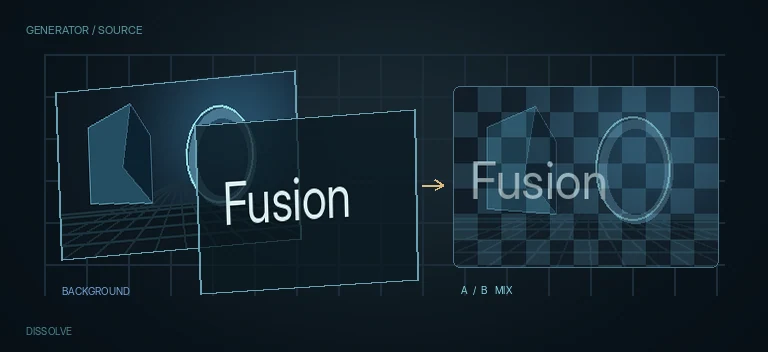
Blends or transitions between two image inputs and includes several dissolve and wipe-style operations.
DropShadow
2D shadow generation
Creates a configurable offset, blurred and colored shadow behind an image or graphic while respecting its alpha.
EdgeDetect
Image edge extraction and contour pass
Extracts image contours into a controllable edge pass that can be used for stylization, masks, glow, relief and technical preprocessing.
Emboss
Directional relief and raised-edge effect
Creates an embossed or engraved relief by converting image detail into directional highlights and shadows.
MosaicBlur
Geometric pixelation and mosaic blur
Turns the image into square, hexagonal or triangular mosaic cells with frequency, offset, aspect and anti-alias controls.
ErodeDilate
Grow or shrink mattes
Expands or contracts selected image channels, most commonly the alpha channel of a key or mask.
SoftClip
Soft matte range limiting
Softly limits the opaque and transparent ranges of a mask or alpha channel to create a controlled falloff.
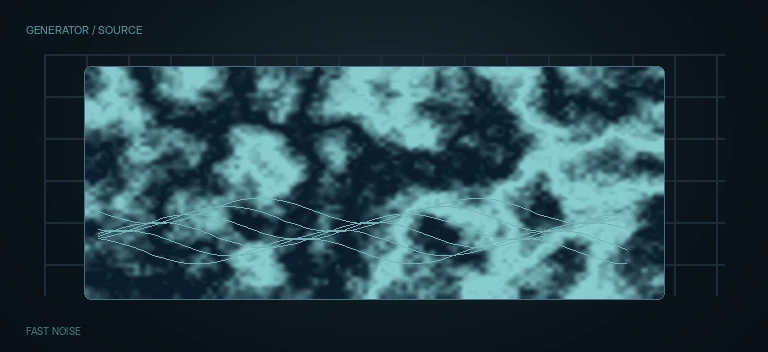
Fast Noise
Procedural noise and texture
Generates procedural noise for smoke, clouds, texture, distortion maps and animated backgrounds.
Gradient
Procedural color and alpha gradient
Generates linear, reflected, square, cross or radial gradients for backgrounds, masks, blend maps and motion-graphics control passes.
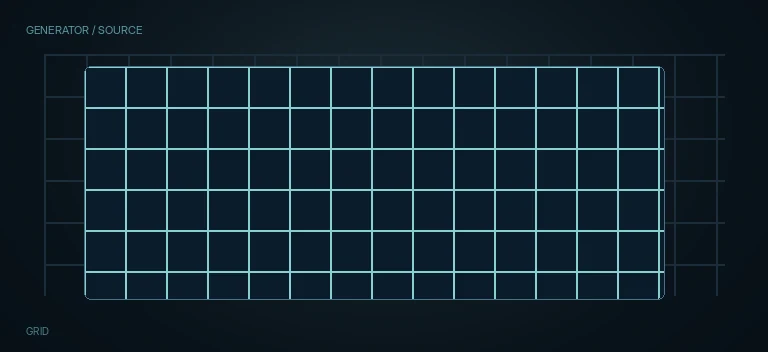
Grid
Procedural line grid generator
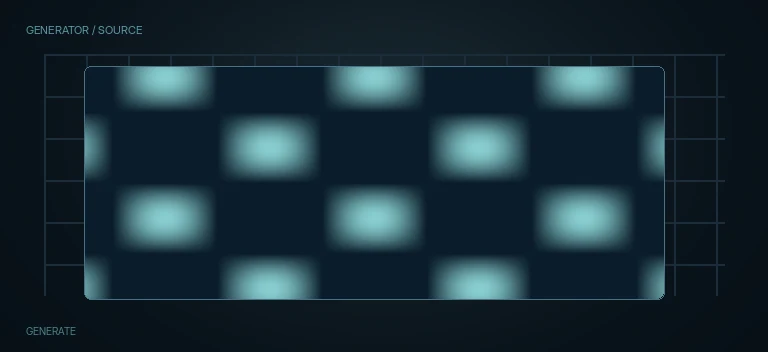
Creates a procedural row-and-column grid with independent cell counts, major lines, color, thickness and plane transforms.
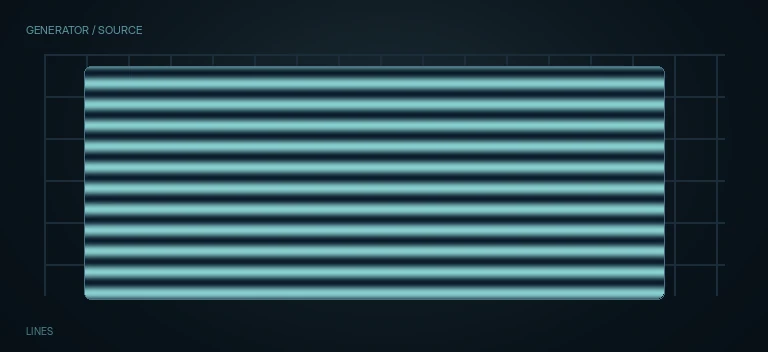
Lines
Procedural line-set generator
Generates one or more line sets with animated start/end states, spacing, thickness, dashes, softness, color and overlap controls.
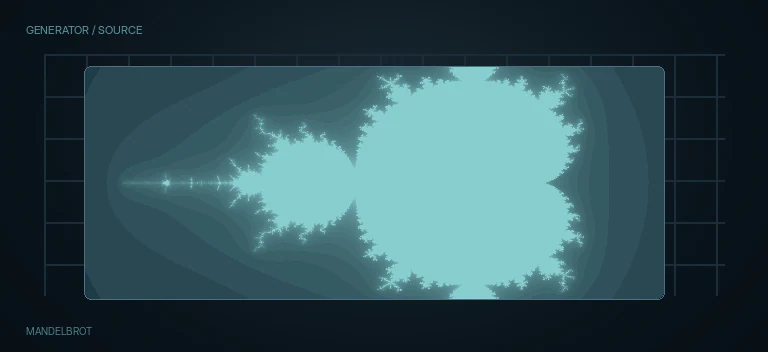
Mandelbrot
Procedural fractal generator
Generates the Mandelbrot fractal with position, zoom, iteration, escape, rotation and gradient-color controls.
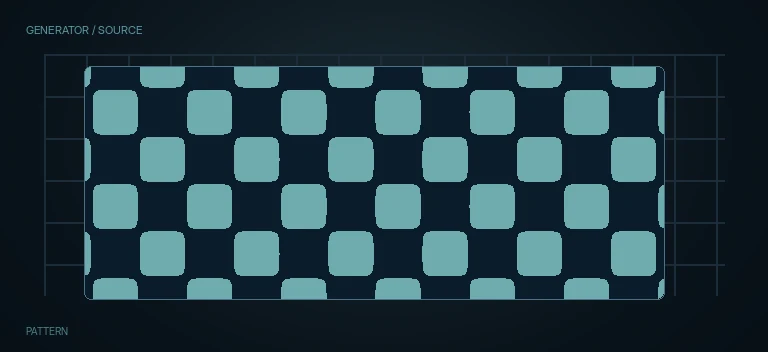
Pattern
Repeating geometric pattern generator
Generates repeating grids, triangles or honeycomb structures with control over size, rotation, thickness, colors, fill and repetition.
Plasma
Procedural wave and color-field generator
Builds animated plasma-like textures from multiple circular wave sources and per-channel phase controls.
Rasterize
Procedural halftone and cell raster generator
Builds a grid of circles, squares, diamonds or custom shapes and can vary their size, position, angle, color and sampling from an image.
FastNoiseTexture
Procedural 2D/3D material noise
Generates procedural 2D or 3D fractal noise for material color, roughness, masks and bump-related texture workflows.
Texture
UV coordinate adjustment
Adjusts how a texture is read through UV coordinates with flip, swap, rotation, scale and offset controls.
FBXExporter
3D scene exporter
Exports Fusion 3D scenes and animation to FBX and several interchange formats for handoff to external DCC, CAD or motion-capture pipelines.
MappedDuplicate3D
Map-driven 3D duplication
Builds X/Y/Z arrays of 3D duplicates and drives timing, probability, offset, rotation and scale from image maps.
Fields
Interlaced-field processing
Processes interlaced video by stripping fields, interpolating missing lines, deinterlacing, interlacing or correcting field dominance.
FilmLookCreator
Integrated film-emulation look pipeline
Combines film-style color response and image effects into a single configurable look-building node with presets, color-space handling and separate color/effects blending.
Fog
Z-depth atmospheric fog
Applies colored fog according to Z-depth so distant regions can fade progressively into an atmospheric color.
Generate
Procedural coordinate and control-map generator
Builds procedural maps from pixel position or RG-as-UV values, with iterative detail, time, scale and auxiliary control-map inputs.
GlobalAlign
Global stereo pair alignment
Aligns left and right stereo views using translation and rotation to reduce global vertical or rotational mismatch.
Grain
Procedural image grain
Adds procedural grain with direct control over strength, size, softness, spacing, aspect and per-channel variation.
Seamless
Tileable edge blending for textures
Prepares an image for seamless repetition by blending opposite edges so tiled copies do not reveal an obvious seam.
Grow
Seed-based procedural region growth
Grows regions outward from one or more seed points according to a selected image channel and value range.
Halation
Film-style highlight glow
Creates reddish-orange film halation around strong highlights by simulating light spreading through the film emulsion and backing layers.
Highlight
Highlight-range light extraction
Selects a narrow brightness/color range and turns it into a controllable highlight treatment with adjustable curve, extent, direction and color scale.
LightRays
Volumetric-looking 2D light rays
Generates directional light rays from bright regions or edges with control over source threshold, direction, length, falloff, color and atmospheric breakup.
LightTrim
Light-pass intensity trimming
Trims or attenuates the light contribution of an image with a compact global or per-channel control.
Rays
Radial light streaks from image highlights
Creates radial light rays from bright image regions around a user-defined center.
InvertColor
Per-channel color inversion
Inverts selected Red, Green, Blue and optionally Alpha channels independently.
SplitTone
Shadow and highlight toning
Applies separate artistic toning to shadows and highlights with natural, strong or custom modes plus color-space overrides.
LayerMuxer
Combine auxiliary layer sets
Combines layer or auxiliary-channel sets from two image streams and controls which source wins when both contain the same layer.
LayerRegex
Rename, keep or remove layers by pattern
Uses regular expressions to transform, keep or remove layer names so complex layer structures can be normalized automatically.
LayerRemover
Strip auxiliary image layers
Removes additional Fusion layers or auxiliary layer sets from an image stream so downstream processing receives a simpler structure.
Swizzler
Layer and channel routing patch panel
Routes selected channel sets from chosen inputs and source layers into new output layers, making complex multilayer or auxiliary-channel rearrangement manageable in one node.
LensDistortion
Radial lens distortion
Adds or compensates simple radial barrel/pincushion distortion with channel splitting, center adjustment and configurable edge handling.
LensReflections
Internal lens reflection simulation
Builds complex internal lens reflections with configurable source regions, optical-path elements, coatings, blur, anamorphism and per-reflection controls.
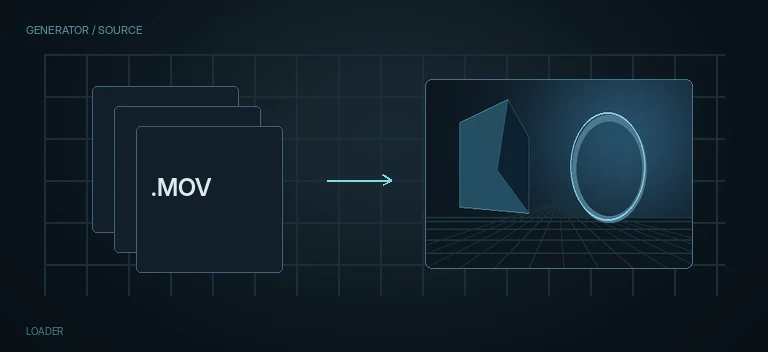
Loader
File and image-sequence input
Loads external files, image sequences and clips directly into a Fusion composition with control over timing, alpha, fields and source interpretation.
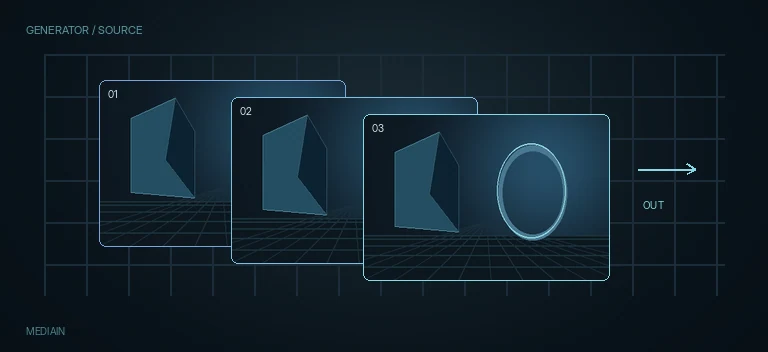
MediaIn
Resolve timeline source
Brings the source image from DaVinci Resolve into the Fusion node graph and controls how that source is interpreted.
MediaOut
Return the Fusion result to Resolve
Returns the final Fusion image back to DaVinci Resolve and is normally the last node in a timeline-based composition.
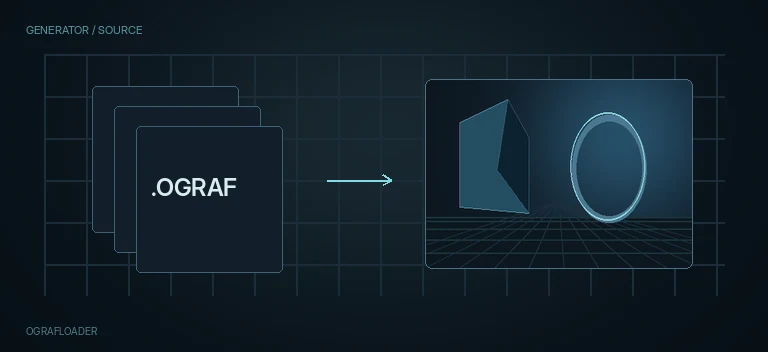
OGrafLoader
Loader for reusable OGraf graphics templates
Loads an external OGraf template into a Fusion composition and provides a reloadable bridge to reusable titles, motion graphics and packaged graphic presets.
Saver
Direct file and image-sequence output
Writes a Fusion image stream to disk with control over file format, channels, compression, alpha and output color interpretation.
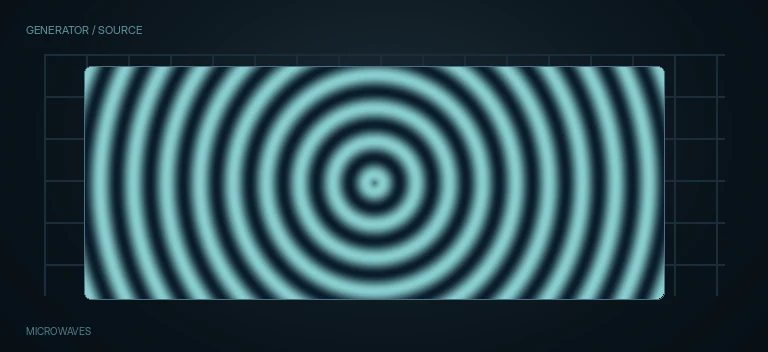
Microwaves
Concentric and axial wave stylization
Creates repeating square, round or axial wave structures around a chosen center and blends them with the source.
MotionTrails
Temporal echo and transformed trails
Builds a trail from previous image states and can pan, zoom or rotate the trail over time.
NewEye
Synthesize a new stereo eye view
Reprojects stereo imagery to synthesize a new left or right eye position using depth/disparity information and configurable warp direction.
OpticalFlow
Motion-vector analysis between frames
Analyzes pixel movement over time and generates motion-vector information for retiming, interpolation, vector blur and deformation workflows.
SmoothMotion
Motion-vector temporal smoothing
Smooths temporal motion using vector information and optional auxiliary channels such as depth, normals, world position and disparity.
VectorDistortion
Displace image with X/Y vector channels
Distorts an image using selected channels as horizontal and vertical displacement vectors.
VectorTransform
Transform vector and UV fields
Adjusts vector/UV data itself by smoothing, attenuating, rotating, scaling or repositioning the field before downstream vector effects use it.
VectorVisualization
Visualize motion-vector fields
Converts hidden vector/UV data into visible grids or line segments so direction, magnitude and field quality can be inspected.
VectorWarp
Generate, apply or reverse vector warps
Builds and applies deformation maps from motion-vector or UV data, and can also reverse an existing warp.
Paint
Rotoscope paint and cleanup
Creates vector paint strokes for cleanup, cloning, retouching, reveals and hand-drawn effects.
Worm
Organic paint stroke and mask generator
Creates an organic drawable stroke with controllable curve, RGBA color, opacity, thickness, thickness bias, joins and end caps for masks and motion graphics.
pAvoid
Particle obstacle avoidance
Steers particles around a chosen region so the region behaves like an invisible obstacle or exclusion zone.
pBounce
Particle collision and rebound
Makes particles collide with a defined region and rebound with configurable elasticity, roughness, spin and surface motion.
pChangeStyle
Restyle existing particles
Changes the appearance of particles after emission, including style, blend mode, color, opacity, color variation and life-based fading.
pCustom
Expression-driven particle properties
Directly rewrites particle position, velocity, rotation, spin and other properties through custom expressions and reusable inputs.
pCustomForce
Expression-driven particle forces
Calculates custom particle force and torque using expressions, numeric inputs and position controls.
pDirectionalForce
Push particles in one direction
Applies a constant directional force to particles, useful for wind, gravity-like drift, sparks and directed motion.
pEmitter
Generate a particle stream
Creates procedural particles for sparks, dust, snow, smoke, debris and other particle-based effects.
pFlock
Boids-style flock behavior
Creates flocking behavior with follow, attraction, repulsion and spacing controls so particles move like a coordinated group.
pFollow
Spring-based particle following
Pulls particles toward a target position with Spring and Damping controls for smooth, delayed following motion.
pFriction
Damp particle velocity and spin
Gradually reduces particle movement and rotation, simulating drag, air resistance or a thicker medium.
pGradientForce
Drive particles along a gradient
Pushes particles according to a gradient field with adjustable strength and the standard probability, age, set and region conditions.
pImageEmitter
Emit particles from an image
Generates particles from the pixels, alpha, color and spatial structure of an input image.
pKill
Remove particles conditionally
Deletes particles from a stream according to probability, age, particle sets and spatial region conditions.
pMerge
Combine particle streams
Combines two or more particle streams into a single particle system for shared forces, filtering or rendering.
pPointForce
Point attraction / repulsion force
Pulls particles toward or pushes them away from a point, creating attraction, explosion and localized force-field motion.
pRender
Render particles to an image
Converts a particle stream into a visible 2D/3D image that can be composited with the rest of the Fusion graph.
pSpawn
Emit particles from particles
Creates secondary particles from existing parent particles, enabling sparks, trails, fragmentation and cascading particle systems.
pTangentForce
Tangential particle force
Adds tangential acceleration so particles can slide, orbit and curl around regions instead of moving only toward or away from them.
pTurbulence
Add noisy particle motion
Adds procedural, chaotic motion to particles so streams feel like wind, smoke, dust or fluid turbulence instead of rigid trajectories.
pVortex
Swirl particles around an axis
Creates a vortex field that pulls particle motion into circular or spiral trajectories around a configurable center and axis.
PlanarTransform
Apply PlanarTracker motion
Applies planar tracking data to a new image or graphic, including translation, rotation, scale and perspective deformation of the tracked surface.
Reflect
Reflection and refraction material control
Controls reflective and refractive response for Fusion materials, including face-on/glancing strength and refractive index.
Relight
Image relighting from a surface map
Relights a 2D image from an internal or supplied surface/normal map using directional, point, cone or spot light models.
RunCommand
Trigger external commands from Fusion
Runs external commands or scripts at start, end or per-frame processing stages and can pass numeric or string parameters into the command.
sBoolean
Boolean operations for Shape paths
Combines Shape paths with union, subtract, intersect and related Boolean operations before they are rasterized.
sBSpline
Smooth procedural Shape path
Creates a smooth B-Spline path inside the vector Shape system for procedural graphics, mattes and motion design.
sChangeStyle
Restyle Shape data without changing geometry
Overrides color, alpha and opacity of an existing Shape stream while leaving its geometry and animation intact.
sDuplicate
Procedural duplication inside the Shape pipeline
Creates repeated copies of a Shape element with per-copy transforms, timing offsets, probability and optional jitter while keeping the result as vector Shape data.
sEllipse
Procedural ellipse Shape
Generates an ellipse or circle as vector Shape geometry for procedural graphics and resolution-independent design.
sExpand
Expand or contract Shape geometry
Offsets vector Shape boundaries outward or inward, useful for borders, padding, matte growth and procedural shape design.
sGrid
Procedural vector grid generator
Generates a regular vector grid inside Fusion's Shape pipeline with controllable cell counts and offsets.
Shapes
Procedural Shape generator
Generates procedural vector Shape content that can be transformed, combined and rendered inside Fusion's Shape workflow.
sJitter
Controlled randomness for Shape geometry
Adds controlled random variation to Shape position, scale, rotation and individual points without rasterizing the Shape stream.
sMerge
Combine multiple Shape streams
Combines multiple vector Shape branches into one Shape stream for further processing or a single sRender.
sNGon
Parametric polygon Shape generator
Creates a regular vector polygon with a controllable number of sides, size, rotation, fill, border and style.
sOutline
Vector outline generation
Converts or styles Shape paths as outlines, creating controllable vector strokes before rasterization.
sPolygon
Polygonal Shape path
Creates a point-based polygon path in Fusion's vector Shape system for custom hard-edged and mixed-contour graphics.
sRectangle
Procedural rectangle Shape
Generates a rectangle as vector Shape geometry for panels, frames, masks and procedural motion graphics.
sRender
Rasterize Shape streams
Converts Fusion Shape geometry into a standard raster image so it can be composited, blurred, glowed, graded or delivered.
sStar
Parametric star Shape generator
Generates a vector star with controllable point count, inner depth, dimensions, rotation, fill and border styling.
sText
Vector text inside the Shape pipeline
Creates editable vector text as Shape data so typography can participate in Shape transforms, styling, merging and boolean workflows before rasterization.
sTransform
Transform live Shape geometry
Moves, scales, rotates and repivots Shape geometry before rasterization, preserving the procedural vector workflow.
SetMetadata
Write custom image metadata
Adds or replaces a metadata field on an image stream without changing its pixels.
SharpenEdges
Edge-selective sharpening
Sharpens detected edges while providing controls for edge threshold, mask strength, pre-denoise and edge blur so flat areas can remain cleaner.
UnsharpMask
Classic local-contrast sharpening
Sharpens by comparing the image with a blurred version and boosting local contrast around edges, with channel, size, gain and threshold controls.
SoftGlow
Thresholded soft highlight glow
Builds a soft glow from selected bright regions with threshold, gain, blur size, clipping and per-channel color scaling.
TexturePop
Local texture and micro-contrast enhancement
Enhances local texture and micro-contrast with control over detail scale, tonal ranges and diagnostic output modes.
Threshold
Hard or soft channel thresholding
Converts a selected channel into thresholded regions with independent threshold, softness, repeat and inversion controls.
Tween
Optical-flow interpolation between two images
Synthesizes an intermediate frame between two images using interpolation, depth ordering and optical-flow warping.
uCamera
USD camera and film-back control
Creates or configures a USD camera with projection, clipping, exposure, focus, film back, lens shift, transform and stage-export controls.
uCatcher
USD catcher surface
Creates a USD catcher element for accumulating color and alpha contributions such as shadows, projections, reflections or technical masks.
uCylinderLight
Cylinder USD light
Adds a cylinder light source to a USD scene with color, exposure, response, falloff, shadow and transform controls.
uDiskLight
Disk USD light
Adds a disk light source to a USD scene with color, exposure, response, falloff, shadow and transform controls.
uDistantLight
Distant USD light
Adds a distant light source to a USD scene with color, exposure, response, falloff, shadow and transform controls.
uDomeLight
Environment USD light
Lights a USD scene from an environment texture or uniform dome source with exposure, response and texture-mapping controls.
uDuplicate
USD duplication and instancing
Creates repeated USD prims with copy ranges, probability, time offsets, transform accumulation, jitter and optional USD instancing.
uExport
USD stage exporter
Writes the current USD stage to a .usd file for interchange, caching, handoff or inspection outside the active Fusion composition.
uImagePlane
Image card in a USD scene
Creates a USD image plane from an external image with size, transform and separate-stage export controls.
uLoader
USD stage loader
Loads an external USD stage into Fusion with trim, time-scale, hold, reverse, loop, reload and separate-stage export controls.
uMaterial
External USD/MaterialX material loader
Loads an external USD or MaterialX material description into the USD graph and can package it as a separate stage layer.
uMerge
USD stage assembly
Combines multiple USD stage branches into one scene and provides transform controls for positioning the merged result.
uNormalMap
USD normal-map modifier
Adds or adjusts normal-map interpretation for USD materials with normal-space, strength and transform controls.
uProjector
USD texture projector
Projects an image or light-like texture through the USD scene with projection mode, fit, ID, intensity, shaping and transform controls.
uRectangleLight
Rectangle USD light
Adds a rectangle light source to a USD scene with color, exposure, response, falloff, shadow and transform controls.
uRenderer
USD stage renderer and AOV output
Renders a USD stage into a 2D image or AOV layers with camera, renderer backend, lighting, complexity, render-purpose, auxiliary-channel and color-management controls.
uReplaceMaterial
USD material override
Overrides the material properties of selected USD prims without rebuilding the entire upstream stage.
uShader
USD PBR shader builder
Builds or overrides a USD/MaterialX-style shader with diffuse/emissive color, workflow mode, metallic, roughness, clearcoat and opacity controls.
uShape
Procedural USD primitive generator
Creates procedural USD primitives such as capsules, cones, cubes, cylinders, planes, spheres and torus shapes with subdivision, material and transform controls.
uSphereLight
Sphere USD light
Adds a sphere light source to a USD scene with color, exposure, response, falloff, shadow and transform controls.
uSwitch
USD branch switcher
Selects one of several USD stage inputs by source index, making scene variants and branch comparisons easy to manage.
uTexture
USD texture resource loader
Loads an external texture into the USD graph with source color space, fallback color, UV address modes and texture filtering controls.
uTextureTransform
USD texture-coordinate transform
Offsets, rotates and scales texture coordinates for USD materials without modifying the source texture file.
uTransform
USD prim transform
Applies translation, rotation, pivot and scale to selected USD prims, with prim-selection filtering and optional separate-stage export.
uVariant
USD variant selector
Selects a USD Variant Set and Variant on targeted prims, with optional transforms and separate-stage export for non-destructive scene alternatives.
uVisibility
USD prim visibility override
Shows or hides selected USD prims without deleting them, with inverted selection and separate-stage export for reversible scene control.
uVolume
USD volumetric field loader
Loads volumetric data into a USD scene with playback, density, emission, raymarching and transform controls.
VectorDenoise
Motion-vector field cleanup
Smooths noisy motion-vector or auxiliary vector data before temporal interpolation, motion blur and other vector-driven effects.
Vignette
Edge darkening and focus control
Darkens, colors or softly shapes the frame edges to direct attention without manually building an Ellipse, Blur and color-correction branch.
VolumeFog
Procedural volumetric fog in 3D
Creates procedural volumetric fog, smoke or illuminated atmosphere inside a Fusion 3D scene with shape, noise, density, lighting and scattering controls.
VolumeMask
3D volume masking
Limits volumetric 3D effects inside a spatial region, letting fog, density or other volume processing exist only where the scene needs it.
ZToWorldPos
Depth / world-position converter
Converts Z-depth into world-position data or reconstructs Z-depth from a World Position pass relative to a selected camera.