01 / START
Start with a scene
Prepared templates for titles, charts and presentation inserts. Use the scene as a starting point rather than drawing every element again.
Template → your content
OUR TECHNOLOGY / MOTION GRAPHICS
Give your ideas
a sense of motion.
Titles, infographics, charts and 3D scenes. Build the composition in a web interface, check the animation and render a video for your edit.
Scene & content
Motion & timing
Video for the edit
Change the title, choose a scene and scrub the timeline. The illustration responds to your settings.
An interactive website illustration, not the Motion Engine editor. No AI calls or video export here. Controls affect this preview only.
01 / THE VISUAL TOOLKIT
A reusable visual layer for your videos. Start from a template, work with the content and keep control over the result.
Prepared templates for titles, charts and presentation inserts. Use the scene as a starting point rather than drawing every element again.
Lines, bars, diagrams, labels and callouts. Build visual explanations for analytical, educational and presentation videos.
Three.js-based scenes with text, objects, cameras and light. The examples below show how the engine has been used for spatial compositions.
Template selection, scene input, parameters, preview and render controls share a web interface. Check the motion before rendering a full video.
Render the scene to video for your editing workflow. Container, codec and transparency settings must be checked in the downloaded build.
Update scene content, check the preview and render another version. Reuse the composition instead of treating each insert as a new project.
02 / HOW IT WORKS
The route from a template to a video file. Select a stage to see its role and what to check before moving on.
01 / DESCRIPTION
Start with a template or scene code. Set the content and animation logic. HTML, Canvas and JavaScript describe the visual result; AI assistance with code is optional, not a mandatory stage.
02 / TIME / MOTION
Preview the scene. Check the entrance, reading time, pace and exit. A pleasing still frame does not tell you whether the animation works over time.
03 / FRAME / OUTPUT
Set the output parameters and render. Confirm the available export format and any transparency requirements in the build you are using, rather than assuming every container preserves alpha.
04 / EDIT / DELIVERY
Bring the rendered video into the edit. Check playback and any transparent edges in the target editor. This is a file-based workflow, not a claim of direct timeline integration.
03 / FROM THE ACTUAL ENGINE
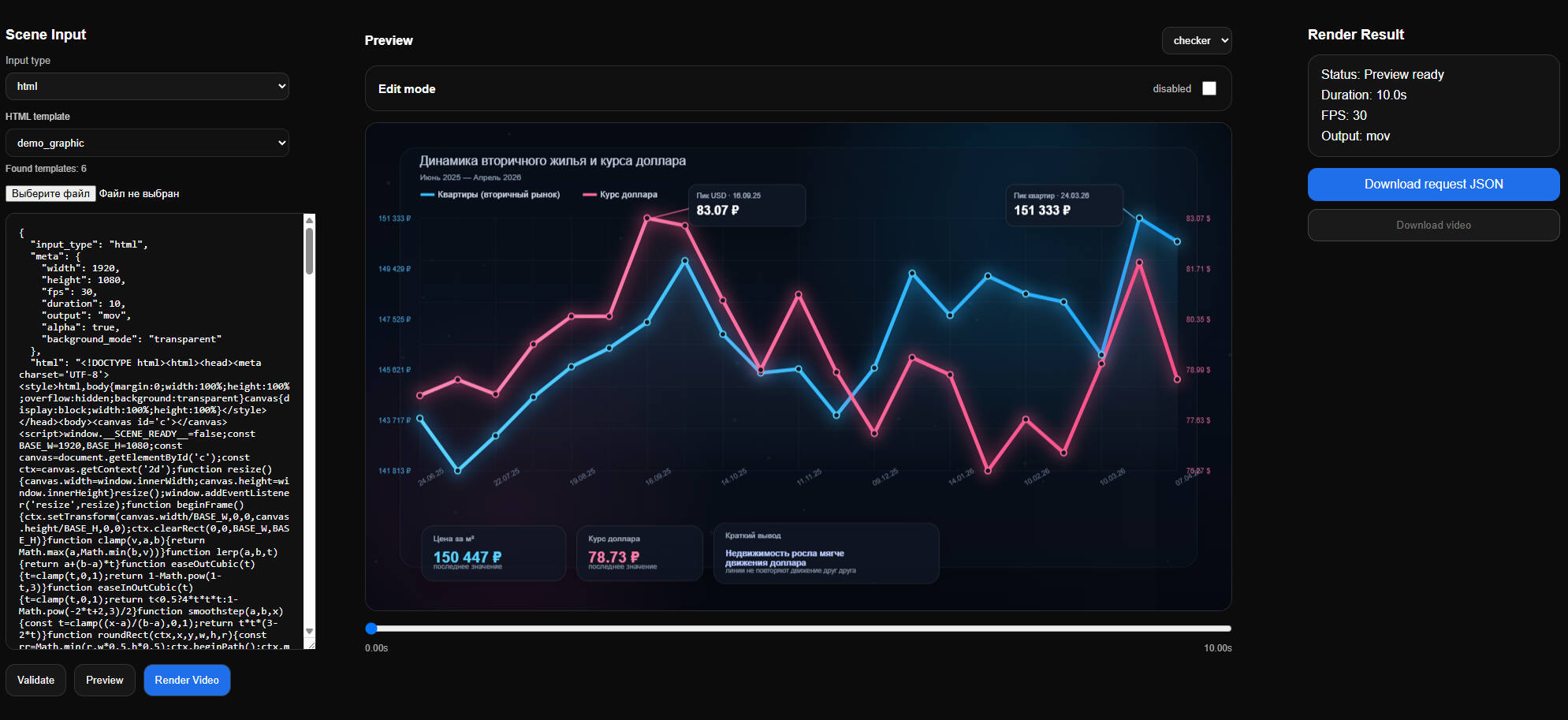
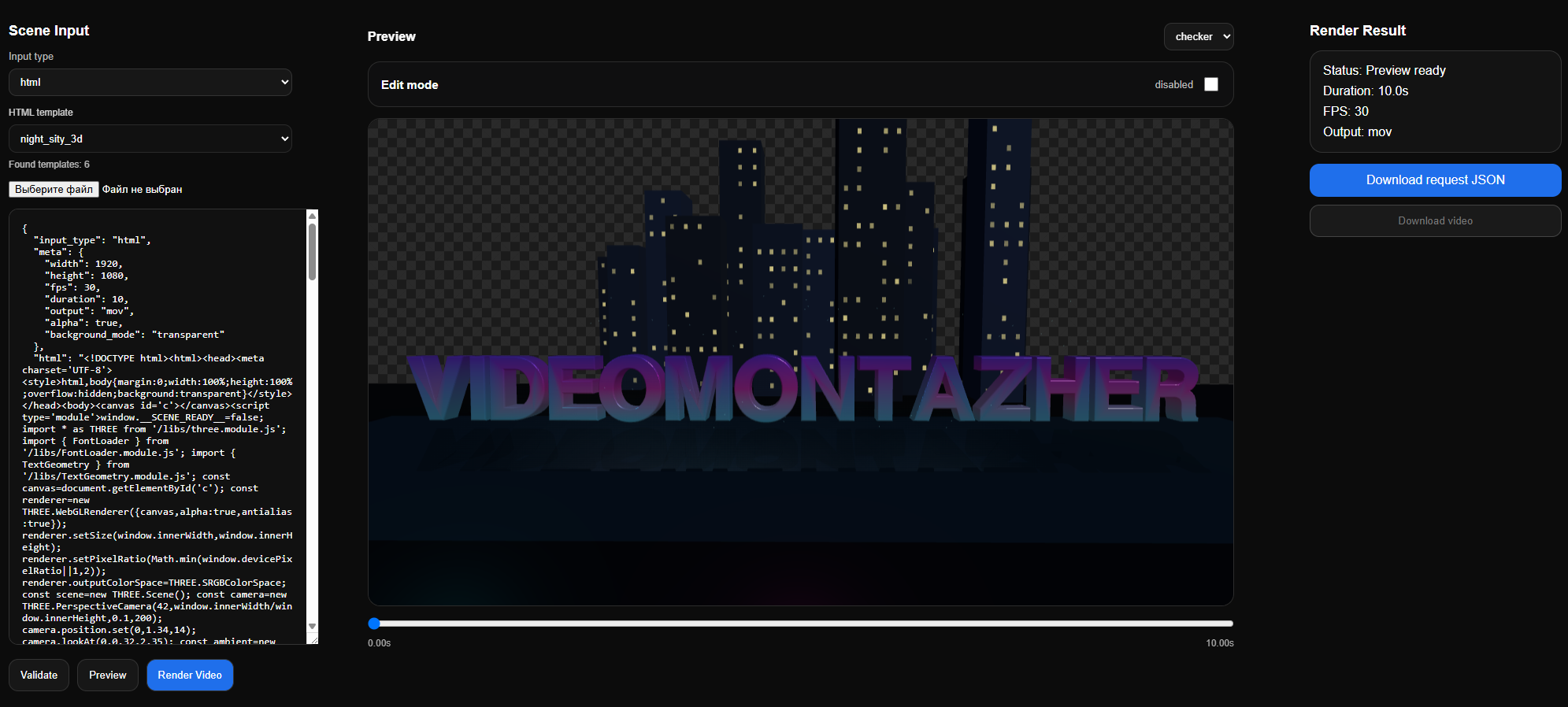
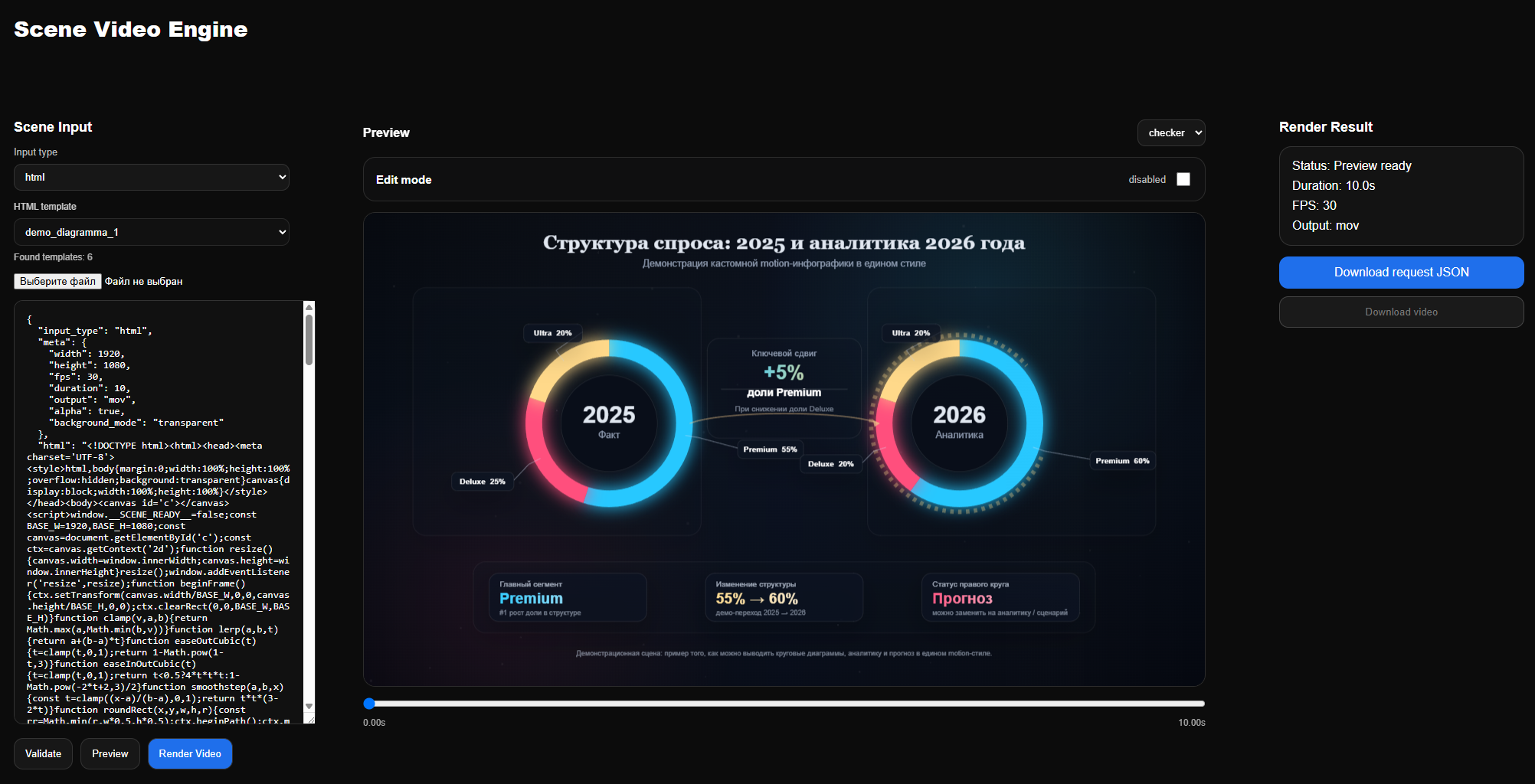
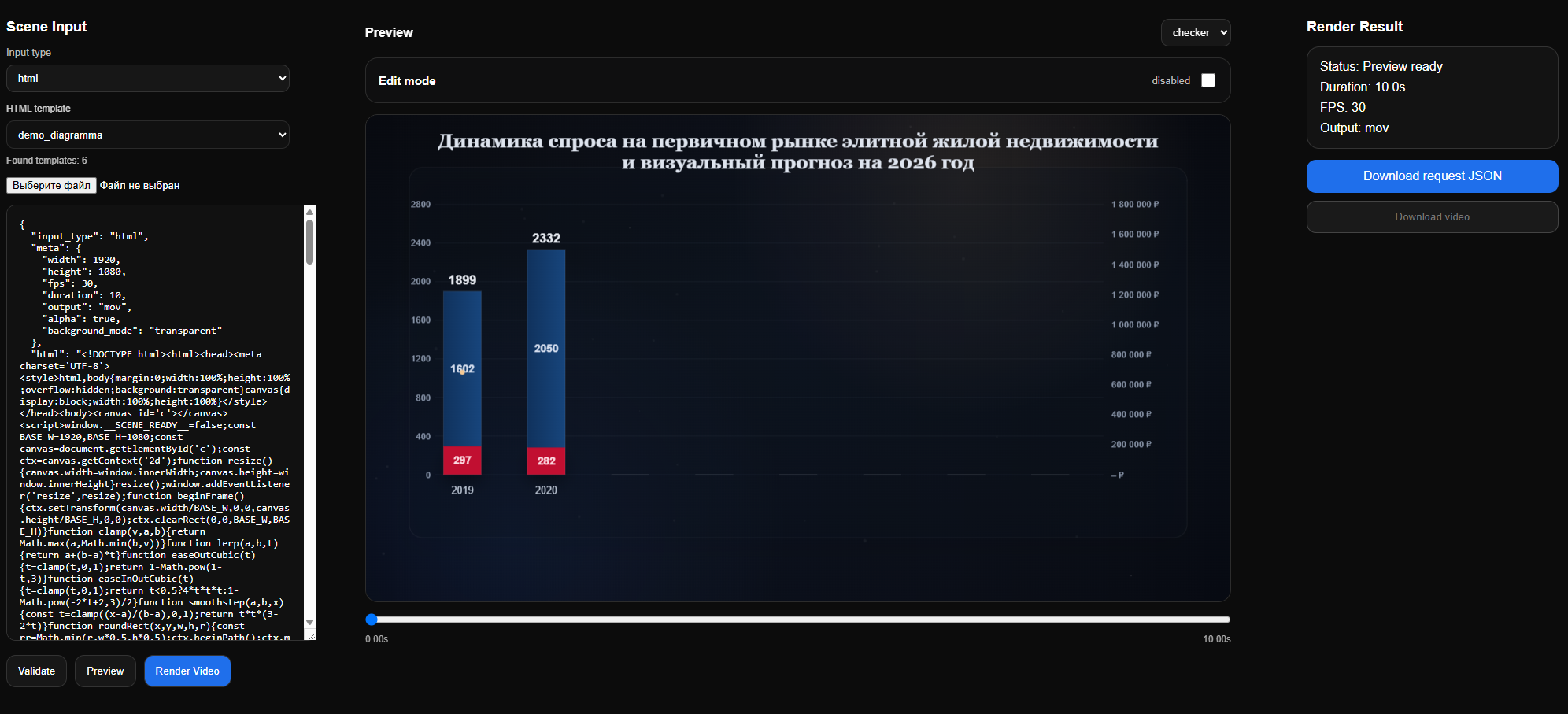
Original screenshots from the published version. Open any image at full size to inspect the interface, scene input and result.
 View original
 Lines, labels, highlighted points and conclusion cards in a real engine scene.
 View original
 A spatial composition with text, geometry and a camera, built with Three.js.
 View original
 Ring charts, period comparisons and visual explanations in a consistent scene.
 View original
 Bar charts and explanatory inserts for presentations and edited videos.
04 / PRODUCT WALKTHROUGH
The review walks through the interface, template selection, scene preview and rendering. It opens on Rutube; the video is in Russian.
Watch on Rutube No embedded player or autoplay on this page.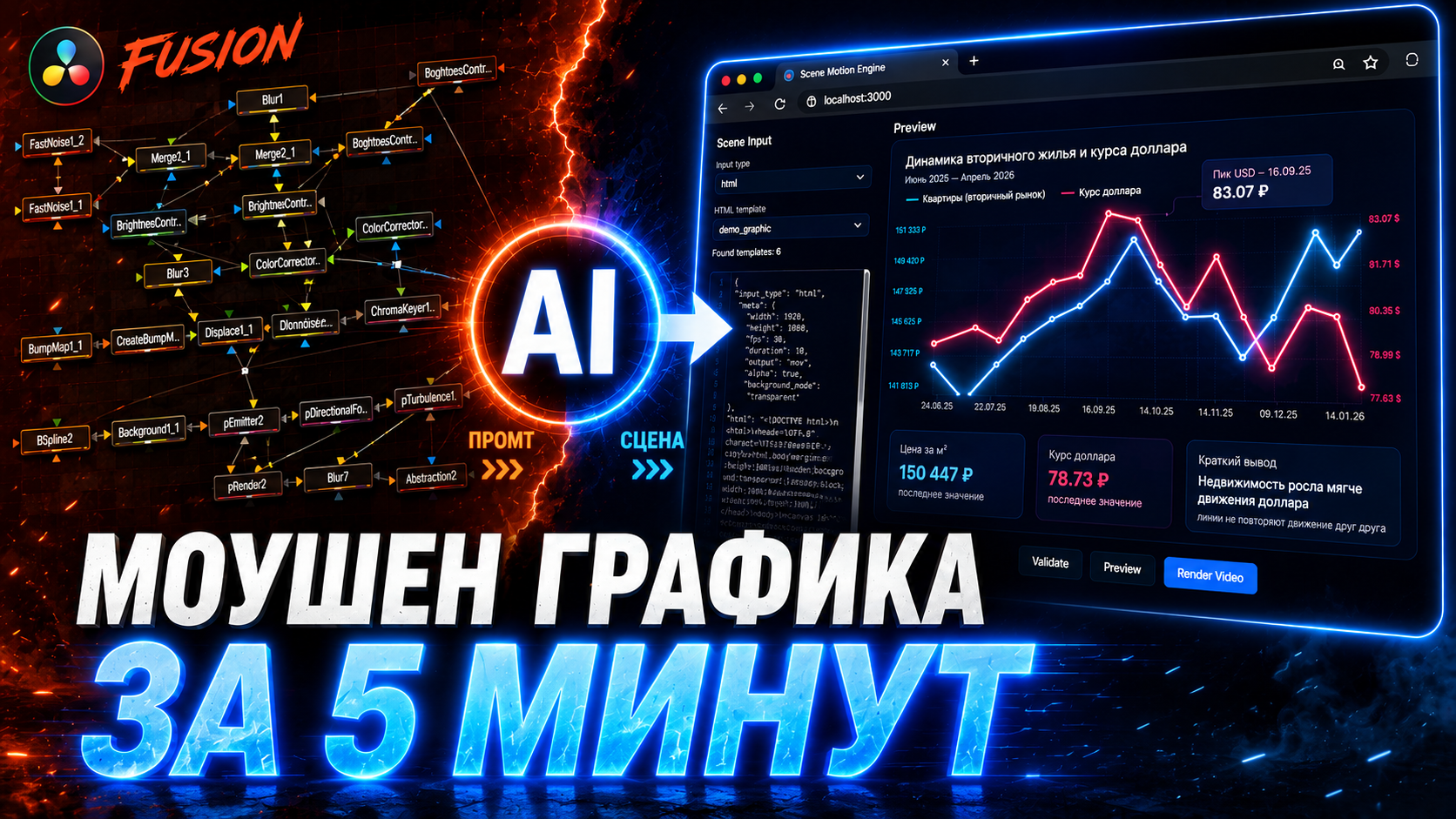 ▶ OPEN REVIEW
 05 / BEFORE YOU START
Motion Engine is a developing Videomontazher technology. Distinguish the available browser-based tool from plans for the wider production ecosystem.
No. The interactive scene is a lightweight website demonstration, not an embedded copy of Motion Engine. Download the archive to work with the tool; its real interface appears in the screenshots and review.
No. The workflow starts with a template or scene code. AI can help prepare code, but the scene still needs to be checked. This page does not provide an AI service or send your demo text to a model.
The intended route is to render a video and import it into your editor. Confirm the exported file’s codec and format are supported in your setup. The page does not promise a Resolve plugin or direct node transfer.
These depend on the downloaded build and its render settings. Check the instructions in the archive, then test a short scene. A checkerboard in a preview alone does not confirm transparency in the exported video.
PART OF A BIGGER WORKFLOW
Motion Engine covers scene creation. Explore compositing in Fusion and the wider automation direction through Lora AI. Integration plans are not presented as features of this download.