Fusion & effects05:32
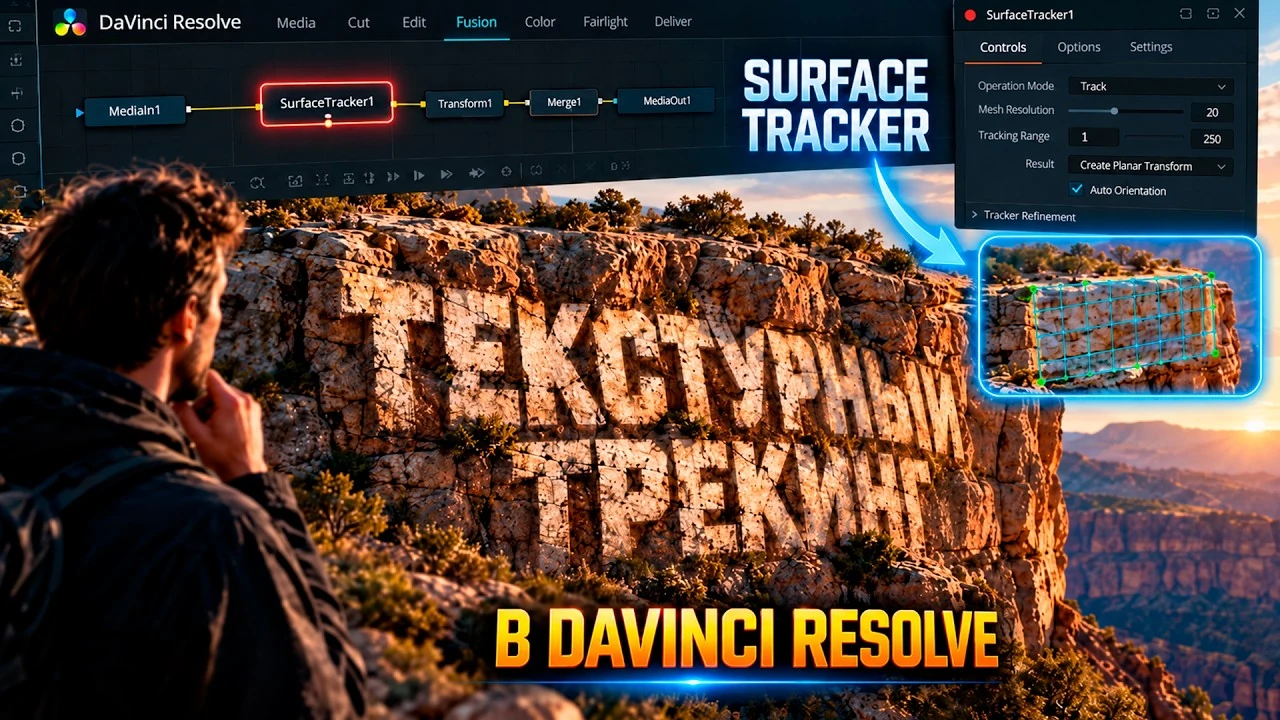
Surface Tracker: text on an uneven surface
Track a textured or curved surface in Fusion and attach a title or logo that follows the surface naturally.
Intermediate
VIDEOS & BREAKDOWNS · DAVINCI RESOLVE
Editing, color grading, Fusion, export, captions and sound — explained on screen, one practical task at a time. Choose a lesson, explore the steps and bring the technique into your own project.
RUThe videos are in Russian. Every English lesson page includes a translated summary and available chapter markers.
A TECHNIQUE FOR YOUR NEXT PROJECT
Look for a specific technique, choose a topic or start with a short lesson. Each card leads to the video and its detailed guide.
Showing 17 of 17 lessons
Track a textured or curved surface in Fusion and attach a title or logo that follows the surface naturally.
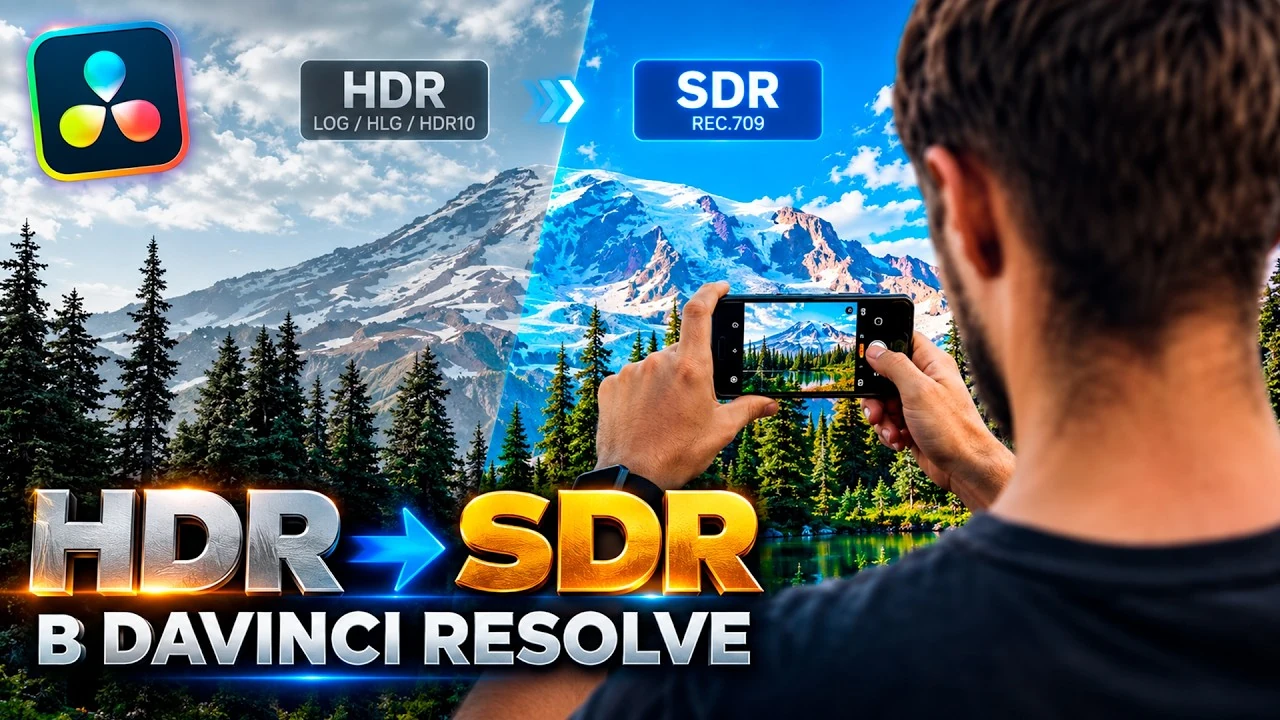
Prepare HDR footage for SDR Rec.709 viewing or preserve HDR through the final export, with the right project and output settings.
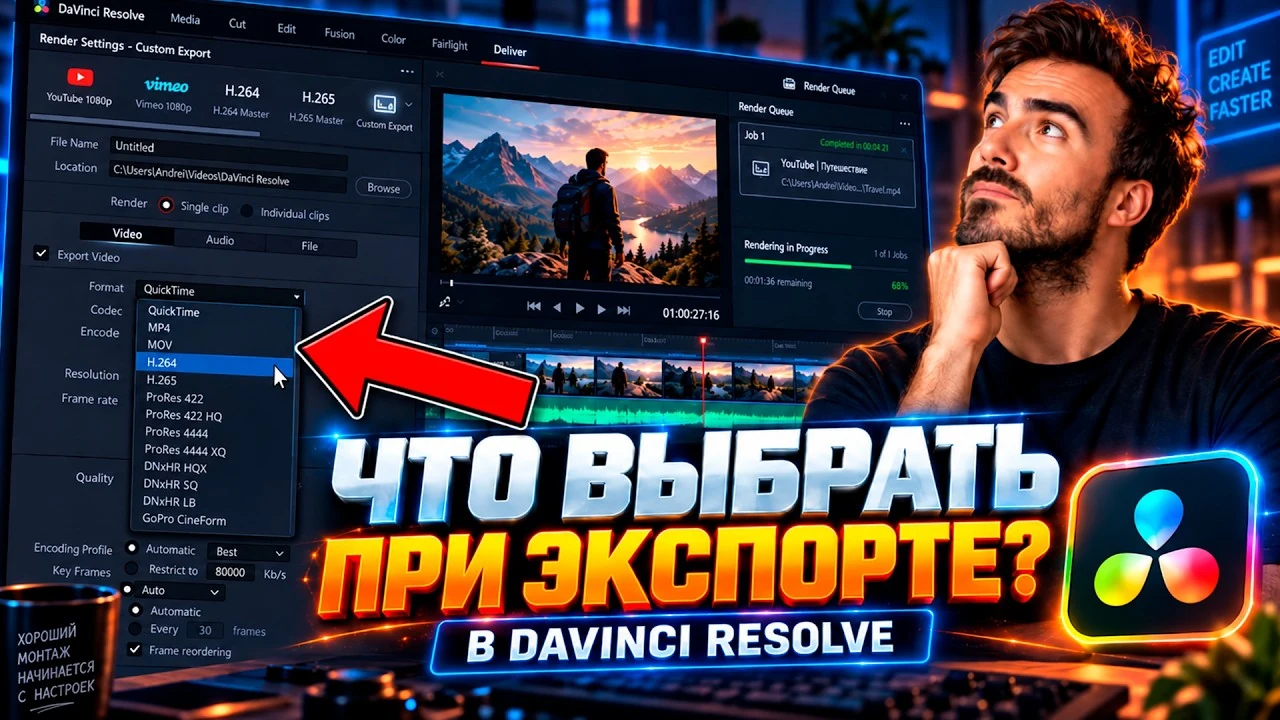
Compare H.264, H.265, DNxHR, MP4/MOV containers, bitrate and the Best setting to avoid unnecessary export degradation.
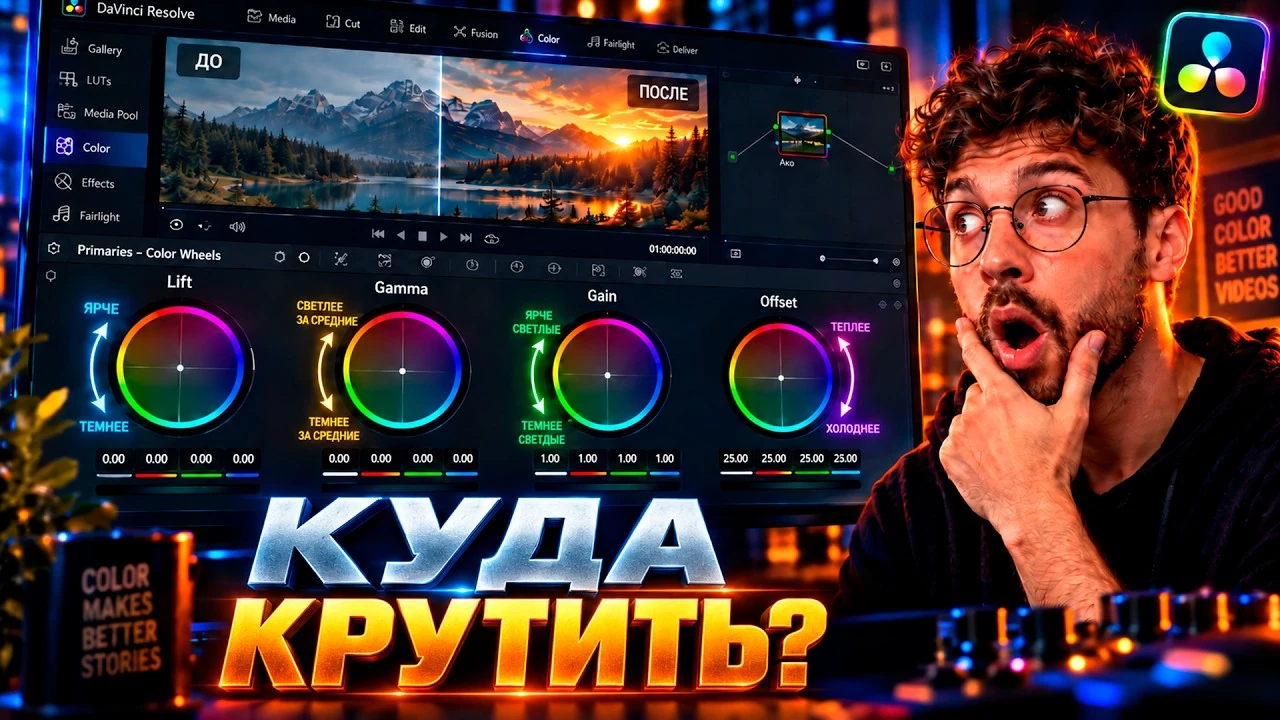
Understand Lift, Gamma, Gain and Offset, plus Contrast, Pivot, Temp, Tint and the Parade scopes.
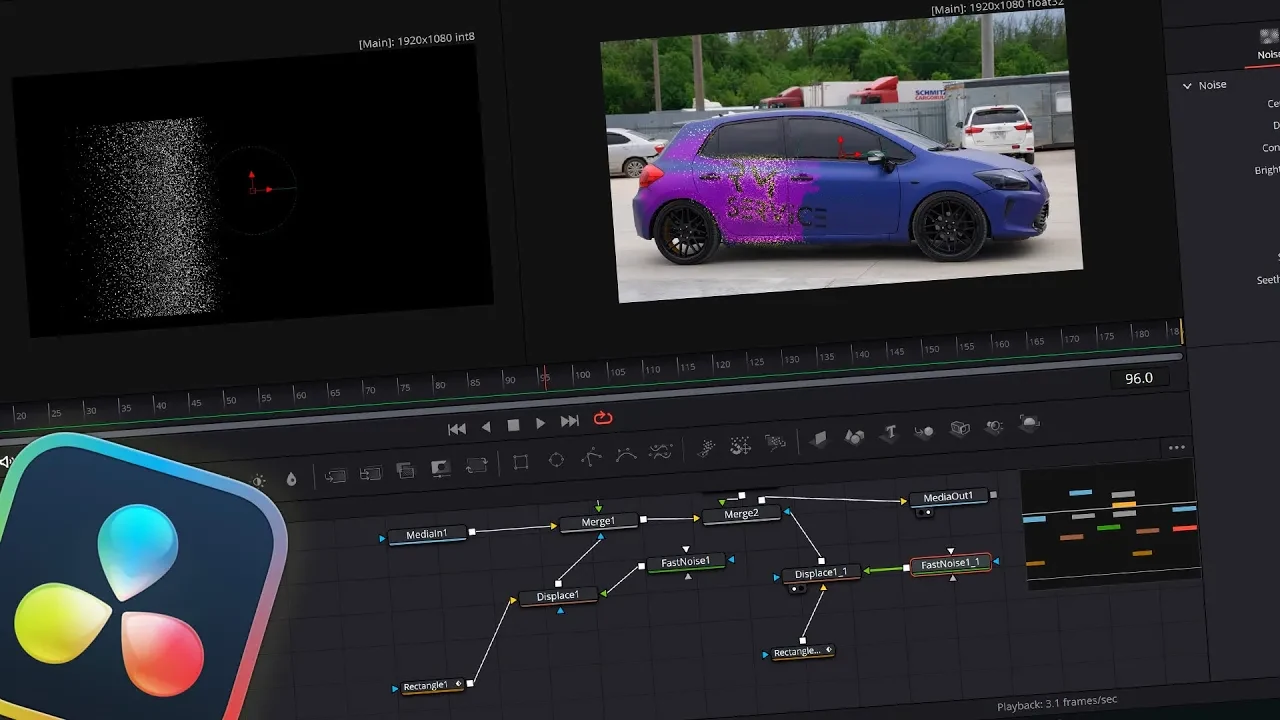
Build an animated recoloring effect in Fusion using stabilized footage, object masks and a controlled color reveal.
A beginner-friendly walkthrough of DaVinci Resolve 19: project setup, cutting, reframing, titles, sound effects and final export for YouTube.
A practical multicamera podcast workflow in DaVinci Resolve Studio 19, including sync, timeline preparation and AI-assisted camera switching with FireCut.
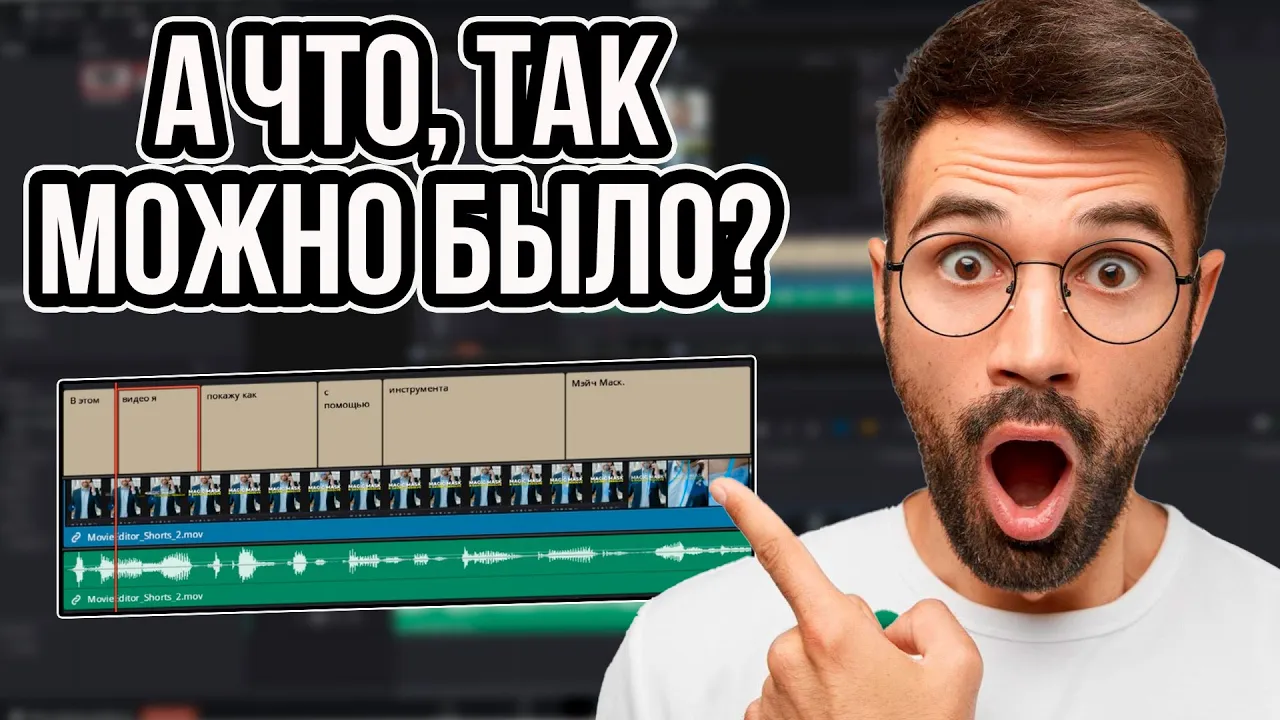
Create subtitles quickly in DaVinci Resolve 19: project setup, automatic transcription, text cleanup, styling and export for vertical social video.
Seven practical commands for faster timeline work: Razor, Start to Playhead, Fast Forward, Select Clips, Delete Gaps, Markers and Disable Clip.
Build a complete vertical edit from source footage to export: cutting, reframing, tracking, effects, titles, sound design and music in DaVinci Resolve 19.
Create glowing neon strokes and an illuminated object outline in DaVinci Resolve 19, with control over softness, width and brightness.
A quick introduction to clean text animation in DaVinci Resolve 19 using Text, Text+, keyframes and simple easing.
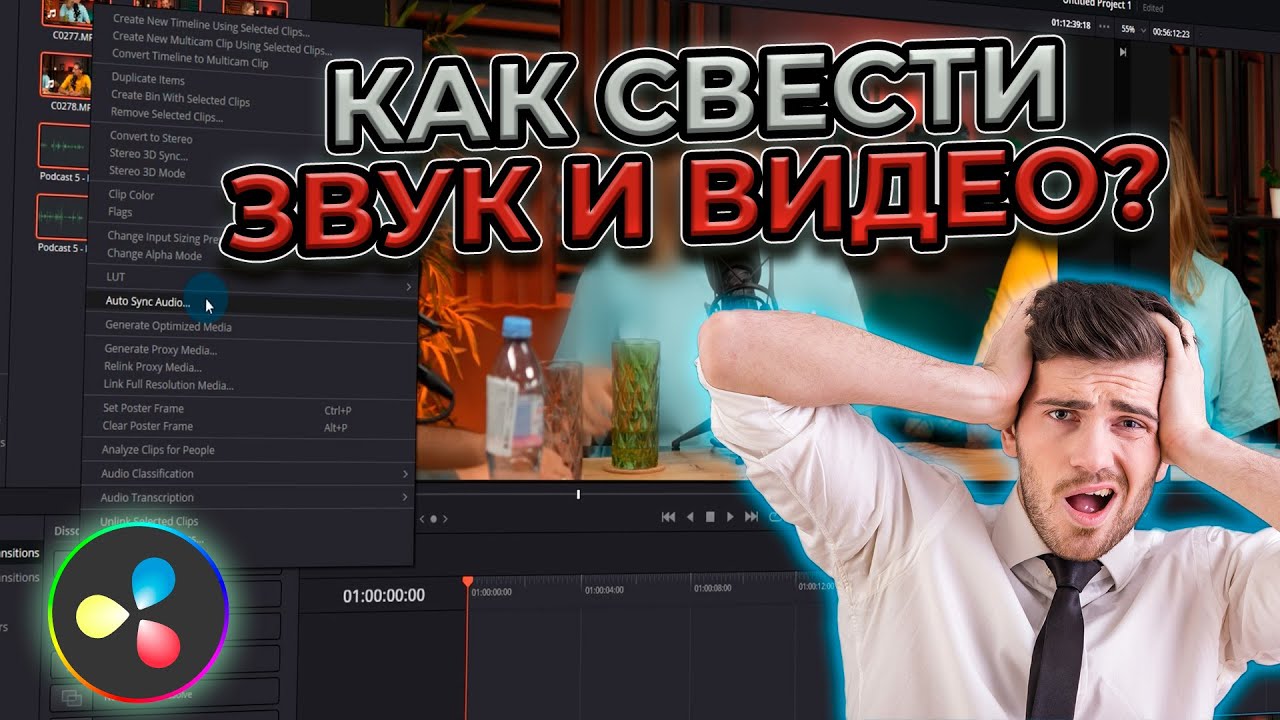
Learn automatic and manual audio sync in DaVinci Resolve 19, plus a PluralEyes 4 workflow for projects that do not line up cleanly on their own.
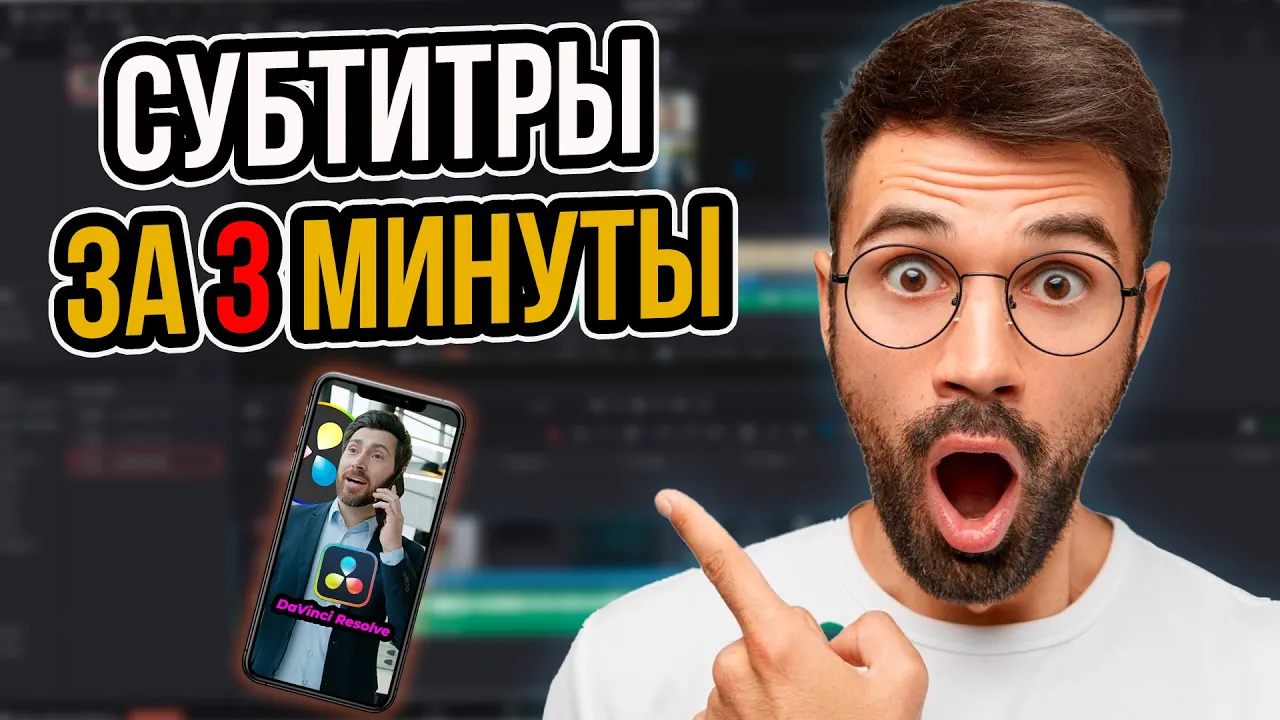
Create animated captions for Reels and Shorts in a few minutes with the Snap Caption plugin for DaVinci Resolve 19.
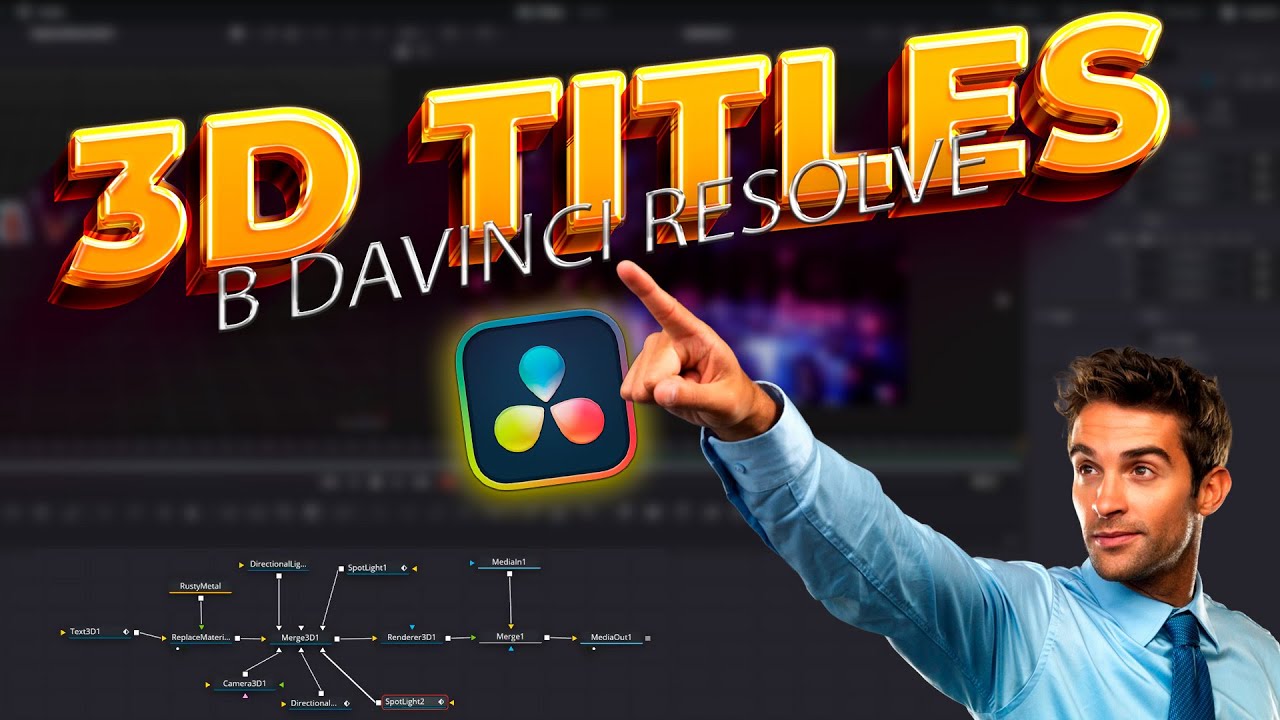
Build animated 3D text in Fusion with a camera, lighting and materials, then save the finished title as a reusable preset.
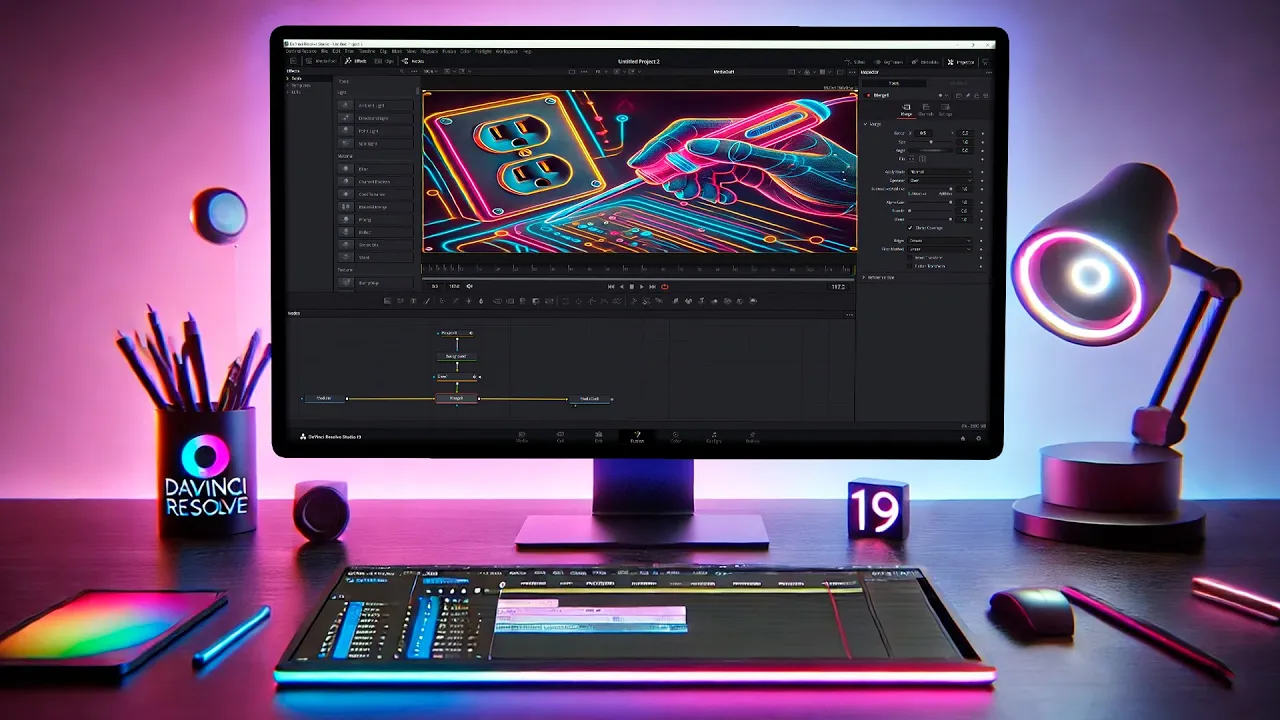
Create an animated neon contour around a subject in Fusion, with two motion approaches and a controlled soft-glow finish.
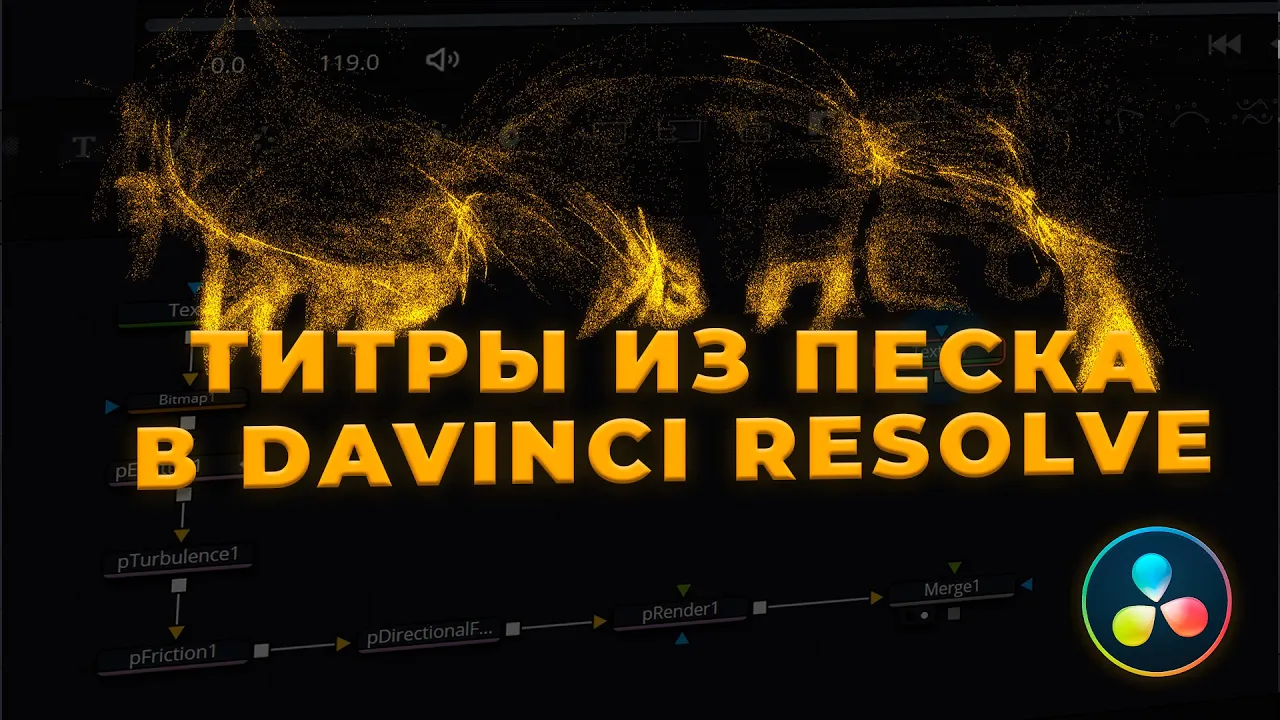
Build a title from particles in Fusion using Text+, Bitmap, pEmitter, Turbulence and Friction, then reverse the result for a sand-assembly effect.
FROM VIEWING TO PRACTICE
You do not need to memorize the interface. Understand the decisions, keep the useful steps nearby and try them on your footage.
Choose the problem your project has. Watch the result and follow how it is built.
Open the written overview and chapter guide. Return to the part you need, rather than starting over.
Repeat the technique on a short section of your footage. Adjust the settings and compare the result.
THE NEXT STEP IS YOURS
Use the written reference library for a quick answer, or work through your own footage in a one-to-one training session. Live training is in Russian.