KNOWLEDGE MAP · SDR & HDR
Preserve relationships. Not simply cut the peak.
Compare clipping, scaling and a soft shoulder. Adjust white placement and compression onset while inspecting actual output values.
Read the numbers. Notice the assumptions. Then apply the idea to your footage.
Compress without flattening.
100 nit25 nit99.95 nitInput 203 nit → output 60 nit. Compression begins at input 219.9 nit. The anchor can enter the shoulder too.
Independent C1-continuous exponential shoulder, not BT.2390, BT.2446 or a Resolve mode. SDR ramps use log-spaced input samples and show normalized output, not HDR light. This scalar model does not solve colour/gamut mapping or spatial and temporal adaptation.
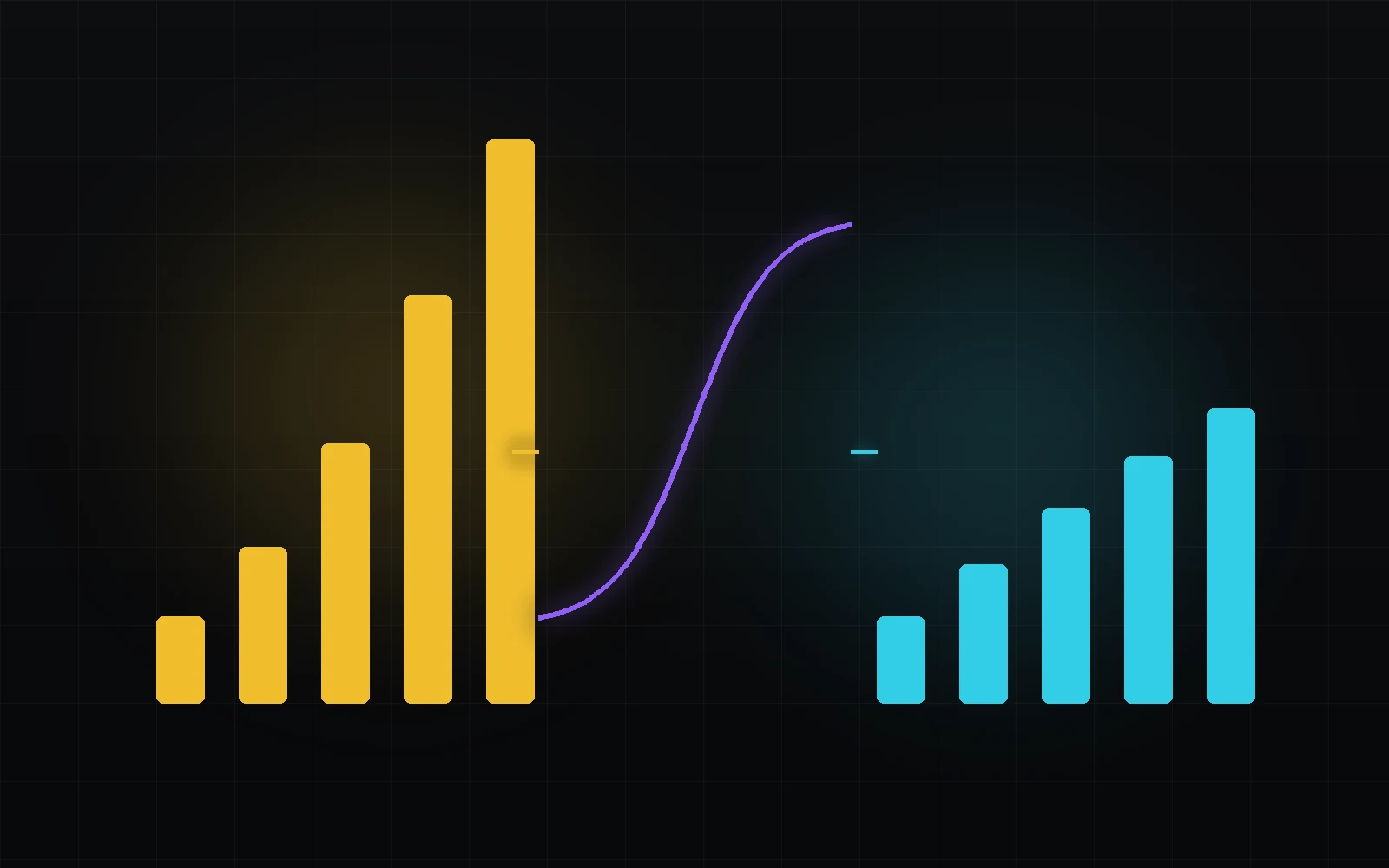 TOPIC ILLUSTRATION
THE ESSENTIAL IDEA
Tone mapping: fitting light into a smaller range
Tone mapping reshapes tonal relationships for output conditions. Fitting the maximum is only one goal: midtones, highlight differences and scene character also matter. No single curve is correct for every source.
- Distinguish detail loss, global darkening and compression.
- Track what actually happened to white after the shoulder.
- Review mapping in motion and together with colour.
Identify what does not fit first
Range mapping is needed when image representation and output conditions differ: HDR to SDR, PQ on a lower-capability display, or multiple outputs from one working master. The current image state matters more than the word HDR in a project name.
Identify input units first. Scene-linear values, normalised PQ and cd/m² are different scales. This lab accepts synthetic display luminance from 0 to 4000 cd/m²; its curve cannot be applied directly to camera log.
What this means in practice
Before comparing methods, label the input as, for example, a finished PQ master decoded to cd/m² rather than an unspecified HDR signal.
Clipping is predictable, but loses distinctions beyond the boundary
Hard clipping preserves values below a limit and makes all higher values identical. It is easy to verify but removes highlight differences; lowering Gain afterwards cannot recover them.
Touching the limit is not always an error: a deliberately blown emitter may be intentional. The problem is accidental clipping replacing a controlled rendering and erasing useful gradation. The lab compares this loss against other trade-offs.
What this means in practice
Choose several inputs above the clipping point. Identical outputs mean lost distinctions even though every value is formally in range.
A soft shoulder and its cost
A shoulder gradually reduces slope in highlights. Inputs remain ordered but move closer together: preserving order does not preserve contrast. A shoulder starting too early can flatten bright surfaces.
The lab’s exponential curve follows a straight line up to K and smoothly approaches P, with a continuous join slope. This is a verifiable teaching model, not a Resolve or standards implementation. It exposes parameter-to-value relationships but has no spatial or colour adaptation.
What this means in practice
Move shoulder onset while watching input 203 as well as the brightest highlight. Compression may already be affecting the selected white.
A global curve or a context-dependent mapping
A global mapping applies the same rule to identical inputs everywhere. Local methods may use spatial context to preserve detail, at the cost of possible halos, texture changes and temporal instability.
A pleasing still does not validate a video conversion. Inspect motion, edits, newly appearing highlights and subtitles. All three methods on this page are global; a pixel’s surroundings do not change its mapping rule.
What this means in practice
For a real local method, move a bright object across a dark background and inspect its edges through time rather than on one frame.
White placement versus the actual result
The selected white is an anchor, but later stages can alter it. If scaled white enters the shoulder, actual output is lower than the pre-compression setting. Showing only the setting can conceal this consequence.
The lab reports both W and the actual output for input 203. A lower target peak may require a lower white to retain highlight room. This is a task-dependent trade-off, not a rule to keep 203 cd/m² in every SDR output.
What this means in practice
With peak 100 and shoulder onset 65, choose W=80. Actual white falls below 80, directly explained by the formula.
An EETF supplements PQ rather than redefining it
A PQ display adaptation can use an EETF that accounts for source and destination black and white. This is a defined stage in a signal chain, not a modification of ST 2084 constants that still claims to be the original EOTF.
The current BT.2408-9 worked EETF example is in Annex 5. This page’s exponential shoulder does not reproduce its spline or black mapping. The reference supports comparison; conformance requires the complete specified method and test conditions.
What this means in practice
Do not label an arbitrary soft curve “BT.2390” because it looks similar. Check the document edition, equations and applicability.
Range reduction affects more than highlights
HDR to SDR often changes white-to-peak relationships, contrast, viewing conditions and available colour volume. A good neutral curve does not guarantee convincing saturated emitters. Evaluate tone and colour together.
An “HDR to SDR” preset is not final approval. Review faces, logos, neon, gradients and adjacent shots. BT.2446 describes different methods; the source state, target and acceptable trade-offs guide selection.
What this means in practice
Keep a neutral step chart and a bright coloured scene. One reveals the curve; the other exposes colour interactions.
Technical adaptation and creative contrast
Creative grading establishes character; output rendering adapts it to a destination. They interact: strong pre-shoulder contrast changes which values get compressed. The technical stage is not visually neutral packaging.
Separating responsibilities still helps change destinations without repairing every earlier node. Do not conceal a duplicate conversion with a creative curve. Correct the pipeline first, then assess intent.
What this means in practice
Make two outputs from one working grade. Destination changes should be visible in a defined output branch, not scattered compensations.
Operation order is visible in the numbers
For a nonlinear function, f(kL) usually differs from kf(L). Gain before mapping shifts values relative to the shoulder; gain after mapping scales an already compressed result and may exceed the target again. Equal Gain settings at different stages do different jobs.
A second mapping receives an already rendered image, not the original HDR. Further conversions can be legitimate, but should be intentional. Label signal states at each boundary.
What this means in practice
Compare input 1000→2000 with doubling the mapped output. The shoulder makes the results different.
Assign responsibility for output rendering
In Resolve, determine whether project colour management or a chosen conversion node owns output mapping. Its input and output definitions must be explicit. The task is to process the current representation correctly, not an assumed source.
One responsible output stage does not forbid several CSTs across a project. Input conversion, element processing and final output can be distinct. Avoid unintended duplication of the same operation rather than blindly forbidding multiple transforms.
What this means in practice
Temporarily disable the suspected output CST and inspect whether the project still performs the target conversion. Change one variable at a time.
Check order, detail and motion
Values below the ceiling are not enough. Check ordering, important highlight distinctions, white placement, shadows and coloured highlights. Heavy compression may preserve mathematical order while making differences nearly invisible.
Review motion and edits. Keep reference outputs, comparison conditions and reasons for trade-offs across formats. The lab explains global-curve consequences, not the appearance of your complete production.
What this means in practice
Mark equal outputs after clipping as lost distinctions. For a small shoulder-compressed difference, judge its significance in the actual scene.
A MODEL YOU CAN CHECK
Three ways to fit one ramp
Keep the meaning, the calculation and the limitation together.
x = Lin × W/203; f(x)=x (x≤K); f(x)=K+(P−K)[1−exp(−(x−K)/(P−K))] (x>K)This is an independent teaching curve: P is the ceiling, K the shoulder onset and W the placement of input 203 before the shoulder. It is not an ITU, ACES or DaVinci EETF. If W exceeds K, actual white falls below W; the lab reports f(W).
| Concept | What it describes | What not to conclude |
|---|---|---|
| Clipping | Keeps the middle but merges values above the limit. | That lowering Gain afterwards recovers texture. |
| Scaling | Scales the whole range by one factor. | That midtones automatically remain suitable. |
| Soft shoulder | Reduces highlight slope while preserving order. | That local contrast stays unchanged. |
| Pre-shoulder W | Placement setting for the reference input. | That it always equals final output luminance. |
| EETF / Output Transform | Defined processing in a known system. | That any similar curve implements that algorithm. |
DO. OBSERVE. EXPLAIN.
Fit a highlight without losing the explanation
The lab input is display light up to 4000 cd/m². Start with the teaching target of 100, not a ceiling for all SDR screens.
- 01
Compare three methods
At input 1000, record all three outputs and inspect the ramps.
CHECKI can explain clipping loss and scaling-induced darkening.
- 02
Check white
Set input 203 and raise W above shoulder onset.
CHECKActual white after the shoulder differs from W.
- 03
Check order
Compare two neighbouring bright inputs through every branch.
CHECKI can identify lost versus compressed differences.
- 04
Apply the test to footage
For a real conversion, review faces, titles, saturated highlights and motion.
CHECKThe output is reviewed as a deliverable, not just bounded values.
Check your understanding
TEST THE EXPLANATION
A situation, not a trick question.
Answer first. Open the reasoning afterwards.
01Why do two curves reaching 100 look different?+
They allocate intermediate values differently. An equal ceiling does not specify white, contrast or highlight separation.
02W is 80 but output is lower. Is that a bug?+
Not if white enters the shoulder. W is the pre-compression level; the complete function determines the output.
03Is hard clipping always unacceptable?+
No. It may be intentional for some emitters or constraints. Accidental loss of meaningful texture should not be described as preserved range.
Avoid these shortcuts
- The teaching exponential is not labelled BT.2390 or ACES.
- A global curve cannot validate a local video method.
- Matching transfer curves does not guarantee matched display conditions.
From the model to your workflow.
Before applying the idea in Resolve, identify the input encoding, working space and delivery target. Establish one responsible output-conversion path and verify the rendered file through a compatible chain. Lab values explain the principle, but its SDR preview cannot replace HDR monitoring or certify delivery compliance.
CHECK THE FOUNDATION
Sources and model limits.
Editorial review: 1 October 2026. Links identify the definitions and formulas; exercises are independent teaching examples.
- [2]ITU-R · BT.2408-9 (03/2026), §2–3, §9, Annex 5 ↗
Current production references, white and graphics, monitoring. This edition’s Annex 5 contains the worked EETF; our teaching curve does not implement it.
- [4]ITU-R · BT.2446-1 (03/2021) ↗
HDR/SDR conversion methods and trade-offs. Exercises do not claim to implement Methods A/B/C.
- [5]ACES · Output Transform tone scale ↗
Tone processing as part of output rendering. The teaching exponential is not ACES.
- [7]ACES · Output Transform gamut compression ↗
Target-aware perceptual polar processing. Distinguished from RGC and the lab’s simple ray method.
- [9]Blackmagic Design · DaVinci Resolve Color ↗
Colour-management and HDR architecture. Check version-specific controls and availability in installed Resolve; live exercises were not performed here.