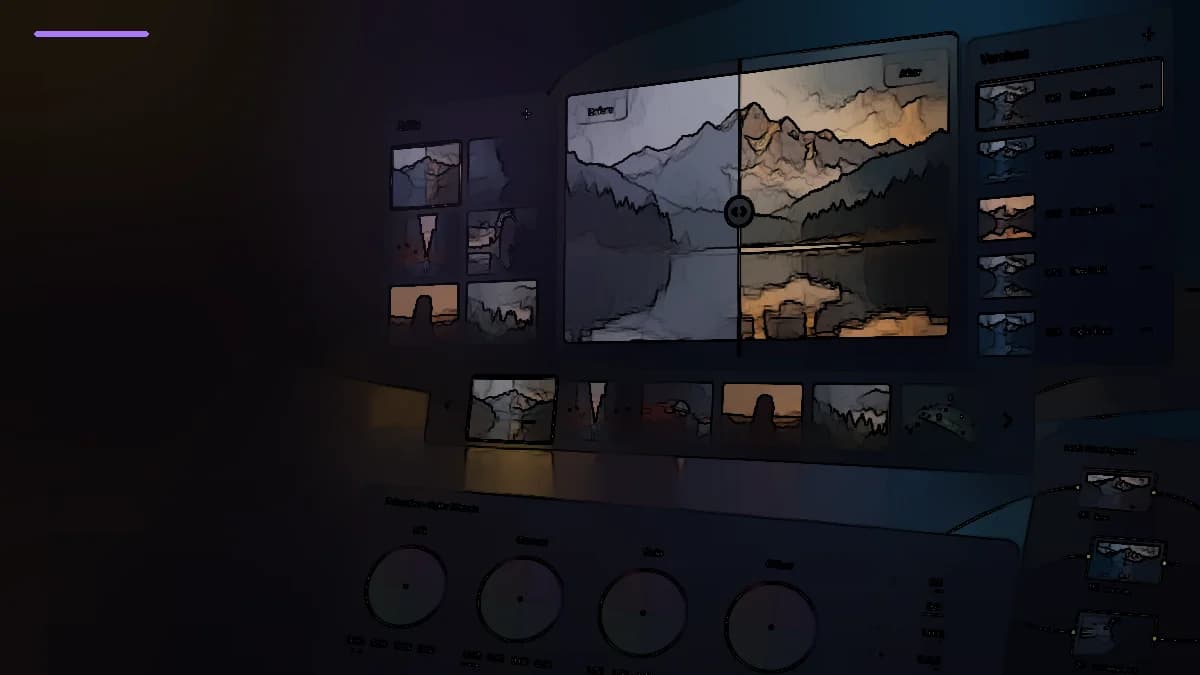
Stylization logic
From image detail to controlled abstraction
Abstraction is not a correction filter but a deliberate stylize effect. The effect can simplify detail, quantize tone blocks and optionally draw contour lines, so the final look can range from soft painterly simplification to hard graphic illustration.
Core effect behavior
Core abstraction model
Abstraction stylizes the image by simplifying and merging local detail into broader painterly or graphic masses. The core controls are Pre Blur, Abstraction Strength and Iterate Abstraction. Pre Blur smooths fine detail before analysis, Strength defines how far the image structure is pushed away from realism, and Iterate Abstraction repeats the process multiple times. With multiple iterations, the result quickly moves beyond a mild cosmetic look into a clearly visible painterly/cartoon abstraction.
- Pre Blur is useful when the source is overly detailed and the abstraction starts breaking into noisy micro-texture.
- Think of Iterate Abstraction as the number of passes: more iterations generally mean a stronger simplification of form.
- If the effect becomes unnatural too quickly, reduce Strength or Iterate first rather than relying only on the final Blend.
Tone reduction into steps
Quantization controls
The Quantization block introduces a posterization-like character. When Quantization is enabled, the effect limits the number of tonal steps, with Steps defining how many levels remain and Softness controlling how hard or soft the transitions feel. This is useful when you want something more graphic, illustrative or cel-shaded rather than merely painterly. Fewer Steps create a more poster-like image, while Softness prevents those transitions from becoming too brutally clipped.
- Quantization is optional: without it, Abstraction can stay softer and closer to a paint/filter stylization.
- A low Steps value is especially visible on skin, skies and any other smooth gradients.
- Softness is a good compromise between graphic separation and keeping readable volume inside the forms.
Contour over the stylized image
Draw Edge control
Draw Edge adds a dedicated contour component on top of the stylized image. Edge Strength controls how visible the lines become, while Edge Threshold determines which contrast transitions and boundaries are important enough to be drawn. This pushes Abstraction toward a comic, sketch-like or technical-illustration look. Strong contours combined with quantization are especially effective for motion-graphics inserts, explainers and intentionally non-photorealistic segments.
- A lower Threshold usually draws more lines, while a higher Threshold keeps only stronger and broader boundaries.
- Too much Edge Strength quickly starts outlining skin texture, hair and small texture in a noisy way.
- For a cleaner graphic result, Draw Edge often benefits from a moderate Pre Blur.
Where it actually fits
Global Blend and practical use
Global Blend is the final dry/wet control for the complete result. It is useful when the full Abstraction look is conceptually right but too far removed from the source at 100%. In practice, Abstraction works best as a deliberate stylize effect: title inserts, music transitions, dream sequences, promo graphics, background plates and short segments where a clear break from normal photorealism is desirable. This is not a universal beautifier; it is a strongly creative stylization effect.
- Use Blend after the main character of the effect has already been set with Strength / Iterate / Quantization / Edge.
- Abstraction reads most clearly on images with recognizable form, color and contrast: faces, architecture, products and city lights.
- For longer scenes, it can be better to automate Blend or use the effect only selectively so the stylization does not become tiring.